
What is Docker? Complete Guide to Containerization for Development Teams
Docker packages applications with all dependencies into lightweight containers that run identically on any machine. Discover how containerization accelerates your development workflow, makes deployments reliable, and eliminates environment inconsistencies.
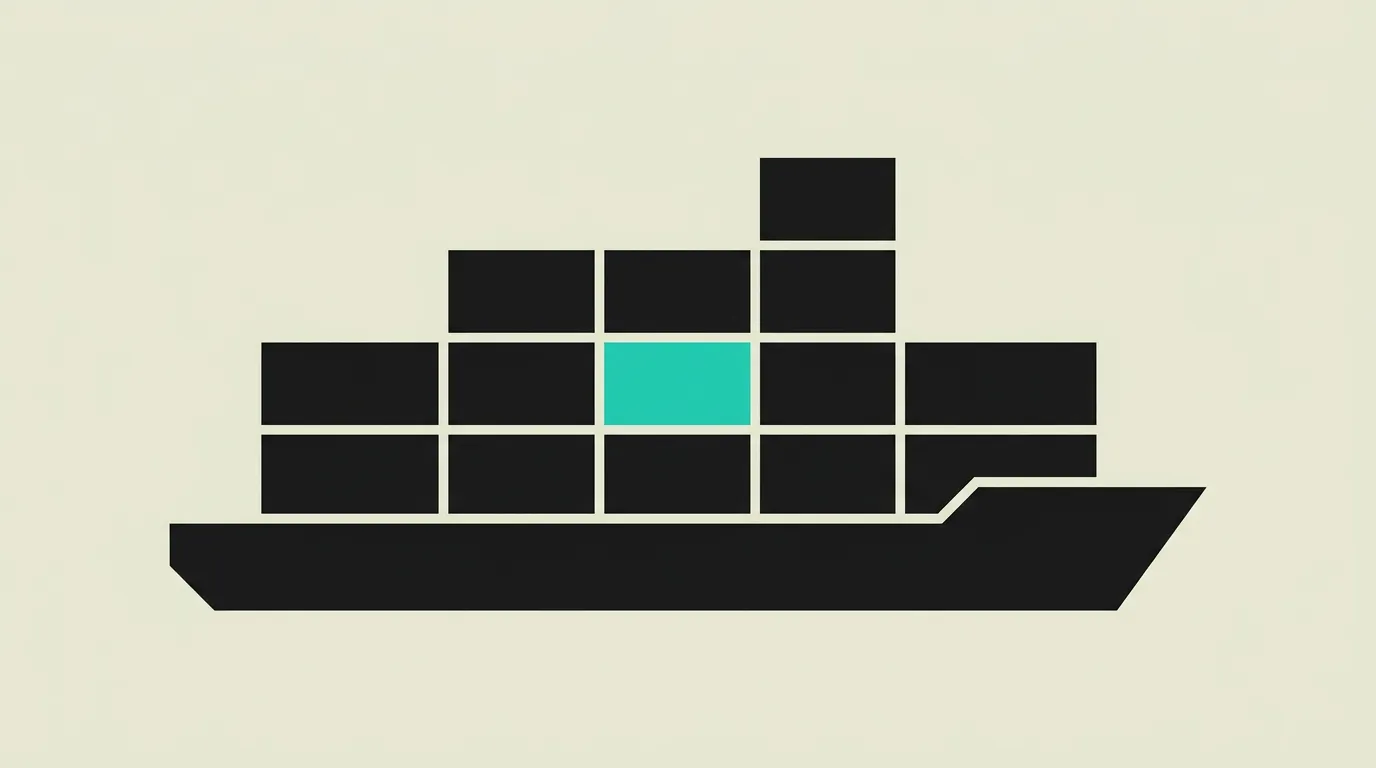
Docker is an open-source containerization platform that enables developers to package applications into standardized units called containers. Each container bundles the complete application code, runtime, system libraries, configuration files, and dependencies into a single package. This guarantees the application functions identically on any machine, from a local laptop to a cloud production server. Since its launch in 2013, Docker has become the industry standard for containerization and forms the foundation of modern DevOps workflows worldwide.
What is Docker?
Docker is an open-source containerization platform that enables developers to package applications into standardized units called containers. Each container bundles the complete application code, runtime, system libraries, configuration files, and dependencies into a single package. This guarantees the application functions identically on any machine, from a local laptop to a cloud production server. Since its launch in 2013, Docker has become the industry standard for containerization and forms the foundation of modern DevOps workflows worldwide.
How does Docker work technically?
Docker leverages Linux kernel features such as namespaces and cgroups to create lightweight, isolated environments. Namespaces provide isolation of processes, network interfaces, file systems, and user IDs, while cgroups limit the allocation of CPU, memory, and I/O resources per container. Unlike traditional virtual machines, containers share the host system kernel, consuming significantly fewer resources and starting within milliseconds rather than minutes. A Docker image is built through a Dockerfile, a declarative script that describes the desired environment layer by layer. Each instruction in the Dockerfile creates a new image layer that is independently cached, significantly speeding up repeated builds. Docker Hub serves as a central registry offering millions of ready-made images, from official base images like Alpine Linux and Ubuntu to complete application stacks for Node.js, Python, and PostgreSQL. Docker Compose enables defining and managing multi-container applications via a single YAML file, including services, networks, and volumes. Volumes provide persistent data storage beyond the container lifecycle, essential for databases and user-generated files. Docker networks facilitate inter-container communication through bridge, overlay, and host network modes, each suited for different deployment scenarios. Multi-stage builds keep production images compact and secure by separating build dependencies from the final runtime environment. A typical multi-stage build compiles the application in a first stage with all build tools and copies only the result into a minimal production image. Docker integrates seamlessly with CI/CD pipelines through GitHub Actions, GitLab CI, or Jenkins, ensuring reproducible builds and consistent deployments across all environments. Tools like Docker Scout and Trivy automatically scan images for known security vulnerabilities before they reach production, strengthening the software supply chain.
How does MG Software apply Docker in practice?
At MG Software, Docker is a standard part of our development workflow. We containerize every application we build, from Next.js frontends to Node.js API services and Python microservices. We use Docker Compose locally so every team member has an identical development environment including databases, caching layers, and message queues. New team members become productive within minutes rather than spending hours on manual configuration. In our CI/CD pipelines, we automatically build Docker images that are deployed to production after passing all tests via Vercel or managed Kubernetes clusters. This guarantees our clients that what we test is exactly what runs in production. We employ multi-stage builds to keep images compact, scan every image for vulnerabilities with Trivy, and use tagged releases so every deployment is traceable and fully reproducible. Our Docker configurations include standard health check endpoints and graceful shutdown handlers, so orchestration tools can reliably determine whether a container is healthy. We default to Alpine-based images to minimize both image size and attack surface.
Why does Docker matter?
Docker has fundamentally changed how software is built, tested, and deployed. Without containerization, environment differences remain one of the biggest sources of bugs in software development: code that works locally but fails in production. Docker eliminates this problem by packaging the complete runtime environment alongside the application. For businesses, this translates to faster release cycles, fewer production incidents, and lower operational costs. Development teams work more efficiently because they no longer waste time debugging environment-specific issues. The combination of containerization with CI/CD pipelines enables continuous deployment, where new features can be safely shipped to production multiple times per day. In a market where speed of innovation is a competitive advantage, Docker is not a luxury but a necessity for professional software development. Docker also forms the building block for Kubernetes, serverless platforms, and modern PaaS services, making containerization knowledge one of the most portable skills for developers and DevOps engineers.
Common mistakes with Docker
A common mistake is confusing Docker with virtual machines. Containers share the host kernel and are much lighter than VMs, but offer less isolation as a result. Many teams forget to minimize their Docker images by not cleaning up unnecessary dependencies, build artifacts, and cache files in their Dockerfile. Running processes as the root user inside containers is another frequent security risk that is easily avoided by specifying a non-root user. Developers sometimes store sensitive data like API keys and database passwords directly in the Dockerfile, creating a significant security vulnerability. Use Docker Secrets or environment variables through your orchestration tool instead. Finally, Docker Compose is sometimes used in production when it is primarily designed for local development; for production workloads, an orchestration tool like Kubernetes is more appropriate.
What are some examples of Docker?
- A development team using Docker Compose to spin up a full development environment with a React frontend, Node.js backend, PostgreSQL database, and Redis cache, enabling new team members to be productive within minutes without manually installing dependencies on their own machines.
- A SaaS company building Docker images in their CI/CD pipeline and deploying new versions to production via rolling updates with zero downtime for end users, while automatic rollbacks kick in when health checks fail after a deployment.
- A data engineering team using Docker containers to run Python scripts with specific library versions in isolation, preventing dependency conflicts between projects and ensuring results are reproducible on any machine regardless of the host operating system.
- A QA department spinning up identical test environments in seconds for every feature branch using Docker, allowing testers to work in isolation without affecting each other's environments while maintaining consistent and repeatable results.
- A consulting firm maintaining separate Docker environments for each client with client-specific configurations and dependencies, keeping projects fully isolated while enabling developers to switch between engagements effortlessly.
Related terms
Frequently asked questions
We work with this every day
The same expertise you are reading about, we put to work for clients across Europe.
See what we doRelated articles
What Is DevOps? Practices, Tools, and Culture for Faster Software Delivery
DevOps unifies development and operations teams through automation, shared ownership, CI/CD pipelines, and Infrastructure as Code. Learn how DevOps practices enable reliable, frequent software releases and faster time to market.
What Is CI/CD? Continuous Integration and Delivery Pipelines for Reliable Software Releases
CI/CD automates the entire process of building, testing, and deploying code so development teams ship to production reliably, multiple times per day. Learn how pipelines work, which tools to choose, and what CI/CD delivers for your organization.
What is Kubernetes? Container Orchestration from Definition to Production
Kubernetes orchestrates containers at scale with automatic scaling, self-healing, zero-downtime deployments, and intelligent load balancing for distributed applications. Learn how K8s keeps your applications reliable and why it is the de facto standard for container orchestration in production environments.
Beyond Vercel: Five Deployment Platforms Worth Your Attention
Vercel is fast, but costs climb with your team. Compare five hosting platforms on pricing, edge performance and developer experience to find a better fit.