
Frontend Development: Client-Side Development, Frameworks, and User Experience Explained
Frontend development encompasses everything users see and interact with in a web application. From HTML, CSS, and JavaScript to React components and design systems that determine conversion, performance, and user satisfaction.
Frontend development (also called client-side development) is the discipline focused on everything the user sees and interacts with in a web application or website. It encompasses the visual interface, interactive elements, animations, and the overall user experience that runs in the browser. Frontend is where design and technology converge: it translates UX designs into working code and is often the determining factor in how users perceive a product and whether they return. Modern frontend development also encompasses performance optimization, accessibility compliance, internationalization, and automated testing as integral parts of the discipline.
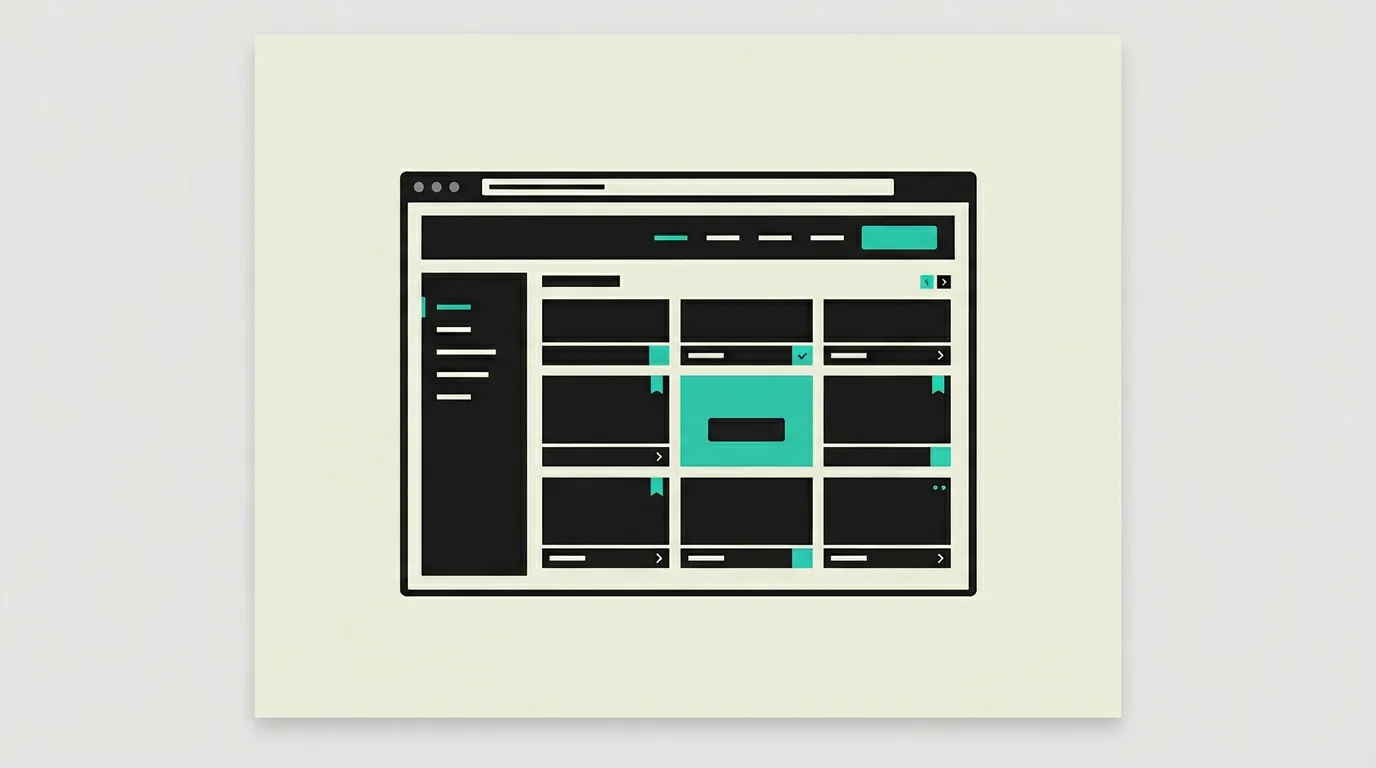
What is Frontend Development: Client-Side Development, Frameworks, and User Experience Explained?
Frontend development (also called client-side development) is the discipline focused on everything the user sees and interacts with in a web application or website. It encompasses the visual interface, interactive elements, animations, and the overall user experience that runs in the browser. Frontend is where design and technology converge: it translates UX designs into working code and is often the determining factor in how users perceive a product and whether they return. Modern frontend development also encompasses performance optimization, accessibility compliance, internationalization, and automated testing as integral parts of the discipline.
How does Frontend Development: Client-Side Development, Frameworks, and User Experience Explained work technically?
Frontend development is built on three core technologies: HTML for semantic content structure, CSS for visual styling and layout, and JavaScript for interactivity and dynamic behavior. Modern frontend development uses frameworks and libraries like React, Vue.js, Svelte, and Angular that provide component-based architectures for building complex interfaces from reusable, isolated parts. TypeScript adds static typing to JavaScript, catching errors earlier and making refactoring safer. CSS frameworks like Tailwind CSS provide utility-first styling with design tokens, while preprocessors like Sass add variables, mixins, and nesting. State management libraries such as Redux, Zustand, or Jotai manage complex application states across multiple components. Build tools like Vite and Turbopack bundle, minify, and optimize code for production with tree shaking to eliminate unused code. Responsive design via CSS Grid, Flexbox, and container queries ensures correct rendering across all screen sizes from smartwatch to ultrawide monitor. Web APIs like Intersection Observer for lazy loading, Web Workers for heavy computations off the main thread, and Service Workers for offline functionality provide advanced browser capabilities. Accessibility (a11y) through ARIA attributes, semantic HTML, and focus management ensures applications are usable by all users including those with visual, motor, or cognitive disabilities. Performance optimization includes lazy loading, per-route code splitting, image optimization via modern formats like WebP and AVIF, and continuous Core Web Vitals monitoring (LCP, INP, CLS). Design systems as component libraries provide consistency across multiple products through reusable, tested UI components with documented APIs. Storybook visualizes components in isolation from the application, simplifying testing and documentation. End-to-end testing with Playwright or Cypress validates complete user flows in real browsers. Internationalization (i18n) with libraries like next-international or react-intl makes applications multilingual with locale-specific formatting for dates, numbers, and currencies. Progressive enhancement ensures base functionality works for all users, even without JavaScript, and gradually enriches the experience for more modern browsers.
How does MG Software apply Frontend Development: Client-Side Development, Frameworks, and User Experience Explained in practice?
At MG Software, frontend quality is central to every project. We build frontends with React and Next.js, styled with Tailwind CSS, and fully typed with TypeScript. Our frontend architecture is component-based with a shared UI library (@refront/ui) ensuring consistency across all pages and projects. Animations are created with Framer Motion for smooth micro-interactions and page transitions. We test components with Vitest and end-to-end flows with Playwright, monitor Core Web Vitals via Vercel Analytics, and ensure WCAG 2.1 AA accessibility in every project. Biome enforces our code standards automatically. Whether it is a marketing website, SaaS dashboard, or customer portal, our frontends are fast, responsive, accessible, and visually compelling. We use next-international for multilingual projects with locale-specific routing and content. Image optimization via the Next.js Image component automatically handles WebP conversion, responsive sizing, and lazy loading, ensuring our pages consistently achieve low LCP scores.
Why does Frontend Development: Client-Side Development, Frameworks, and User Experience Explained matter?
The frontend is the first and often only point of contact between a business and its users. A slow, cluttered, or inaccessible interface directly costs customers and revenue, regardless of how strong the backend is. Research shows that every additional second of load time reduces conversion by an average of 7%. Google uses Core Web Vitals as a ranking factor, meaning frontend performance directly impacts discoverability. Accessibility is not only an ethical obligation but in many countries a legal requirement through legislation like the European Accessibility Act. Good frontend development combines technical excellence with an understanding of user behavior, ensuring applications not only work but also feel pleasant to use. The pace at which frontend technologies evolve makes continuous learning a permanent part of the profession, but the fundamentals of HTML, CSS, JavaScript, accessibility, and performance optimization remain relevant for decades.
Common mistakes with Frontend Development: Client-Side Development, Frameworks, and User Experience Explained
Common mistakes include ignoring accessibility (a11y), making a significant portion of users unable to operate the application. Loading overly heavy JavaScript bundles slows the initial load and hurts the Interaction to Next Paint (INP) score. Many teams fail to test across different screen sizes, browsers, and network conditions, resulting in poor experiences on mobile devices or slower connections. Layout shifts caused by unsized images or late-loading fonts lower the CLS score and frustrate users. The absence of a design system leads to visual inconsistencies that undermine user trust. Performance budgets and automated accessibility audits in the CI/CD pipeline prevent many of these problems structurally. Third-party scripts like analytics, chat widgets, and advertising tags are often added without analyzing their performance impact, even though they block the main thread and significantly worsen Time to Interactive. Not implementing error boundaries in React applications causes a single component error to crash the entire page instead of degrading gracefully.
What are some examples of Frontend Development: Client-Side Development, Frameworks, and User Experience Explained?
- A SaaS dashboard built in React with interactive charts via Recharts, drag-and-drop functionality, and real-time data updates via WebSockets, enabling users to monitor their KPIs live without reloading the page.
- An e-commerce website with responsive design that works seamlessly on smartphones, tablets, and desktops, with optimized images in WebP format, skeleton loading states, and sub-second load times for maximum conversion and minimal bounce rate.
- An accessible government website meeting WCAG 2.1 AA standards, with screen reader support via semantic HTML and ARIA labels, full keyboard navigation, and high-contrast mode so all citizens can use the services.
- A product configurator for a furniture maker where customers customize materials, colors, and dimensions in real-time with immediate visual feedback, built as a React application with canvas rendering and optimistic UI updates.
- A multi-language marketing website with Next.js and next-international that automatically shows the correct language version, is statically generated for SEO, and uses Framer Motion animations for a premium feel that reinforces brand value.
Related terms
Frequently asked questions
We work with this every day
The same expertise you are reading about, we put to work for clients across Europe.
See what we doRelated articles
What Is React? The Component Library That Powers Modern Web Applications
React is Meta's open-source JavaScript library for building interactive, component-based user interfaces. With the Virtual DOM, hooks, server components, and a thriving ecosystem around Next.js, React is the most widely adopted frontend technology worldwide.
What is Next.js? The React Framework for Server-Side Rendering and Modern Web Apps
Next.js combines React with server-side rendering, static generation, and API routes in one framework. Learn how Next.js became the standard for performant, SEO-friendly web applications and why more teams are adopting it.
Best Frontend Framework 2026: React vs Vue vs Svelte
Which frontend framework should you choose in 2026? We shipped the same app in 7 frameworks (React, Next.js, Vue, Nuxt, Svelte, Angular, Astro). Bundle size, Core Web Vitals and DX scored.
What Is TypeScript? How Static Types Improve JavaScript Development at Scale
TypeScript extends JavaScript with optional static types, catching bugs at compile time and making large codebases far more maintainable. Learn how it works, when to adopt it, and why professional development teams increasingly treat it as the default.