
Git Version Control: Everything You Need to Know About Branches, Commits, and Workflows
Git gives development teams complete control over code history through branches, commits, and merges. Learn how distributed version control accelerates collaboration, enables CI/CD pipelines and code reviews, and why Git is the backbone of every modern software project.
Git is a distributed version control system that allows developers to track changes in source code, collaborate on projects, and restore previous versions of files. Linus Torvalds created Git in 2005 for managing the Linux kernel after existing systems failed to meet his requirements for speed and distributed workflows. Since then, Git has grown into the most widely used version control system in the world, with over 100 million repositories on GitHub alone. Virtually every CI/CD pipeline, code review workflow, and deployment strategy in modern software development is built on Git as its foundation.
What is Git Version Control: Everything You Need to Know About Branches, Commits, and Workflows?
Git is a distributed version control system that allows developers to track changes in source code, collaborate on projects, and restore previous versions of files. Linus Torvalds created Git in 2005 for managing the Linux kernel after existing systems failed to meet his requirements for speed and distributed workflows. Since then, Git has grown into the most widely used version control system in the world, with over 100 million repositories on GitHub alone. Virtually every CI/CD pipeline, code review workflow, and deployment strategy in modern software development is built on Git as its foundation.
How does Git Version Control: Everything You Need to Know About Branches, Commits, and Workflows work technically?
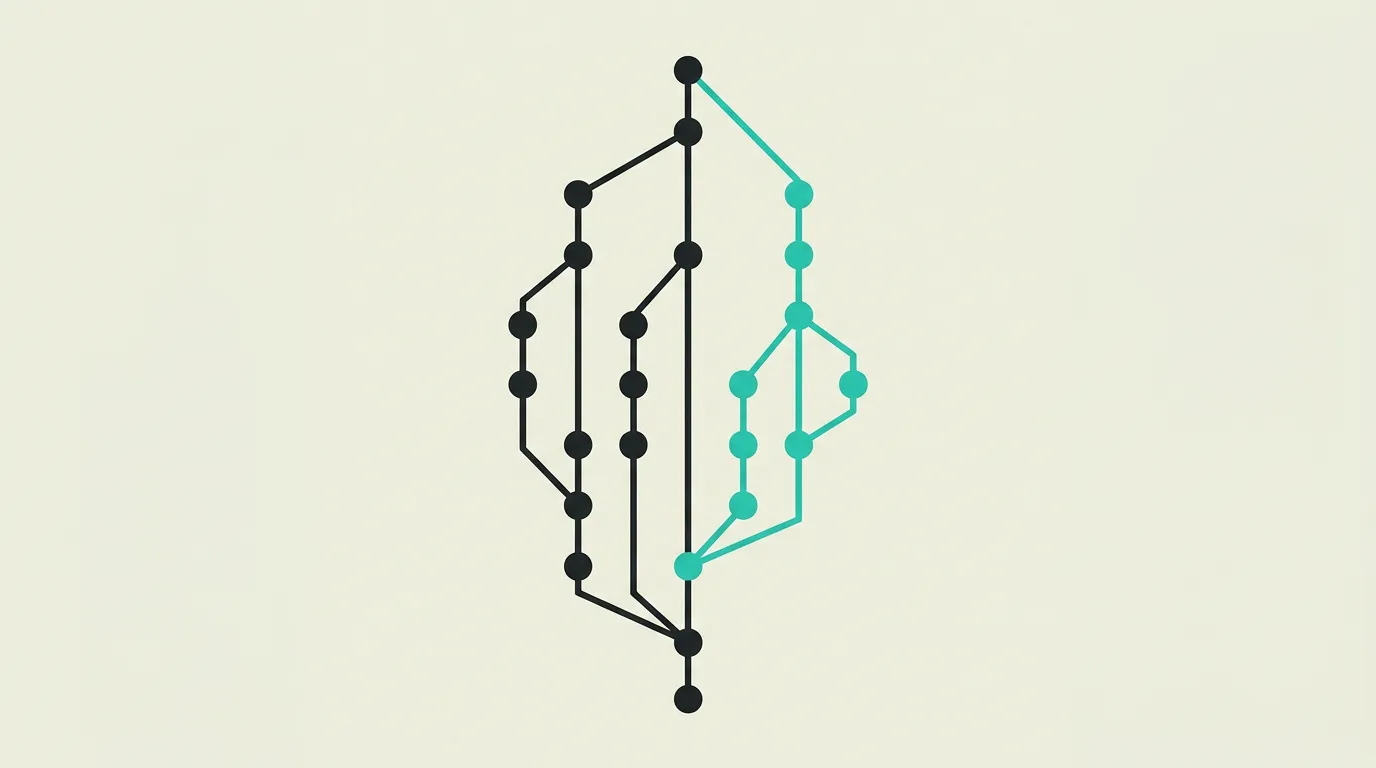
Git operates on a distributed model where every developer has a complete copy of the repository, including its full history. This means you can work offline, commit, and create branches without any connection to a server. Changes are recorded as commits representing a snapshot of all files at a given point in time, identified by a unique SHA-1 hash. Branches allow parallel work on different features or bug fixes without affecting the main codebase. Git uses a Directed Acyclic Graph (DAG) to track relationships between commits, enabling complex branching structures. Merging combines branches back together, with Git automatically reconciling changes through a three-way merge algorithm or flagging conflicts when the same lines have been modified in both branches. Rebasing rewrites commit history for a linear timeline, improving the readability of the project history but requiring caution on shared branches. Remote repositories on platforms like GitHub, GitLab, or Bitbucket facilitate collaboration through pull requests and code reviews. Git hooks automate tasks on specific actions, such as pre-commit checks that run linting and tests before code is committed. Strategies like Git Flow, GitHub Flow, and trunk-based development provide structure for team workflows depending on release frequency and team size. Stashing temporarily saves unfinished changes so you can switch to another branch, cherry-picking moves individual commits between branches, and bisect helps locate the exact commit that introduced a bug through a binary search strategy. Submodules allow managing external repositories as dependencies within your project, while Git LFS (Large File Storage) efficiently stores large binary files like images and videos outside the regular repository. Signed commits with GPG or SSH keys verify the author's identity and prevent bad actors from pushing commits on someone else's behalf. Worktrees allow checking out multiple branches simultaneously in different directories, useful for reviewing pull requests in parallel.
How does MG Software apply Git Version Control: Everything You Need to Know About Branches, Commits, and Workflows in practice?
At MG Software, Git is the foundation of all our development workflows. We use GitHub as our remote platform and follow a trunk-based development strategy with feature branches and pull requests. Every change goes through a mandatory code review before being merged into the main branch. We use Git hooks for pre-commit checks with Biome (linting and formatting) and GitHub Actions for automated testing, build verification, and deployment to Vercel. Our commit conventions follow Conventional Commits so changelogs can be generated automatically. For our clients, we set up professional Git workflows including branch protection rules, required reviews, and automated CI/CD, ensuring their teams can collaborate on code effectively and safely without risk of production incidents from untested code. We configure CODEOWNERS files to automatically assign the right reviewers per code area and set up required status checks so only passing builds can be merged. For more complex projects with multiple repositories, we use monorepo tooling with shared Git configurations.
Why does Git Version Control: Everything You Need to Know About Branches, Commits, and Workflows matter?
Without version control, professional software development in a team setting is virtually impossible. Git gives developers the confidence that they can return to a working state of their code at any moment, work on different features in parallel without blocking each other, and trace every single change. In a professional environment where multiple developers modify code daily, Git prevents data loss, reduces conflicts, and enables controlled collaboration. The combination of Git with CI/CD pipelines and code review processes forms the foundation of modern software delivery, enabling teams to ship code to production faster, safer, and with greater confidence. Git also underpins GitOps workflows where the desired state of infrastructure and applications is tracked in a Git repository, making every change traceable, reviewable, and automatically reversible.
Common mistakes with Git Version Control: Everything You Need to Know About Branches, Commits, and Workflows
Common mistakes include committing directly to the main branch without review, writing vague commit messages like "fix" or "update" without context, and resolving merge conflicts carelessly by accidentally overwriting colleagues' code. Teams frequently forget to set up branch protection rules, allowing anyone to push directly to main. Committing sensitive data such as passwords or API keys to the repository is another common problem that is difficult to correct because Git preserves the full history. A solid branching strategy, conventional commit messages, and pre-commit hooks prevent many of these problems structurally. Developers sometimes create enormous commits changing dozens of files, making code reviews impractical and increasing the chance of hidden bugs. Failing to clean up stale branches after merging leads to a cluttered repository with hundreds of unused branches that hinder navigation.
What are some examples of Git Version Control: Everything You Need to Know About Branches, Commits, and Workflows?
- A team of five developers working on different features simultaneously via Git branches and reviewing each other's code through pull requests on GitHub before merging changes into the main branch with required approvals.
- A company using Git tags and semantic versioning to mark releases, enabling them to roll back to a previous stable version of their software at any time when a bug is discovered in production.
- An open-source project on GitHub where hundreds of contributors add new features through forks and pull requests while core maintainers use CODEOWNERS files and automated checks to ensure quality standards.
- A DevOps team using Git hooks to automatically run unit tests, linting, and security scans on every commit, preventing code that does not meet quality standards from even entering the repository.
- A freelancer using Git Stash to park unfinished work in order to quickly create a hotfix on a different branch, then resuming the previously saved work without losing a single line of progress.
Related terms
Frequently asked questions
We work with this every day
The same expertise you are reading about, we put to work for clients across Europe.
See what we doRelated articles
GitHub vs GitLab vs Bitbucket vs Azure DevOps: Best Git Platform for Teams in 2026
Which version control platform wins in 2026? We compared GitHub, GitLab, Bitbucket, Azure DevOps, Gitea and SourceHut on CI/CD speed, security scanning, self-hosting, audit logs and real cost for a 25-person team.
What is Code Review? - Explanation & Meaning
Code review has team members evaluate each other's code before merging, which improves quality, shares knowledge, and catches bugs early.
What is Low-Code? A Guide to Visual Development Platforms
Low-code accelerates application development with visual building blocks and drag-and-drop interfaces. Discover when low-code fits and when custom development is the better choice for scalable SaaS products.
Tired of Slack Overload? 5 Team Chat Alternatives Worth Trying
Slack is powerful but pricey and noisy. We compare five alternatives on cost, integrations and usability so you can pick the right fit for your team.