
Notion vs Confluence: Modern Workspace or Atlassian Integration?
Flexible all-in-one workspace or deeply integrated knowledge base within the Atlassian ecosystem? Notion and Confluence take different approaches.
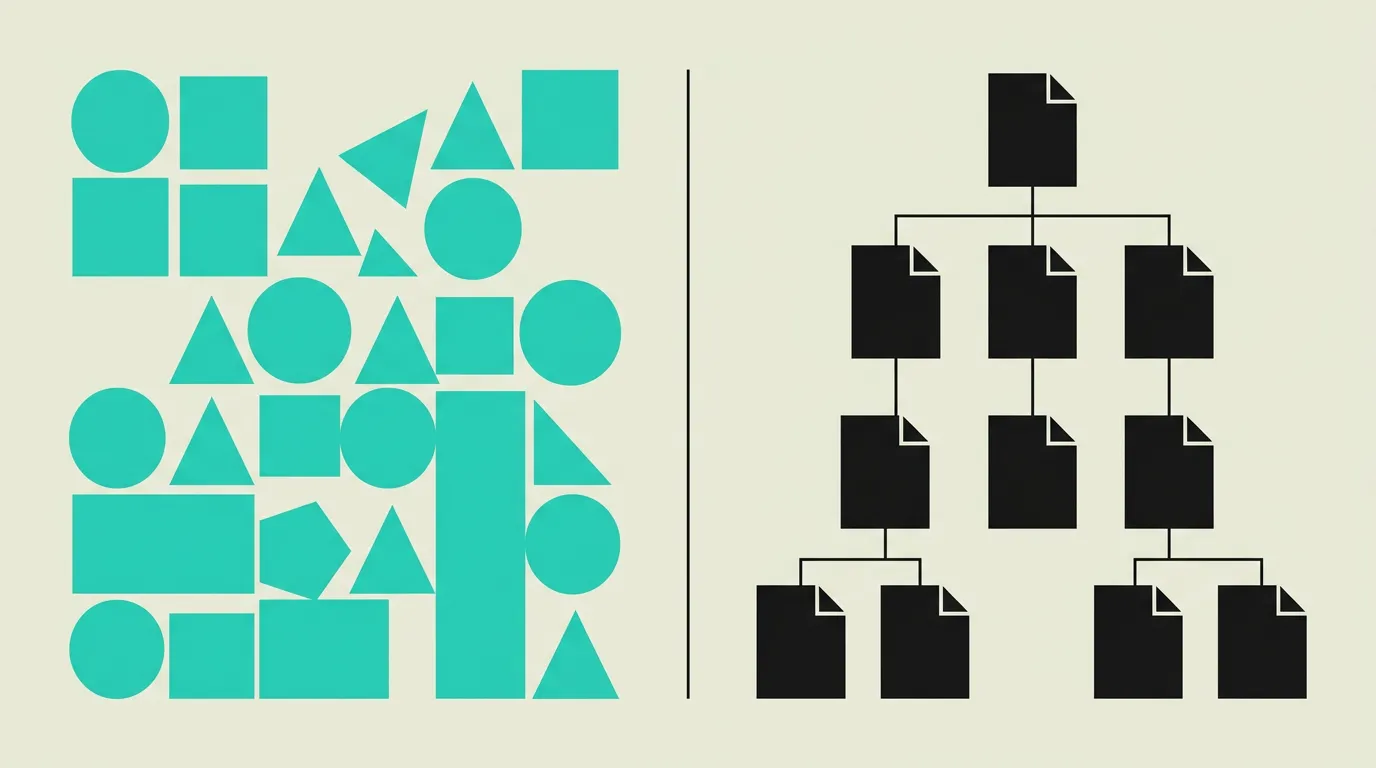
Notion and Confluence serve overlapping but fundamentally different markets, each with distinct strengths. Notion is the ultimate flexible platform: if you can think it, you can build it in Notion with the powerful combination of blocks, databases, and views. That flexibility is simultaneously its greatest strength and potential weakness, because without clear structure and naming conventions, a Notion workspace can quickly become chaotic with larger teams. Confluence offers more built-in structure with hierarchical spaces and page trees, and its deep integration with the Atlassian ecosystem makes it the logical and often the only serious choice for teams already working with Jira and Bitbucket. Notion wins convincingly on UX, flexibility, and innovation speed, while Confluence holds the crown for enterprise integration and structured knowledge management.
Background
Knowledge management is one of the most underrated factors for team productivity and organizational scalability. The choice between Notion and Confluence determines how your organization captures, shares, retrieves, and updates information. In 2026, Notion is growing rapidly as an alternative to traditional enterprise tools thanks to its flexible databases and AI integration, while Confluence strengthens its position with Atlassian Intelligence and improved real-time collaboration. The decision ultimately depends on your existing tool stack, team size, and the level of structure your organization needs for effective knowledge management.
Notion
An all-in-one workspace that combines documents, databases, wikis, project management, and AI in a single, flexible platform used by millions of teams worldwide. Notion's block-based editor allows you to build pages from text, tables, databases, embeds, code blocks, and more than 50 other block types. The powerful inline databases with relations, formulas, filters, and multiple views (table, board, calendar, gallery) enable teams to build anything from knowledge bases to CRM systems. With Notion AI, the platform offers integrated AI assistance for writing, summarizing, and searching.
Confluence
Atlassian's enterprise knowledge platform that integrates seamlessly with Jira, Bitbucket, and the broader Atlassian ecosystem used by over 260,000 organizations. Confluence provides structured spaces with hierarchical page trees, extensive templates for technical documentation, decision logs, retrospectives, and team processes. With features like inline Jira issues, smart links, macros, and Atlassian Intelligence for AI-powered search and summarization, Confluence is the standard knowledge base for enterprise organizations already invested in Atlassian products.
What are the key differences between Notion and Confluence?
| Feature | Notion | Confluence |
|---|---|---|
| Flexibility | Extremely flexible: 50+ block types, databases with relations, formulas, and multiple views | Structured pages and spaces with hierarchical trees, less flexible but more consistent and predictable |
| Jira integration | Basic integration via embeds, API connections, and community integrations | Native deep integration with inline Jira issues, smart links, macros, and automatic bidirectional sync |
| AI features | Notion AI for writing, summarizing, translating, Q&A across workspace, and database automation | Atlassian Intelligence for summarizing, searching, content generation, and smart suggestions within Confluence |
| Databases | Powerful inline databases with relations, rollups, filters, views, and formulas | No native databases; tables are static page elements without relations or dynamic views |
| Templates | Extensive community gallery and custom database templates with reusable structures | Enterprise templates for technical documentation, architecture decisions, retrospectives, and onboarding |
| Pricing | Free for personal use, Plus $10/user/month, Business $15/user/month | Free up to 10 users, Standard $6.05/user/month, Premium $11.55/user/month |
| Collaboration | Real-time co-editing, comments, mentions, and synced blocks for content reuse | Real-time co-editing, inline comments, page-level permissions, and approval workflows |
| API & extensions | Public API, community integrations, and Notion SDK for custom automations | Atlassian Marketplace with thousands of apps, REST API, and Forge platform for custom extensions |
When to choose which?
Choose Notion when...
Choose Notion when your team wants a single, flexible platform for documents, databases, wiki, and light project management without multiple subscriptions. Notion is ideal for startups, small to mid-size teams that prioritize modern UX, product teams organizing specs and roadmaps in databases, and creative teams building client-facing portals. Also choose Notion if you want maximum AI integration with Notion AI for writing, summarizing, and workspace-wide Q&A capabilities.
Choose Confluence when...
Choose Confluence when your organization already invests in the Atlassian ecosystem with Jira and Bitbucket. The native Jira integration with inline issues, smart links, macros, and bidirectional sync is unmatched by any other knowledge platform. Confluence is also the better choice for enterprise teams needing structured documentation with approval processes, page-level permissions, audit trails, and compliance reporting. Choose Confluence if you need a platform with proven scalability for thousands of users.
What is the verdict on Notion vs Confluence?
Notion and Confluence serve overlapping but fundamentally different markets, each with distinct strengths. Notion is the ultimate flexible platform: if you can think it, you can build it in Notion with the powerful combination of blocks, databases, and views. That flexibility is simultaneously its greatest strength and potential weakness, because without clear structure and naming conventions, a Notion workspace can quickly become chaotic with larger teams. Confluence offers more built-in structure with hierarchical spaces and page trees, and its deep integration with the Atlassian ecosystem makes it the logical and often the only serious choice for teams already working with Jira and Bitbucket. Notion wins convincingly on UX, flexibility, and innovation speed, while Confluence holds the crown for enterprise integration and structured knowledge management.
Which option does MG Software recommend?
At MG Software, we use Notion as our primary workspace for internal documentation, project plans, knowledge management, and client projects. The flexible databases allow us to build personalized systems that precisely match our workflow, from sprint tracking to content calendars and client portals. We build all our project documentation, design decisions, and technical specs in interconnected Notion databases. For clients deeply integrated in the Atlassian ecosystem, we recommend Confluence for its unmatched native Jira integration with inline issues and smart links. For teams wanting a fresh start with modern tooling and no legacy Atlassian commitments, Notion is in our experience the superior choice in terms of user experience, flexibility, and innovation speed.
Migrating: what to consider?
Migrating from Confluence to Notion uses Notion's built-in Confluence importer that transfers pages and spaces into Notion pages. The structure changes fundamentally: Confluence's strict hierarchical page trees become Notion pages that are more flexible but less structured. Jira macros, inline Jira references, and Confluence-specific macros are lost during migration and must be manually recreated. Plan the migration per space, start with a pilot space, and actively reorganize after import to optimize the information architecture for Notion's block-based structure.
Frequently asked questions
We build production software with this stack
Our developers work with these tools daily for clients across Europe. Price estimate within 24 hours.
Discuss your project