
PlanetScale vs Neon (2026): Which Serverless Database Should You Pick?
We run both in production. Compare PlanetScale and Neon on serverless scaling, branching workflows, cold start times, and real-world pricing, including our recommendation per use case.
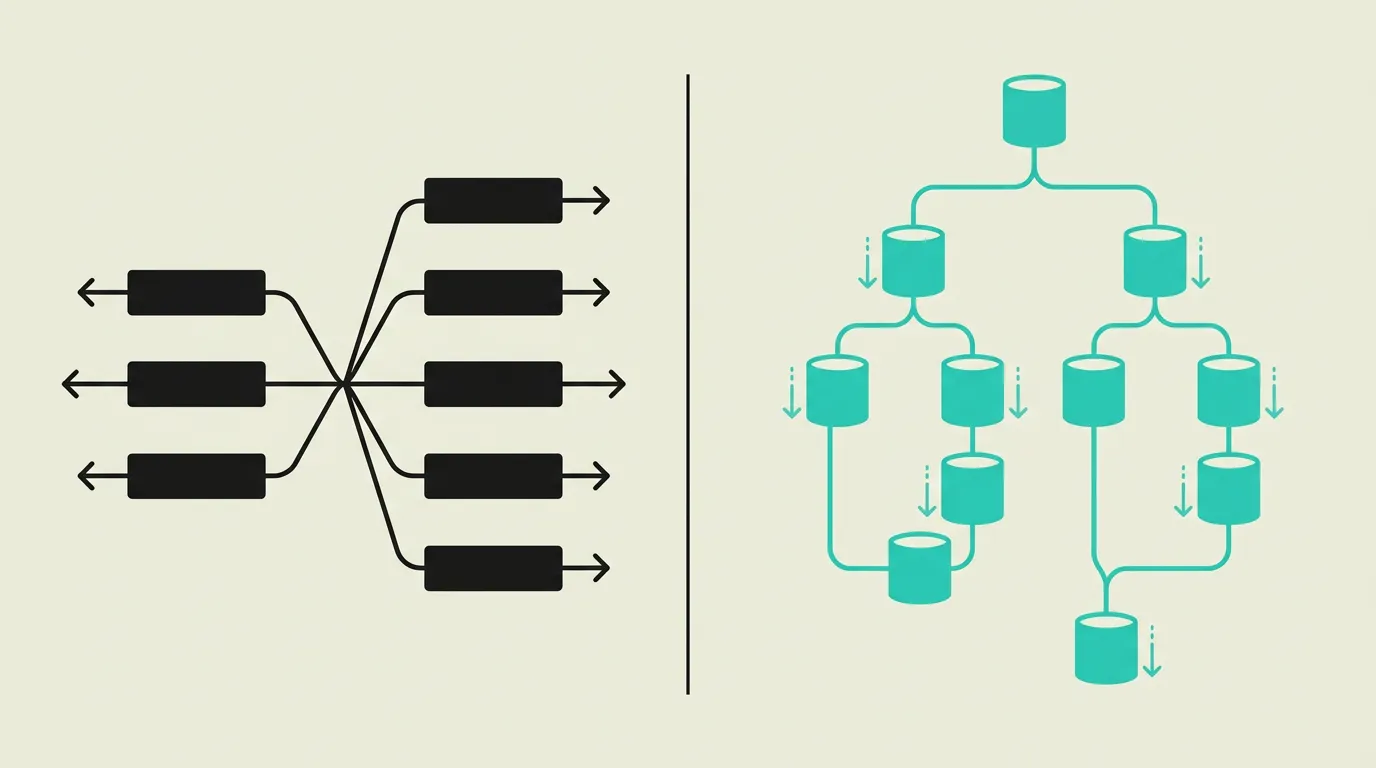
PlanetScale and Neon are both forward-thinking serverless database platforms, but they serve fundamentally different ecosystems. PlanetScale builds on MySQL via Vitess and delivers enterprise-grade horizontal scaling with non-blocking schema changes that are production-safe. It targets larger teams with existing MySQL workloads who want modern developer tooling without switching their database engine. Neon builds on PostgreSQL with an innovative storage architecture that separates compute and storage, enabling scale-to-zero and instant branching. The generous free tier and fast cold starts make Neon particularly attractive for new projects and development workflows. The core question is your database preference: the MySQL ecosystem points to PlanetScale, the PostgreSQL ecosystem points to Neon. Given the broader tool support for PostgreSQL in 2026, including AI extensions like pg_vector, Neon offers a more future-proof foundation for new projects.
Background
The serverless database market is evolving rapidly, with PlanetScale and Neon as two prominent players combining modern developer experiences with scalable cloud architectures. Both offer branching workflows that bring database development closer to Git-like workflows, but their fundamental choice of MySQL versus PostgreSQL steers your entire application architecture. PlanetScale has proven itself at large enterprise workloads thanks to Vitess, while Neon has gained enormous traction in the PostgreSQL ecosystem in a short time with innovations like scale-to-zero and sub-150ms cold starts. The discontinuation of PlanetScale's free tier in 2024 pushed many individual developers and startups toward Neon and other alternatives. In 2026, we see a clear trend toward PostgreSQL as the default for new cloud applications, driven by the rise of AI extensions, vector search, and the broader ecosystem of managed PostgreSQL providers.
PlanetScale
A MySQL-compatible serverless database platform built on Vitess, the scaling technology that powers YouTube. PlanetScale offers non-blocking schema changes that let you update production databases without downtime or table locks. Database branching enables testing schema modifications in an isolated environment before promoting them to production. The platform scales horizontally via Vitess sharding and provides built-in connection pooling for serverless environments. PlanetScale targets enterprise teams that need MySQL compatibility combined with modern developer workflows, though the free tier has been discontinued.
Neon
A serverless PostgreSQL platform with an innovative architecture that separates storage and compute for maximum flexibility. Neon offers scale-to-zero functionality where your database automatically scales down to zero costs when there are no requests, with cold starts under 150 milliseconds. Database branching via copy-on-write enables instant full copies of your database for development and testing. With point-in-time recovery, a generous free tier, and full compatibility with all PostgreSQL extensions including pg_vector, Neon positions itself as a compelling alternative to traditional managed PostgreSQL services.
What are the key differences between PlanetScale and Neon?
| Feature | PlanetScale | Neon |
|---|---|---|
| Database engine | MySQL-compatible via Vitess with automatic horizontal sharding and support for MySQL 8.0 syntax | Full PostgreSQL compatibility with all extensions, including pg_vector, PostGIS, and pg_stat_statements |
| Branching | Schema branching with zero-downtime deploys via Vitess; data is not automatically copied | Full database branching with copy-on-write that instantly copies both schema and data without extra storage costs |
| Serverless | Serverless with built-in connection pooling and row-based billing per million rows read | Scale-to-zero with automatic upscaling and per-second compute billing; cold starts under 150 milliseconds |
| Free tier | No free tier available; Scaler plan starts at $39 per month per database | Generous free tier with 0.5 GiB storage, 190 compute hours, and up to 10 branches |
| Schema management | Non-blocking schema changes executing online DDL without table locks or downtime | Standard PostgreSQL migrations with all constraints including foreign keys and check constraints |
| Replication | Read replicas via Vitess with automatic load balancing across multiple regions | Read replicas with automatic failover and the ability to place replicas in different regions |
| Integrations | Native integration with Vercel, Netlify, and popular ORMs like Prisma and Drizzle | Seamless integration with Vercel, Supabase stack tooling, Prisma, Drizzle, and all PostgreSQL clients |
| Security | SOC 2 Type II certified with IP allowlisting and audit logging for enterprise customers | SOC 2 Type II compliant with IP allowlisting, branch-level permissions, and automatic encryption at rest |
When to choose which?
Choose PlanetScale when...
Choose PlanetScale when your team is committed to the MySQL ecosystem and needs enterprise-grade horizontal scaling via Vitess. Non-blocking schema changes are indispensable for teams that deploy database modifications daily or weekly in production without downtime or table locks. PlanetScale's schema branching with deploy requests integrates well into CI/CD workflows with mandatory code review for database changes. It is also the logical choice for organizations migrating existing MySQL applications to the cloud without a full database engine switch. Keep in mind that PlanetScale does not support foreign key constraints, meaning referential integrity must be enforced at the application level.
Choose Neon when...
Choose Neon when you want PostgreSQL with serverless scale-to-zero and pay only for actual compute usage. Instant database branching via copy-on-write makes Neon particularly well suited for development workflows where every feature branch receives its own database environment. The generous free tier with 0.5 GiB storage and 190 compute hours is ideal for startups, side projects, and proof-of-concepts. Neon excels at AI projects thanks to native pg_vector support for vector embeddings and similarity search. Sub-150ms cold starts ensure that scale-to-zero has no noticeable impact on user experience. Neon is also the better choice when you plan to later switch to Supabase, since both are built on PostgreSQL.
What is the verdict on PlanetScale vs Neon?
PlanetScale and Neon are both forward-thinking serverless database platforms, but they serve fundamentally different ecosystems. PlanetScale builds on MySQL via Vitess and delivers enterprise-grade horizontal scaling with non-blocking schema changes that are production-safe. It targets larger teams with existing MySQL workloads who want modern developer tooling without switching their database engine. Neon builds on PostgreSQL with an innovative storage architecture that separates compute and storage, enabling scale-to-zero and instant branching. The generous free tier and fast cold starts make Neon particularly attractive for new projects and development workflows. The core question is your database preference: the MySQL ecosystem points to PlanetScale, the PostgreSQL ecosystem points to Neon. Given the broader tool support for PostgreSQL in 2026, including AI extensions like pg_vector, Neon offers a more future-proof foundation for new projects.
Which option does MG Software recommend?
At MG Software, we choose Neon as our serverless PostgreSQL solution, particularly for development branches, preview environments, and projects that benefit from scale-to-zero. The PostgreSQL foundation aligns seamlessly with our Supabase stack, allowing us to reuse the same queries, migrations, and extensions across all environments. We combine Neon with Drizzle ORM for maximum type safety in our TypeScript projects. Instant branching via copy-on-write is a game-changer for our CI/CD pipeline: every pull request automatically receives its own database branch. We recommend PlanetScale exclusively when clients are bound to MySQL compatibility or when horizontal Vitess scaling is a hard requirement for their workload. For most new projects, we recommend Supabase as a complete backend solution, with Neon as an alternative when specifically serverless PostgreSQL without the Supabase layer is desired.
Migrating: what to consider?
Switching between PlanetScale and Neon means moving between the MySQL and PostgreSQL ecosystems, which is a substantial migration. All SQL queries must be rewritten for dialect-specific syntax: MySQL's LIMIT, AUTO_INCREMENT, and IF functions behave differently in PostgreSQL. Stored procedures and views require complete rewrites. Your ORM configuration (Prisma or Drizzle) needs to be updated to the PostgreSQL driver and dialect. PlanetScale's lack of foreign keys means you must add these constraints to your schema when migrating to Neon. Test the migration thoroughly on a Neon branch before switching the production database. Use pgloader or a custom migration script for data conversion, and plan for two to six weeks depending on complexity.
Frequently asked questions
Is PlanetScale or Neon better for a new project?
For new projects, we recommend Neon due to its PostgreSQL foundation, generous free tier, and innovative scale-to-zero functionality. PostgreSQL has a broader ecosystem of extensions in 2026, including pg_vector for AI applications and PostGIS for geospatial data. PlanetScale is the better choice when you specifically need MySQL compatibility, want to leverage existing MySQL expertise, or require Vitess scaling technology for very large enterprise workloads with horizontal sharding.
What is database branching?
Database branching is similar to Git branching but for databases. You create a copy of your database to test schema changes or features without affecting the production database. The implementation differs: Neon uses copy-on-write, making branches nearly instant with both data and schema, without extra storage costs for unchanged data. PlanetScale offers schema branching that copies the schema but not the data automatically. Neon's approach is richer because development branches contain production data for realistic testing.
Does PlanetScale still have a free tier?
PlanetScale deprecated its free Hobby plan in 2024. New projects require at minimum the Scaler plan starting at $39 per month per database. This has pushed many individual developers and startups toward alternatives. Neon, in contrast, offers a generous free tier with 0.5 GiB storage, 190 compute hours per month, and up to 10 database branches. For developers who want to experiment or launch a side project, Neon is a more accessible starting point without financial barriers.
What is scale-to-zero and why does it matter?
Scale-to-zero means your database automatically scales down to zero compute costs when there are no active connections or requests. Neon offers this natively with configurable autosuspend periods: your database sleeps after inactivity and starts within 150 milliseconds on the first new request. This is particularly valuable for development environments, staging branches, preview deploys, and low-traffic applications where you would otherwise pay around the clock for idle compute. The savings on your monthly bill can be substantial, especially with dozens of branches.
Which database is better for a startup on a budget?
Neon is the clear choice for startups thanks to its generous free tier with 0.5 GiB storage and 190 compute hours, combined with scale-to-zero ensuring unused branches generate no costs. PlanetScale no longer has a free tier and starts at $39 per month. Combine Neon with Vercel and Next.js for a fully serverless stack at minimal cost. Neon's PostgreSQL foundation also means you can easily migrate to Supabase later when you need more backend functionality.
How do PlanetScale and Neon cold starts compare?
PlanetScale does not use a scale-to-zero model and therefore has no cold starts; your database remains active as long as you are paying. Neon's scale-to-zero generates a cold start on the first request after a period of inactivity. This cold start typically ranges from 100 to 300 milliseconds depending on region and compute endpoint size. For most web applications, this is imperceptible, but for latency-critical API endpoints you can increase the autosuspend timeout or set a minimum compute size to avoid cold starts entirely.
Can I combine PlanetScale or Neon with Supabase?
Neon and Supabase are both PostgreSQL-based, making combination and migration relatively straightforward. You can use Neon for serverless development branches and Supabase for production with auth, storage, and real-time functionality. PlanetScale does not combine directly with Supabase due to the difference between MySQL and PostgreSQL. At MG Software, we use Supabase as our primary backend stack and Neon as a complementary tool for specific serverless scenarios where scale-to-zero and instant branching are the deciding factors.
We build production software with this stack
Our developers work with these tools daily for clients across Europe. Price estimate within 24 hours.
 Discuss your project