
What is Two-Factor Authentication? - Explanation & Meaning
Two-factor authentication adds an extra security layer beyond passwords, for example via authenticator apps, SMS codes, or passkeys for account protection.
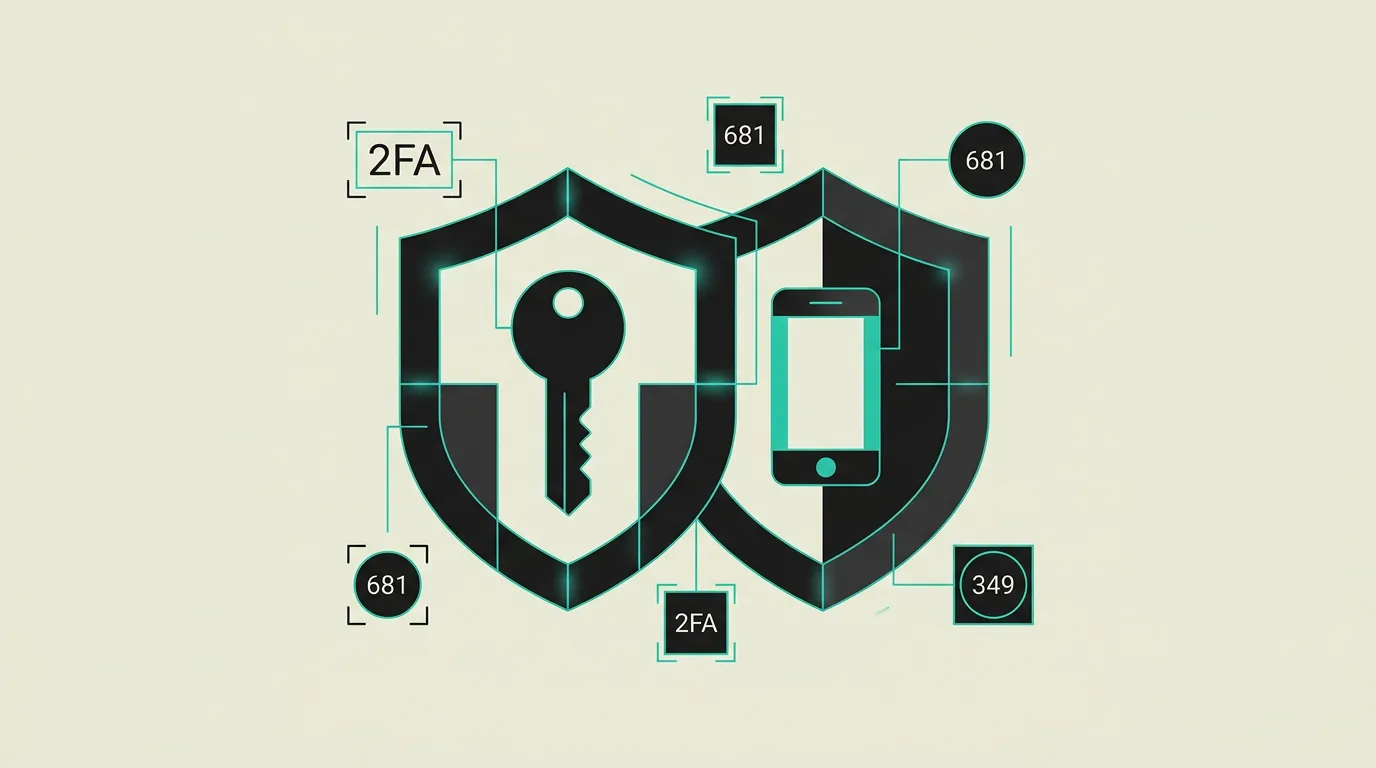
Two-factor authentication (2FA) is a security method that requires users to provide two different verification factors to prove their identity. By requiring a second factor in addition to a password, account security is dramatically increased. Even when a password is stolen through phishing or a data breach, the second factor prevents an attacker from actually gaining access to the account.
What is Two?
Two-factor authentication (2FA) is a security method that requires users to provide two different verification factors to prove their identity. By requiring a second factor in addition to a password, account security is dramatically increased. Even when a password is stolen through phishing or a data breach, the second factor prevents an attacker from actually gaining access to the account.
How does Two work technically?
Authentication factors fall into three categories: something you know (password, PIN), something you have (phone, security key), and something you are (biometrics). 2FA combines two of these categories to reduce the chance of unauthorized access. TOTP (Time-based One-Time Password) generates a unique code every 30 seconds via apps like Google Authenticator, Authy, or Microsoft Authenticator based on a shared secret (seed) and the current Unix time. The protocol is defined in RFC 6238 and works offline without a network connection. SMS-based 2FA is less secure due to SIM-swapping, SS7 protocol vulnerabilities, and interception risks, and is discouraged by NIST for new implementations. Push-based authentication via apps like Duo or Microsoft Authenticator sends an approval request to the registered device, which is more user-friendly but vulnerable to MFA fatigue attacks where adversaries repeatedly send push prompts. Hardware security keys based on FIDO2/WebAuthn offer the strongest protection through cryptographic authentication that is inherently phishing-resistant: the key verifies the website domain and refuses to respond to a phishing site. In 2026, passkeys are the breakthrough: based on FIDO2 standards, they replace passwords entirely with device-bound biometric or PIN authentication, synchronized via iCloud Keychain, Google Password Manager, or Windows Hello. Multi-factor authentication (MFA) extends 2FA to three or more factors for highly sensitive systems. Adaptive MFA dynamically adjusts required factors based on risk signals such as location, device, IP reputation, and behavioral patterns, so low-risk sessions flow smoothly. Account recovery when a 2FA device is lost is a critical design concern: recovery codes (one-time backup codes generated at registration) must be stored securely, and alternative verification methods such as a second registered hardware key or identity verification by support provide a safety net. Phishing-resistant methods like FIDO2 and passkeys automatically verify the domain via origin binding, meaning even a pixel-perfect phishing page cannot intercept the authentication. Enrollment UX is decisive for adoption: if the process of registering a second factor takes more than two minutes or contains unclear steps, a significant portion of users will abandon it. Rate limiting on authentication attempts and lockout mechanisms after repeated failures form an essential supplementary security measure.
How does MG Software apply Two in practice?
MG Software implements two-factor authentication as standard in all applications we build. We integrate TOTP authentication, WebAuthn for hardware security keys, and passkey support through Supabase Auth or custom authentication flows. Our own development tools, repositories, and cloud environments are secured with hardware-key MFA. For clients, we advise on the optimal 2FA strategy, recommending passkeys as the primary option for the best balance between security and user experience. We also implement adaptive MFA so extra verification is only requested when risk signals warrant it, which increases adoption rates among end users. For projects with compliance requirements, we ensure MFA configurations meet the demands of ISO 27001, SOC 2, and NIS2. We guide the entire enrollment process including user communication, fallback procedures, and recovery code management, ensuring a smooth rollout with high adoption rates. When designing 2FA flows, we account for accessibility so users with disabilities can also authenticate securely through multiple factor options.
Why does Two matter?
A second factor sharply reduces account takeover risk when passwords leak through reuse, phishing, or third-party data breaches. For businesses, this means less helpdesk fraud, fewer unauthorized access incidents, and a clear story for customers and partners who expect MFA on sensitive services. In 2026, MFA is no longer a nice-to-have but a baseline expectation in enterprise procurement and compliance audits. Organizations without MFA are increasingly excluded from tenders and can expect higher cyber insurance premiums. The investment in a user-friendly MFA implementation pays back through fewer incidents, lower support costs, and a stronger trust position in competitive markets. With the rise of automated credential stuffing attacks, a password alone is increasingly ineffective as the sole line of defense. MFA together with strong password policies and monitoring forms the triangle of modern identity security.
Common mistakes with Two
Relying on SMS as the only second factor despite known SIM-swapping risks and SS7 vulnerabilities. Enabling MFA only for admin accounts while broadly shared service accounts and shared mailboxes without 2FA represent the real risk. Recovery codes are shared insecurely via chat or email, and support processes provide a backdoor to bypass 2FA through social engineering directed at the helpdesk. Organizations overlook MFA fatigue as an attack technique: adversaries repeatedly send push notifications until a tired user accidentally approves. Finally, enrollment processes are sometimes poorly secured, allowing attackers to register their own second factor on a compromised account. Not testing whether the 2FA flow works correctly during account recovery, causing users who lose their device to be permanently locked out.
What are some examples of Two?
- An online banking environment that requires a TOTP code via an authenticator app in addition to a password, ensuring stolen passwords alone are insufficient for unauthorized access to accounts and transaction capabilities.
- A company distributing FIDO2 security keys to all employees for phishing-resistant access to business-critical systems, cloud applications, and VPN connections, virtually eliminating credential phishing risk.
- A consumer application implementing passkeys so users log in with their fingerprint or Face ID without ever having to type a password, improving both security and conversion during the registration flow.
- A hospital deploying adaptive MFA for access to electronic health records, where clinicians on managed devices within the hospital network get quick access while remote access requires an additional FIDO2 verification step.
- An e-commerce platform combining push-based MFA with risk analysis, so returning customers on recognized devices check out smoothly while suspicious sessions from new locations go through an extra verification step.
Related terms
Frequently asked questions
We work with this every day
The same expertise you are reading about, we put to work for clients across Europe.
See what we doRelated articles
OAuth 2.0 Explained: Authorization, Tokens, Scopes, and Secure Login Without Passwords
OAuth 2.0 enables secure access to third-party APIs and applications without sharing passwords. Discover how the authorization protocol behind every "Sign in with Google" flow works, which grant types exist, and how to implement it securely.
What is an API Gateway? - Definition & Meaning
An API Gateway serves as the front door to your microservices: routing, rate limiting, authentication, and monitoring from a single entry point.
What is JWT? - Explanation & Meaning
JWT securely packages user data into a signed token for stateless API authentication without server sessions, which suits microservice architectures well.
Auth0 vs Clerk: Enterprise Auth or Developer-First Identity?
Okta-backed RBAC with 7,000+ integrations or beautiful pre-built React auth components? Auth0 and Clerk target fundamentally different auth needs.