

business it
Workflow Automation: How Process Automation Helps Businesses Scale Without Extra Headcount
Workflow automation eliminates manual, repetitive tasks by automating business processes with triggers, actions and conditions. Learn when to choose Zapier, n8n or custom solutions, and how to systematically automate processes for measurable ROI.
What is Workflow Automation: How Process Automation Helps Businesses Scale Without Extra Headcount?
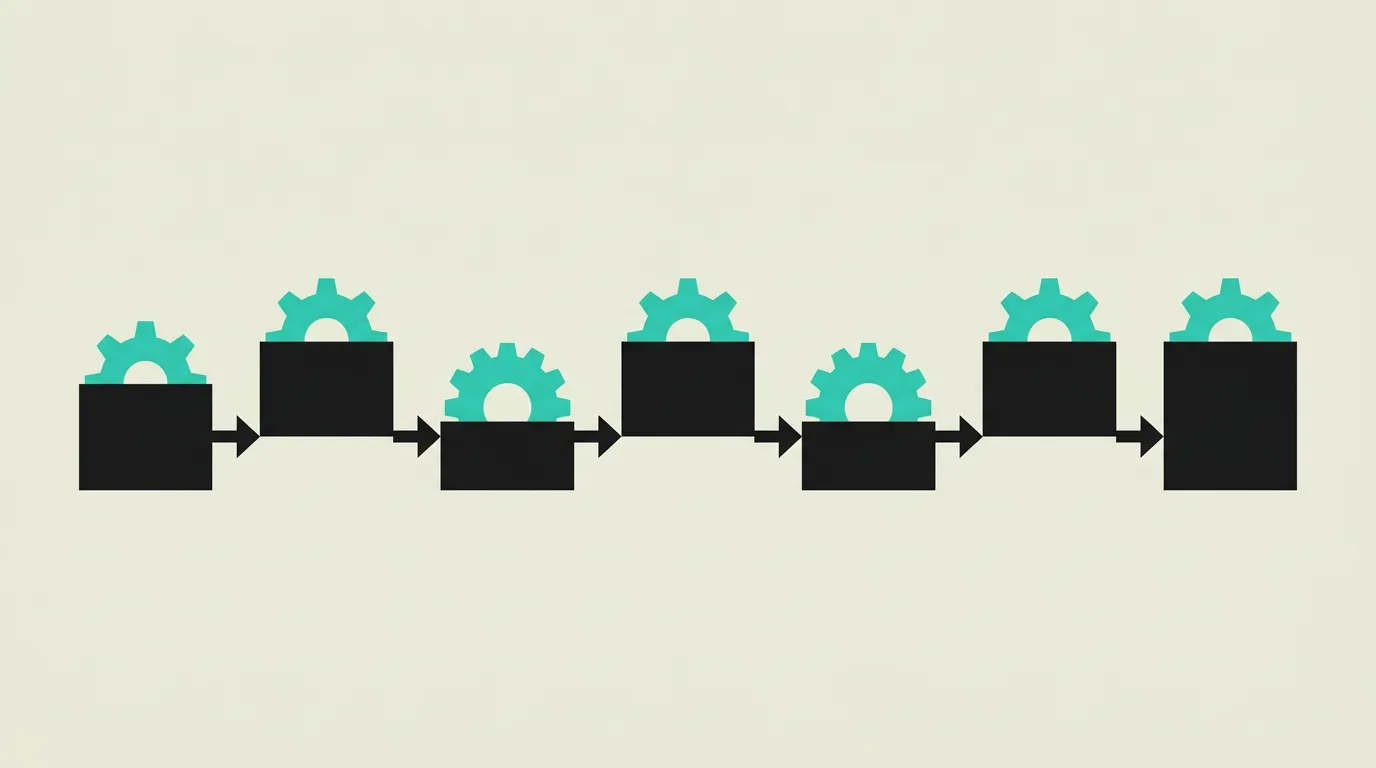
Workflow automation is the practice of automating repeatable business processes so they execute without manual intervention according to predefined rules. A trigger (such as a new form submission, an incoming email, or a status change) initiates a sequence of actions (sending emails, creating tasks, synchronizing data, making API calls) that run automatically in the correct order. The goal is to eliminate human effort where it adds no value, reduce errors, and make processes scalable across the organization.
How does Workflow Automation: How Process Automation Helps Businesses Scale Without Extra Headcount work technically?
Workflow automation tools range from no-code platforms to fully custom solutions. No-code tools like Zapier, Make (formerly Integromat), and n8n provide visual workflow builders that let non-technical users configure triggers and actions through drag-and-drop interfaces. These tools integrate with hundreds of SaaS applications via prebuilt connectors. For more complex scenarios, BPMN (Business Process Model and Notation) is used to formally model processes before implementation. Custom workflow automation is built with event-driven architecture, webhooks, message queues (such as RabbitMQ or Redis), and orchestration engines like Temporal or Apache Airflow. Webhooks enable applications to send real-time notifications when events occur, triggering workflows immediately. Conditional branching allows different paths based on data attributes (for example, if the order amount exceeds 1000 euros, route to manual approval). Error handling and retry logic are essential to prevent a failed step from stalling the entire process. Monitoring through dashboards and alerting ensures bottlenecks and failures are detected quickly. In 2026, AI agents are increasingly integrated into workflow automation to make decisions that previously required human intervention, such as classifying incoming messages, generating draft responses, or determining the correct routing for support tickets. Observability in workflow systems encompasses distributed tracing that makes every step in a multi-service workflow traceable end to end, structured logging that captures machine-readable context per step, and metrics dashboards that visualize throughput, failure rates, and queue depths in real time. Idempotency keys prevent the same action from executing twice when a retry is triggered after a timeout. Workflow definition versioning enables gradual rollouts and instant rollback to a previous version without data loss when issues are detected. Rate limiting on workflow triggers prevents a sudden flood of events from overwhelming the system and cascading failures to downstream services.
How does MG Software apply Workflow Automation: How Process Automation Helps Businesses Scale Without Extra Headcount in practice?
At MG Software, we build custom workflow automation when no-code tools like Zapier or Make are too limited for the complexity of the process. We connect systems via APIs and webhooks, design event-driven flows with robust error handling and retry logic, and implement monitoring dashboards so teams can see which workflows are running and where bottlenecks occur. We advise clients on the right approach: no-code for simple integrations, low-code for moderate complexity, and custom development for business-critical processes where full control and scalability are required. Every workflow we build includes structured logging, idempotency on critical steps, automated alerting when failure rates exceed a threshold, and a rollback strategy for safe iteration. We use Temporal as our orchestration engine for long-running processes that require durable execution across hours or days. For clients with existing Zapier or Make workflows, we identify processes that benefit from migration to a custom solution based on complexity, volume, and potential cost savings.
Why does Workflow Automation: How Process Automation Helps Businesses Scale Without Extra Headcount matter?
Workflow automation saves teams hours of repetitive work per week and significantly reduces human errors in critical processes. Organizations that automate their workflows can scale faster without proportionally increasing headcount, directly contributing to lower operational costs and higher margins. Automated processes are also consistent and traceable: every step is logged, which simplifies compliance and auditing. In competitive markets, the speed and reliability of internal processes increasingly separates growing companies from those falling behind. The ROI of workflow automation is typically measurable within three to six months: teams report average savings of 10 to 20 hours per employee per month and error reduction exceeding 60 percent on automated processes. Organizations that systematically document and measure their automation approach scale faster because new workflows build on proven patterns and reusable components.
Common mistakes with Workflow Automation: How Process Automation Helps Businesses Scale Without Extra Headcount
A common mistake is automating processes that are fundamentally broken: automation only makes bad processes fail faster. Teams also frequently build complex automations without error handling or monitoring, allowing failures to go unnoticed for days and putting data integrity at risk. Another pitfall is attempting full end-to-end automation instead of starting incrementally: begin with the most time-consuming, low-risk steps and expand gradually. Finally, the human element is sometimes eliminated too quickly, when certain decisions (such as approvals above a threshold amount) are better served with human oversight. Documentation is often written as an afterthought or skipped entirely, leaving team members unable to understand how a workflow operates or troubleshoot issues independently. Lack of version control for workflows also makes it impossible to roll back when an update introduces unexpected failures in production.
What are some examples of Workflow Automation: How Process Automation Helps Businesses Scale Without Extra Headcount?
- A new lead arrives via the contact form, automatically triggering a CRM update, a notification email to the sales team, a follow-up task in the project management tool, and the lead being added to a nurture campaign in the email marketing platform. Average first-contact response time dropped from four hours to under five minutes after deployment of the automated flow.
- An order is placed in the webshop, automatically updating inventory, generating and sending an invoice, delivering a confirmation email to the customer, and notifying the fulfillment department with a pick list. The entire chain from order to shipping label completes within 30 seconds, eliminating two hours of daily manual processing.
- A support ticket is created, automatically starting an SLA timer, classifying the ticket by priority using AI, notifying the appropriate specialist, and sending an escalation to management if the deadline is exceeded. The AI classification achieves 91 percent accuracy, and average resolution time decreased by 28 percent because tickets reach the right specialist without manual triage.
- A new employee starts, automatically triggering account creation across all company tools (email, Slack, project management), sending a welcome email with onboarding information, and creating a first-week checklist for the manager. After 30 days, the system automatically sends a feedback survey to evaluate the onboarding experience and flag any gaps.
- An invoice goes unpaid past the due date, automatically sending a reminder on day 7, a second reminder on day 14, and forwarding the case to accounts receivable with all relevant documentation on day 30. The automated reminder flow improved the 30-day payment rate from 74 to 91 percent, significantly reducing outstanding receivables.
Related terms
Further reading
Frequently asked questions
When should you choose Zapier versus custom automation?
Zapier is ideal for quick integrations between SaaS tools with many prebuilt connectors, when the logic is straightforward (trigger, action, done). Custom automation is the better choice when process logic is complex (conditional branches, loops, error handling), when you need full control over data and security, or when the cost of Zapier at high volume no longer justifies itself compared to a purpose-built solution. As a rule of thumb: once a Zapier workflow exceeds five steps or includes conditional logic, it is worth evaluating the business case for a custom-built alternative.
How do you get started with workflow automation?
Start by identifying the most time-consuming, repetitive tasks in your team. Choose a process that has clear steps and few exceptions. Automate that first, measure the time savings and error reduction, and use the data to build buy-in for further automation. Resist the temptation to tackle the most complex process first; start small and expand incrementally based on proven results. Document every automated workflow including triggers, actions, and failure scenarios so the team can maintain automations when the original builder is unavailable.
What is the difference between workflow automation and RPA?
Workflow automation automates defined processes through API integrations and event triggers, connecting systems at the data level. RPA (Robotic Process Automation) simulates human interactions with software interfaces (clicking, typing, screen navigation) and is used when systems lack APIs. Workflow automation is more robust and scalable; RPA is more fragile due to UI dependency but useful as a bridge solution for legacy systems that lack modern integration capabilities. In practice, both approaches are often combined within the same organization.
What tools are available for workflow automation in 2026?
The market offers a broad spectrum. No-code: Zapier (most connectors), Make (visually powerful), n8n (open-source, self-hosted). Low-code: Power Automate (Microsoft ecosystem), Retool Workflows. Custom: Temporal (durable execution engine), Apache Airflow (data pipelines), custom event-driven architecture with webhooks and message queues. The choice depends on complexity, team expertise, integration requirements, and budget. For teams already embedded in the Microsoft ecosystem, Power Automate is a natural starting point; for organizations that prefer open-source, n8n offers maximum control at low licensing cost.
How do you measure the success of workflow automation?
Measure impact across three dimensions: time savings (hours saved per team member per week), error reduction (percentage fewer manual errors after automation), and cycle time (how much faster the process runs end-to-end). Combine quantitative metrics with qualitative team feedback. ROI is calculated by comparing the labor cost of manual execution against the cost of building and maintaining the automation over time. Include indirect savings such as reduced rework and higher customer satisfaction from faster turnaround times.
How do you handle errors in automated workflows?
Build error handling into the design from the start, not as an afterthought. Implement retry logic with exponential backoff for transient failures (API timeouts, rate limits). Use dead-letter queues for permanently failed steps. Configure alerting so the team is notified of critical failures within minutes. Log every step with sufficient context for debugging. Explicitly test failure scenarios before deploying a workflow to production. Document the expected behavior for each failure condition so the operations team can respond quickly when an unexpected situation arises.
Can AI be combined with workflow automation?
Yes, and this is one of the strongest trends in 2026. AI agents are being integrated into workflows to handle decisions that previously required human intervention: classifying incoming messages, generating draft responses, evaluating documents, or determining the correct routing for a support ticket. The combination of rule-based workflow automation and AI-powered decision making creates processes that are both reliable and intelligent. The challenge lies in defining clear boundaries: which decisions can be delegated to AI, and where should human approval remain as a safety net? Organizations that draw these lines effectively reap the benefits of faster processing without the risks of fully unsupervised AI actions.
This concept in your system?
We work with this every day. In a one-hour conversation you know whether it is a portal, an integration or a rebuild.