
Workflow Automation Examples - More Efficient Business Processes
Halve onboarding time and process invoices in minutes. Workflow automation examples for HR, finance, and IT incident response with measurable ROI.
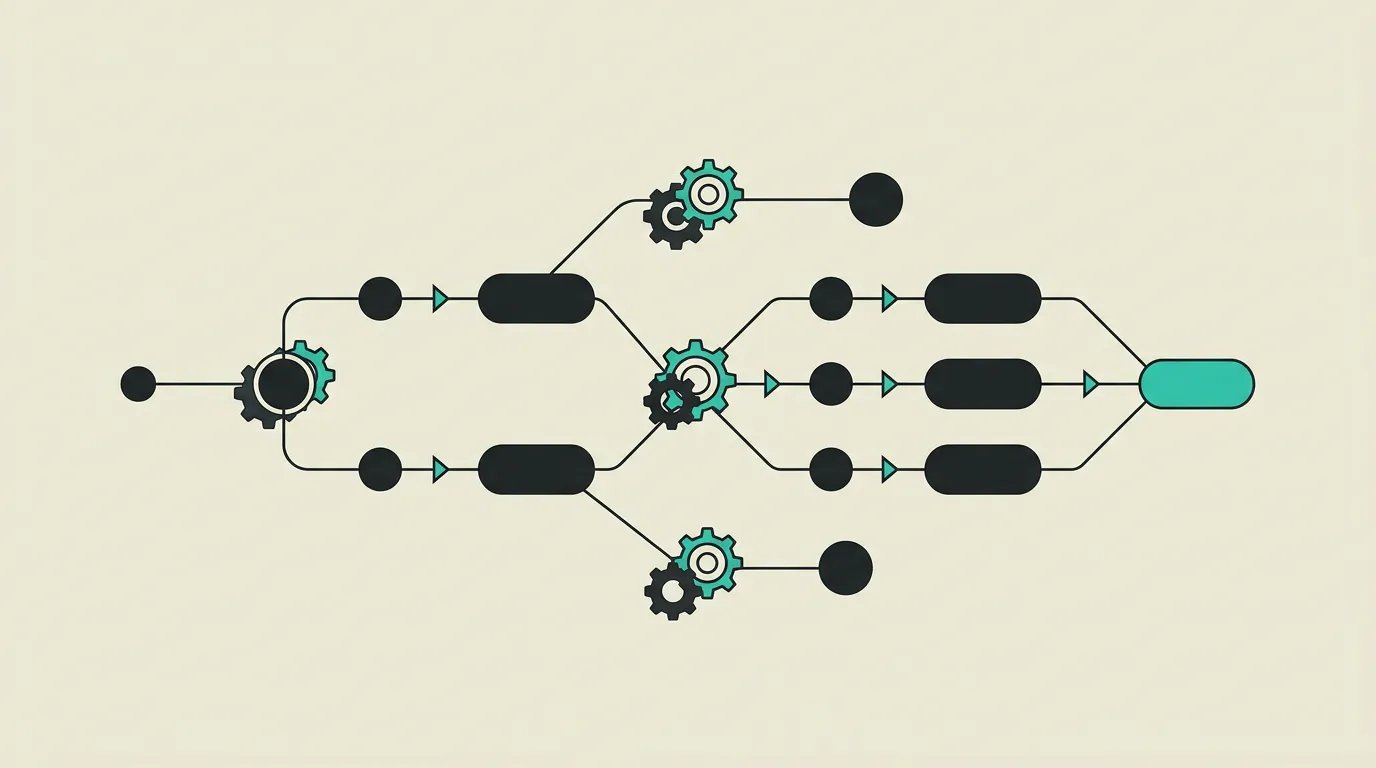
Workflow automation transforms time-consuming manual processes into streamlined, error-free workflows that deliver consistent quality regardless of who executes them. In virtually every organisation, there are processes that employees repeat daily: filling in forms, routing approvals, copying data between systems, and sending status updates. Each of these steps may take only five minutes individually, but combined they represent a significant portion of the work week that could be better spent on tasks requiring human judgment. By automating repetitive tasks, teams can focus on work that truly adds value to the business. At MG Software, we start every automation project with a process analysis where we map the current workflow in detail, identify bottlenecks, and estimate the automation potential per step. This ensures we do not deploy technology where it does not solve a real problem. Below we share three diverse workflow automation examples, each in a different business function. From HR onboarding to financial approvals and IT incident management, each project demonstrates how automation delivers measurable impact.
Automated onboarding process for new employees
A technology company with 200 employees that welcomes 3 to 5 new colleagues each month fully automated their HR onboarding workflow. Previously, onboarding was a manual process where HR, IT, and the direct manager each maintained their own checklist, regularly leading to forgotten steps: laptops not ready on time, accounts still needing creation, or training materials shared too late. The automated workflow starts as soon as HR confirms a new employment in the HR system. The system automatically generates the employment contract based on templates, arranges digital signing, creates all IT accounts via API connections with Google Workspace and Slack, orders hardware from the IT department, and schedules the first week of introduction sessions and training in the calendars of all involved colleagues. The new employee receives a personal welcome portal with all necessary information, documents, and contacts. After implementation, time-to-productivity for new hires improved by an average of 40% and HR saved 6 hours per onboarding.
- Automatic contract generation based on role template with digital signing via DocuSign
- IT provisioning of Google Workspace, Slack, and internal tools via API connections upon employment confirmation
- Structured training schedule with automatic calendar invitations for all involved colleagues
- Personal welcome portal for the new employee with documents, contacts, and first-week planning
- Automatic hardware ordering and workspace setup with the IT department based on job role
- Time-to-productivity improved by 40% and 6 hours of HR time saved per onboarding
Invoice processing and approval workflow
A construction company with 15 million euros in annual revenue and approximately 400 purchase invoices per month automated their entire invoice processing workflow. The old process involved manually entering invoice details, forwarding via email to the appropriate approver, and tracking status in a spreadsheet, which took an average of 7 business days per invoice from receipt to booking. Incoming invoices are now automatically scanned by OCR technology that extracts supplier, amount, invoice number, and VAT percentage. The system automatically matches the invoice with the corresponding purchase order and routes it to the correct approver based on amount and cost centre: invoices under 5,000 euros go to the project manager, higher amounts to the financial director. Upon approval, accounting entries are automatically created and exported to the bookkeeping software. The result: average processing time dropped from 7 business days to 1.5 days and errors in financial administration decreased by 92%.
- OCR scanning that automatically extracts supplier, amount, invoice number, and VAT percentage from the invoice
- Automatic matching with purchase orders based on invoice number, supplier, and amount
- Multi-level approval workflow: project manager under 5,000 euros, financial director above
- Automatic accounting entries and export to bookkeeping software upon manager approval
- Dashboard with real-time overview of all pending, approved, and rejected invoices
- Processing time dropped from 7 business days to 1.5 days with 92% fewer administrative errors
Incident response workflow for IT department
An IT service provider managing 35 clients with a team of 12 engineers implemented an automated incident response workflow that structures and accelerates issue resolution. Previously, incident reports arrived via email, phone, and an older ticketing system, regularly resulting in reports being picked up twice or left unattended for too long. The new workflow automatically categorises incoming incidents based on keywords, affected system, and reporting source, and assigns a priority based on the number of impacted users and the severity of the disruption. Assignment is handled intelligently: the system considers engineer availability, specialisation, and current workload and assigns the incident to the person who can address it fastest. For critical incidents such as a complete system outage, the workflow automatically activates an escalation path with SMS notifications to the team lead and a status update to the affected client. SLA timers start automatically and when response times risk being breached, the incident is escalated. After implementation, average incident resolution time decreased by 55% and SLA breaches dropped from 12 to 2 per month.
- Automatic incident categorisation based on keywords, affected system, and reporting source
- Intelligent assignment weighing engineer availability, specialisation, and current workload
- Automated escalation for critical incidents with SMS notifications to team lead and client
- SLA timers that start automatically and escalate when agreed response times risk being breached
- Unified intake regardless of whether the report arrives via email, phone, or the client portal
- Average resolution time decreased by 55% and SLA breaches dropped from 12 to 2 per month
Key takeaways
- Automated onboarding processes reduce time-to-productivity for new employees by an average of 40 to 50% and eliminate forgotten steps.
- Invoice automation with OCR and automatic matching reduces processing time from business days to hours and eliminates manual entry errors.
- Incident response workflows with automatic categorisation and escalation ensure that critical issues never go unnoticed or unaddressed.
- Start every automation project with a process analysis that maps the current workflow in detail and estimates automation potential per step.
- Do not automate every process: focus on tasks that are repetitive, follow fixed rules, and regularly lead to errors or delays.
- Integration with existing tools is crucial: an automated workflow that forces employees into a new system is rarely adopted.
- Measure automation impact with concrete KPIs such as cycle time, error rate, and employee satisfaction to demonstrate ROI.
- Plan a pilot phase with a limited group of users before rolling the workflow out organisation-wide.
How MG Software can help
MG Software designs and implements workflow automation that makes your business processes measurably more efficient. Our process starts with a process analysis where we work with your team to map current workflows, identify bottlenecks, and quantify the automation potential for each process step. We build solutions that seamlessly integrate with your existing tools and systems, whether that is Google Workspace, Microsoft 365, Slack, accounting software, or industry-specific applications. Technically, we combine custom code with proven automation platforms depending on complexity: simpler workflows are built with tools like n8n, while complex business-critical processes are custom-built in TypeScript. Every workflow is delivered with a monitoring dashboard that provides visibility into cycle times, error rates, and bottlenecks. The average timeline for an automation project ranges from 3 to 8 weeks, and ROI is typically realised within 3 to 6 months.
Frequently asked questions
Which processes are suitable for workflow automation?
Processes that are repetitive, follow fixed rules, and involve multiple steps or approvals are most suitable for automation. Think of HR onboarding and offboarding, invoice processing and approvals, quotation workflows with multiple approval levels, incident management with SLA monitoring, and periodic reporting workflows. A good rule of thumb is: if a process contains more than two manual handoffs between people or systems, there is likely automation potential. We help identify the processes where automation will have the greatest impact on cycle time and error reduction.
What tools do you use for workflow automation?
The tool choice depends on the complexity and scale of the process. For simpler workflows with standard triggers and actions, we use platforms like n8n or Zapier that are quick to configure. For more complex business-critical processes, we build custom workflows in TypeScript that provide full control over logic, error handling, and integrations. Microsoft Power Automate is a good choice for organisations already heavily invested in the Microsoft ecosystem. We advise per situation which approach fits best and combine tools where that yields the optimal solution.
How much time and money does workflow automation save?
Savings vary per process, but across our projects we consistently see 40 to 80% time savings on the automated process. ROI is typically realised within 3 to 6 months, depending on the frequency and labour intensity of the original process. Beyond direct time savings, accuracy and consistency improve, which reduces indirect costs through fewer errors, rework, and delays. An invoice processing workflow handling 400 invoices per month and saving 30 minutes per invoice delivers 200 hours of monthly productivity gains.
How long does it take to automate a workflow?
A simple workflow with a few steps and standard integrations can be delivered in 2 to 3 weeks. More complex workflows with multiple approval levels, conditional logic, and integrations with several systems typically take 4 to 8 weeks. The process analysis phase at the start takes 1 to 2 weeks and is essential for defining the right scope and preventing surprises during development. After delivery, a pilot phase of 1 to 2 weeks follows where the workflow is tested and fine-tuned with a limited group of users.
Can existing processes be automated incrementally?
Yes, incremental automation is often the wisest approach. Instead of automating an entire process at once, we start with the steps that cost the most time or most frequently lead to errors. This delivers visible results quickly and builds confidence within the team. After each phase, we evaluate the impact and determine which next step adds the most value. This iterative approach reduces risk and allows the automation to adapt to changing insights during the project.
How do you handle exceptions in automated workflows?
No process always follows the standard path, and we design for that reality. Every workflow includes exception handling that catches unexpected situations and routes them to the right person for manual resolution. Think of an invoice that does not match a purchase order, an onboarding process where the new employee already has an account, or an incident that cannot be automatically categorised. These exceptions are logged and periodically analysed to improve the automation and reduce the number of exceptions over time.
What does it cost to automate a business process?
Costs depend on the complexity of the process and the number of systems involved. A straightforward workflow with standard integrations starts from 5,000 euros. More complex processes with multi-level approvals, conditional logic, and connections to multiple systems typically range between 10,000 and 30,000 euros. The process analysis phase is quoted separately and typically costs 2,000 to 4,000 euros. We always provide a transparent quote based on the process analysis so you know the investment and expected savings upfront.
Want to build something like this?
From concept to launch. We deliver custom software that works for your customers and team.
 Discuss your project