
Putting Zapier and n8n Through the Same Real Workflow Test
Manual workflows cost your team hours every week. We compare 6 no-code automation tools on trigger flexibility, action depth, and error handling.
MG Software advises clients to start with Zapier or Make for simple automations. When your workflows become more complex or you need full data control, n8n is an excellent open-source alternative. But we are honest: when no-code no longer suffices, we build custom software that does exactly what your business needs, without the limitations of no-code platforms.
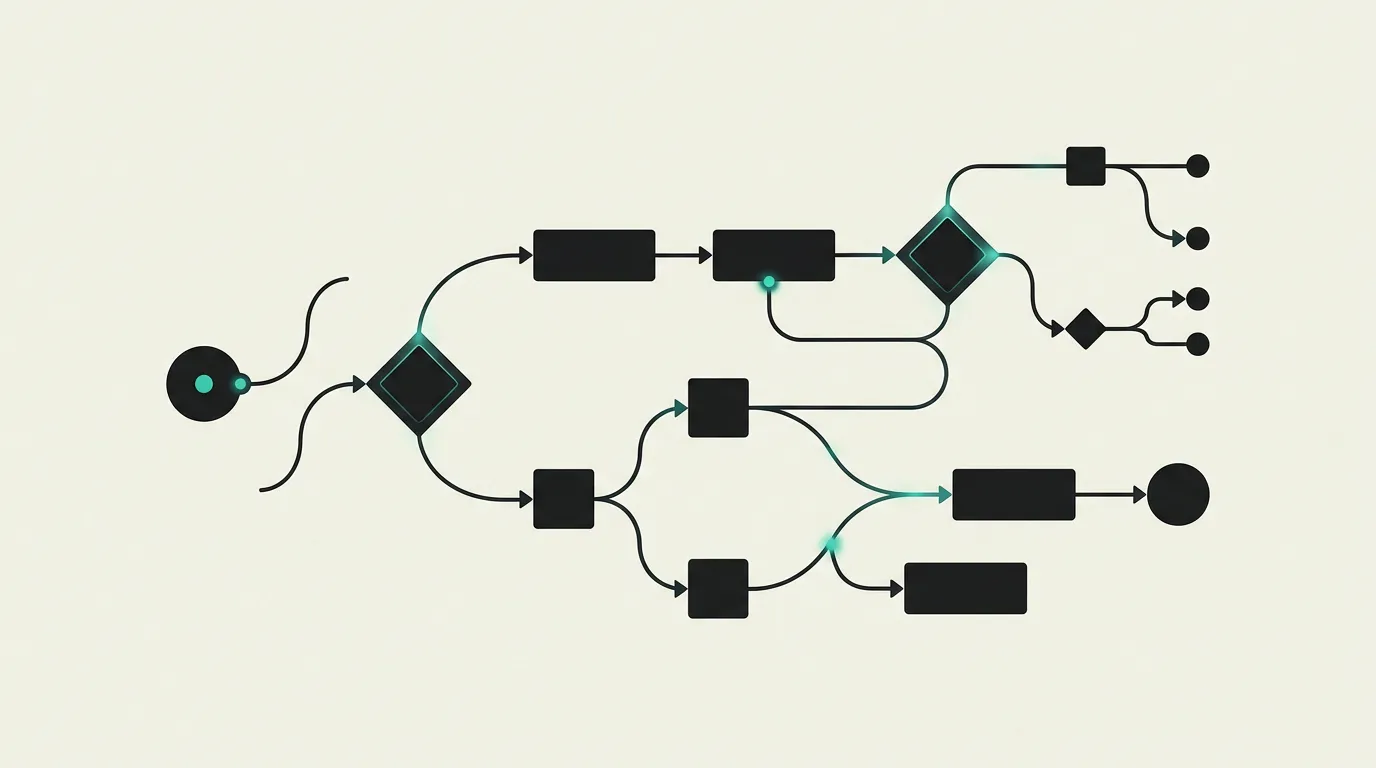
No-code and automation tools have evolved in 2026 from simple if-this-then-that connectors into full-featured workflow engines with AI integrations, conditional logic, and error handling. For businesses looking to eliminate manual processes between applications, these platforms provide a cost-effective first step. The market is dominated by Zapier with 7,000+ integrations, but open-source alternatives like n8n are gaining ground rapidly thanks to full data control and unlimited executions when self-hosted. Meanwhile, platforms like Retool blur the line between no-code and custom software by allowing SQL and JavaScript alongside visual building blocks. The critical question for every business is: when is no-code sufficient and when should you invest in custom software? At MG Software, we tested six platforms on the same business workflow, from CRM synchronization to invoice processing. We evaluated ease of use, integration depth, error handling, scalability, and costs at high volume. This comparison helps you find the right balance between speed and control.
How do we evaluate these tools?
- Ease of use and accessibility for non-technical users
- Number of available integrations, connectors, and trigger types
- Flexibility for complex logic, conditions, loops, and error handling
- Value for money and scalability with growing task volumes
- Data privacy, compliance options, and availability of self-hosted deployment
- AI capabilities for intelligent data transformation and decision logic
1. Zapier
The most popular no-code automation tool in the world with over 7,000 app integrations and millions of active users. Zapier makes it easy to connect triggers and actions between your business tools through an intuitive visual builder. In 2026, Zapier also offers AI actions, Tables (built-in database), Interfaces (forms and dashboards), and Canvas for visual workflow planning. Pricing starts free for 100 tasks per month.
Pros
- +Over 7,000 app integrations, the broadest offering on the market
- +Extremely user-friendly with minimal learning curve for beginners
- +AI actions for advanced data transformations and text generation
- +Built-in Tables database and Interfaces for forms and dashboards
- +Extensive documentation, templates, and active community for support
Cons
- -Gets expensive quickly at high volume with per-task pricing from $20/month
- -Limited capabilities for complex logic, branching, and error handling
- -No self-hosted option meaning all data passes through Zapier's servers
- -Multi-step Zaps become complex and hard to manage beyond 10 steps
2. n8n
Open-source workflow automation platform with 55,000+ GitHub stars and a rapidly growing community. n8n offers full control over your data through self-hosting and combines a visual workflow builder with the ability to write JavaScript or Python code where needed. In 2026, n8n includes AI agents, 400+ integrations, sub-workflows, and advanced error handling. Self-hosting is free, the cloud plan starts at $20/month.
Pros
- +Open-source and fully self-hostable for maximum data control and privacy
- +Visual workflow builder combined with JavaScript and Python code options
- +AI agents and 400+ integrations with webhook triggers and scheduling
- +No execution limits when self-hosted, infinitely scalable
- +Active open-source community with weekly releases and rapid bug fixes
Cons
- -Steeper learning curve than Zapier, especially for non-technical users
- -Self-hosting requires DevOps knowledge for installation, updates, and monitoring
- -Smaller integration library than Zapier (400+ vs 7,000+ apps)
- -Cloud plan is more expensive than Zapier for low-volume users
3. Make (formerly Integromat)
Visual automation platform enabling complex workflows at sharp prices. Make offers the best visual builder on the market with support for advanced data routing, parallel execution, error handling, and conditional logic. In 2026, Make features 1,500+ integrations, AI modules, and a marketplace with community templates. The free plan offers 1,000 operations per month, paid plans start at $9/month for 10,000 operations.
Pros
- +Best visual workflow builder on the market with intuitive drag-and-drop interface
- +Significantly cheaper than Zapier at high volume with operation-based pricing
- +Advanced data routing, parallel execution, and conditional error handling
- +Support for complex branching, loops, iterators, and aggregators
- +1,500+ integrations with AI modules and an active community marketplace
Cons
- -Learning curve is higher than Zapier for simple linear automations
- -Fewer integrations than Zapier, which can be limiting for niche applications
- -Interface can be overwhelming for users without a technical background
- -Documentation is less comprehensive than Zapier's for specific use cases
4. Retool
Platform for building internal tools and dashboards without writing much code. Retool combines a drag-and-drop interface with the ability to write SQL, JavaScript, and Python for maximum flexibility. In 2026, Retool also offers Workflows for backend automation, Mobile for native apps, and AI components. The free plan supports 5 users, paid plans start at $10/user/month.
Pros
- +Quickly build internal tools and dashboards with drag-and-drop components
- +Direct database connections to PostgreSQL, MySQL, MongoDB, and more
- +Flexible combination of no-code and custom SQL, JavaScript, and Python
- +Self-hosted option available for enterprise use with full data control
- +Workflows and Mobile extensions for backend automation and native apps
Cons
- -Primarily for internal tools, not suitable for customer-facing applications
- -Pricing can be high for larger teams with many users
- -Requires some technical knowledge of SQL and JavaScript for advanced use
- -Design capabilities are limited compared to dedicated frontend frameworks
5. Power Automate
Microsoft's automation platform that seamlessly integrates with the full Microsoft 365 ecosystem. Ideal for organizations heavily relying on Teams, SharePoint, Outlook, Dynamics 365, and Azure. In 2026, Power Automate offers both cloud flows and desktop flows (RPA) for automating legacy applications. The platform is often included with existing Microsoft 365 licenses, standalone plans start at $15/user/month.
Pros
- +Seamless integration with the complete Microsoft 365 and Dynamics 365 ecosystem
- +Desktop automation (RPA) alongside cloud workflows for legacy application automation
- +Often included with existing Microsoft 365 Business and Enterprise licenses
- +Enterprise-grade security, compliance, and audit capabilities
- +AI Builder for intelligent document processing and form recognition
Cons
- -Strongly tied to the Microsoft ecosystem with limited external integrations
- -Interface is less intuitive and modern than Zapier or Make
- -Complex licensing structure makes cost comparison difficult
- -Performance and reliability vary with complex multi-step flows
Which tool does MG Software recommend?
MG Software advises clients to start with Zapier or Make for simple automations. When your workflows become more complex or you need full data control, n8n is an excellent open-source alternative. But we are honest: when no-code no longer suffices, we build custom software that does exactly what your business needs, without the limitations of no-code platforms.
How MG Software can help
At MG Software, we help clients find the right balance between no-code automation and custom software. We start by analyzing your business processes and identifying which workflows are suitable for no-code platforms and which are better served by a custom solution. For simple automations, we advise and implement Zapier or Make, including setting up error handling and monitoring. When full data control is required, we deploy n8n on your own infrastructure. But we are honest: when your workflows reach the limits of no-code, we build custom integrations that do exactly what your business needs, with better performance, full control, and lower costs in the long run. We also migrate existing Zapier workflows to custom solutions when costs escalate. Get in touch for a workflow analysis.
Frequently asked questions
When is no-code sufficient and when do I need custom software?
No-code is ideal for connecting existing tools, simple data synchronizations, and notification workflows. When you have unique business logic that does not fit into standard building blocks, need complex data transformations, or your workflows reach platform limits in terms of speed, reliability, or volume, custom software is the better investment. We help determine that tipping point for your specific situation.
Is Zapier safe for business-critical data?
Zapier offers SOC 2 Type II certification, encrypted data transfer via TLS, and optional data retention settings. For most businesses, this is sufficient. When working with medical records, financial data, or other sensitive information requiring full control, we recommend self-hosted alternatives like n8n or custom integrations that we deploy on your own infrastructure.
What does workflow automation cost on average?
Zapier starts free (100 tasks/month) and scales to $69/month for 2,000 tasks or $349/month for 50,000 tasks. Make offers 1,000 operations free and is cheaper than Zapier at high volume. n8n is free when self-hosted but requires server costs of roughly $5 to $20/month. Custom integrations have higher initial costs but significantly lower ongoing costs at high volume.
Can I self-host n8n without technical knowledge?
Basic knowledge of Docker and server administration is recommended for self-hosting n8n. Platforms like Railway and Render simplify this with one-click deploys. If you do not have technical expertise in-house, n8n also offers a managed cloud plan from $20/month. At MG Software, we can set up n8n on your own infrastructure, including monitoring, backups, and automatic updates.
What is the difference between Zapier and Make?
Zapier has the broadest integration offering with 7,000+ apps and the lowest barrier to entry. Make offers more complex workflows with better visual overviews, parallel execution, and advanced error handling at lower costs. For simple two-app connections, Zapier is faster to set up. For workflows with conditions, loops, and data transformations, Make provides more capabilities per dollar.
Can no-code replace all my software needs?
For specific workflow automation and connecting existing tools, no-code can solve many challenges. But for unique customer-facing applications, complex business logic, or applications with specific performance and scalability requirements, no-code falls short. Think of no-code as an accelerator for operational processes, not a replacement for custom software. The power lies in combining both approaches strategically.
How do I start automating business processes?
Begin by mapping repetitive manual tasks your team performs daily or weekly. Prioritize based on time savings and error susceptibility. Start with a simple automation in Zapier or Make to build confidence. Measure the time saved and expand gradually. When complexity grows or costs escalate, evaluate whether custom software is a better investment. At MG Software, we help with this analysis and implementation.
Need help selecting and implementing tools?
We do not just advise which tools fit best, we implement them in your stack.
 Schedule a consultation