
Bun vs Node.js: JavaScript Runtime Speed Showdown
Three times faster startup and a built-in bundler: Bun promises a lot versus battle-tested Node.js. Hype or genuine improvement for your stack?
Bun is the fastest JavaScript runtime available, offering a compelling all-in-one package with built-in bundler, test runner, package manager, and SQLite driver. The up to three times faster startup makes it particularly suited for serverless environments where cold starts impact user experience. The package manager bun install is up to 25x faster than npm install, significantly accelerating daily development workflows. Node.js remains the standard for production thanks to unmatched stability, full ecosystem compatibility, and fifteen years of proven reliability in millions of production environments. Bun is ideal for development environments, serverless functions, and new projects where speed is a priority. For business-critical production systems with complex dependencies, we still recommend Node.js until Bun reaches the same maturity and ecosystem breadth.
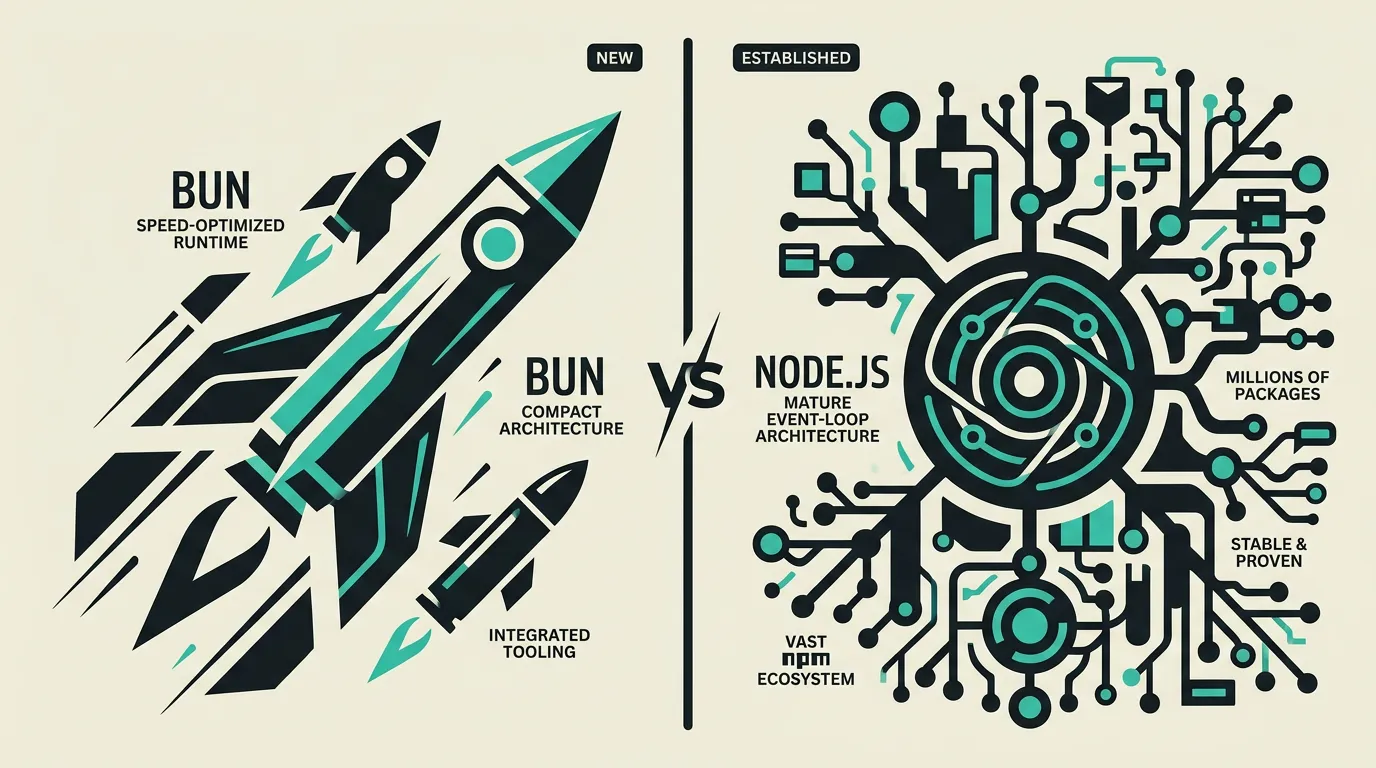
Background
The Bun vs Node.js comparison is particularly relevant now that Bun has reached stable 1.x releases and more teams deploy it as a development tool and even production runtime. The up to three times faster startup, 25x faster package installation, and all-in-one package with bundler, test runner, and package manager make Bun attractive for developers who value speed. The question is no longer whether Bun works, but whether it is mature enough for your specific production use case. With every release, Node.js API coverage improves and more edge cases are resolved. For development teams evaluating their JavaScript toolchain, Bun is increasingly the choice for local development while Node.js remains the trusted production platform.
Bun
A blazing-fast JavaScript/TypeScript runtime written in Zig designed as a drop-in replacement for Node.js. Bun offers up to three times faster startup, a built-in bundler, test runner, and package manager in a single binary. It uses JavaScriptCore (Safari's engine) instead of V8 and aims for full Node.js compatibility. Bun 1.x has reached stable releases with improved Node.js API coverage and native SQLite support. The package manager bun install is up to 25x faster than npm install, significantly accelerating development workflows.
Node.js
The standard JavaScript runtime that has been the foundation of server-side JavaScript for over fifteen years. Node.js runs on Google's V8 engine, provides an extremely stable and well-documented platform, and has the largest package ecosystem with over two million NPM packages. Node.js 22 LTS introduced improved ESM support, native fetch API, and the Permission Model as an experimental feature. It is supported by virtually every hosting platform and maintained by the OpenJS Foundation, guaranteeing long-term support for enterprise environments.
What are the key differences between Bun and Node.js?
| Feature | Bun | Node.js |
|---|---|---|
| Startup time | Up to 3x faster than Node.js thanks to JavaScriptCore and Zig, ideal for serverless cold starts | Standard startup time via V8, sufficient for long-running servers and background processes |
| Runtime performance | Faster for HTTP serving, file I/O, and FFI calls thanks to Zig optimizations and JavaScriptCore | Stable and predictable performance via V8 with years of JIT compilation optimizations |
| Built-in tools | Bundler, test runner, package manager, and SQLite driver all built into a single binary | External tools required such as webpack/esbuild, Jest/Vitest, NPM/Yarn/pnpm, and database drivers |
| TypeScript support | Native: TypeScript and JSX work without configuration, transpilation, or extra dependencies | Via transpilation with ts-node, tsx, or a full build pipeline like tsc or esbuild |
| NPM compatibility | High with 95%+ of popular packages, but some native add-ons do not yet fully work | Complete: all NPM packages work guaranteed including native add-ons via node-gyp |
| Stability | Rapidly improving with stable 1.x releases, but not yet Node.js level maturity | Extremely stable and proven in millions of production environments over fifteen years |
| Package installation | bun install is up to 25x faster than npm install thanks to an optimized resolver and cache | npm install is slower but universally compatible; pnpm and yarn offer faster alternatives |
| Native integrations | Built-in SQLite driver, FFI support, and bun:ffi for C/Rust libraries without overhead | Native add-ons via node-gyp and N-API with broad ecosystem support and documentation |
When to choose which?
Choose Bun when...
Choose Bun when cold start times directly impact user experience, such as serverless functions and edge workers. Bun is also the right choice as a development runtime where faster package installation, test execution, and TypeScript support without configuration significantly boost daily productivity. Choose Bun for new projects where you want to leverage the all-in-one approach without configuring external tools like webpack, Jest, and separate package managers. Bun excels for API servers and microservices where maximum throughput and minimal latency are priorities.
Choose Node.js when...
Choose Node.js when maximum stability and proven reliability are non-negotiable, such as enterprise production systems and business-critical applications. Node.js is the right choice when your application depends on native add-ons via node-gyp that Bun does not yet fully support. Choose Node.js for full-stack applications with frameworks like Next.js, Remix, or NestJS deeply integrated with the Node.js ecosystem. Node.js is also the better choice when your team has extensive Node.js expertise and universal hosting support is required.
What is the verdict on Bun vs Node.js?
Bun is the fastest JavaScript runtime available, offering a compelling all-in-one package with built-in bundler, test runner, package manager, and SQLite driver. The up to three times faster startup makes it particularly suited for serverless environments where cold starts impact user experience. The package manager bun install is up to 25x faster than npm install, significantly accelerating daily development workflows. Node.js remains the standard for production thanks to unmatched stability, full ecosystem compatibility, and fifteen years of proven reliability in millions of production environments. Bun is ideal for development environments, serverless functions, and new projects where speed is a priority. For business-critical production systems with complex dependencies, we still recommend Node.js until Bun reaches the same maturity and ecosystem breadth.
Which option does MG Software recommend?
At MG Software, we use Bun as our primary package manager thanks to the spectacular speed gains when installing dependencies. Our bun.lock replaces package-lock.json and bun install runs in seconds where npm needs minutes. For running tests, we increasingly use bun test due to faster execution. For production deployments on Vercel, we stick with Node.js for stability and broad platform support. We expect Bun to become a fully viable production alternative within the coming releases as Node.js API coverage continues to improve. For new projects, we advise using Bun as the development runtime and package manager, and Node.js as the production runtime, so you get the best of both worlds without risk.
Migrating: what to consider?
Migrating from Node.js to Bun is relatively straightforward because Bun is designed as a drop-in replacement. Most Node.js APIs and NPM packages work directly with Bun. Start by replacing npm/yarn/pnpm with bun install as your package manager, which is the lowest-risk step with the highest immediate gain. Then replace test execution with bun test and evaluate compatibility. Test native add-ons and edge cases thoroughly, particularly packages using node-gyp. Begin with Bun as a development runtime before considering the switch to production, allowing you to discover compatibility issues early.
Frequently asked questions
Is Bun really 3x faster than Node.js?
Bun's startup time is up to three times faster than Node.js, which is measurable for short scripts and serverless functions where cold starts impact user experience. For long-running servers, the difference is smaller but still noticeable for HTTP handling and file I/O. The speed gain comes from the Zig implementation and JavaScriptCore engine which uses different optimization strategies than V8. The package manager bun install is even up to 25x faster than npm install, which most impacts daily workflows.
Can I use Bun as a drop-in replacement for Node.js?
For most projects, yes. Bun supports the vast majority of Node.js APIs and NPM packages with 95%+ compatibility for popular libraries. However, there are edge cases with native add-ons using node-gyp and some Node.js-specific functionality that differs. Test your application thoroughly before switching in production. Start with Bun as a package manager and test runner before replacing the full runtime, allowing you to discover compatibility issues gradually.
Is Bun stable enough for production?
Bun is improving rapidly with stable 1.x releases and many teams use it successfully in production for API servers and microservices. For business-critical applications, we recommend thorough testing and setting up monitoring. Node.js offers more proven stability with fifteen years of production experience, but Bun is production-worthy for many use cases. The fastest adoption path is using Bun as a development tool and keeping Node.js for production until you have built confidence.
What is the difference between JavaScriptCore and V8?
JavaScriptCore (JSC) is the JavaScript engine developed by Apple for Safari and WebKit, while V8 is developed by Google for Chrome and Node.js. JSC uses a different JIT compilation strategy that yields faster startup times but may perform slightly differently for some long-running workloads compared to V8. In practice, both engines are highly performant and the choice between Bun and Node.js is rarely determined by the engine but by the ecosystem, tooling, and stability requirements.
Can I combine Bun and Node.js in a project?
Yes, this is actually the approach we recommend. You can use Bun as your package manager (bun install) and test runner (bun test) while keeping Node.js as your production runtime. The bun.lock file works alongside package.json and installed packages are compatible with both runtimes. This hybrid approach gives you Bun's speed advantages in development without sacrificing Node.js stability guarantees in production.
How does Bun compare to Deno?
Bun and Deno are both modern alternatives to Node.js but with different focus areas. Bun focuses primarily on speed and being a drop-in replacement for Node.js with maximum compatibility. Deno focuses on security with a permission model and Web Standard APIs. Bun is faster in benchmarks while Deno offers a more secure execution model. For teams prioritizing speed, Bun is the better choice; for teams valuing security and standards, Deno is more attractive.
Does Next.js work with Bun?
Next.js can be used with Bun for package installation (bun install) and development, but Next.js's production runtime is still primarily optimized for Node.js. Vercel, the creator of Next.js, deploys by default on Node.js and some Next.js features rely on Node.js-specific APIs. We advise using Bun as the package manager for Next.js projects for the installation speed gain, but keeping the production build and deployment on Node.js for maximum compatibility.
We build production software with this stack
Our developers work with these tools daily for clients across Europe. Price estimate within 24 hours.
 Discuss your project