
Custom Software vs Off-the-Shelf: Which Should You Choose?
Off-the-shelf ships fast but limits differentiation. Custom software costs more upfront yet pays off when workflows are truly unique.
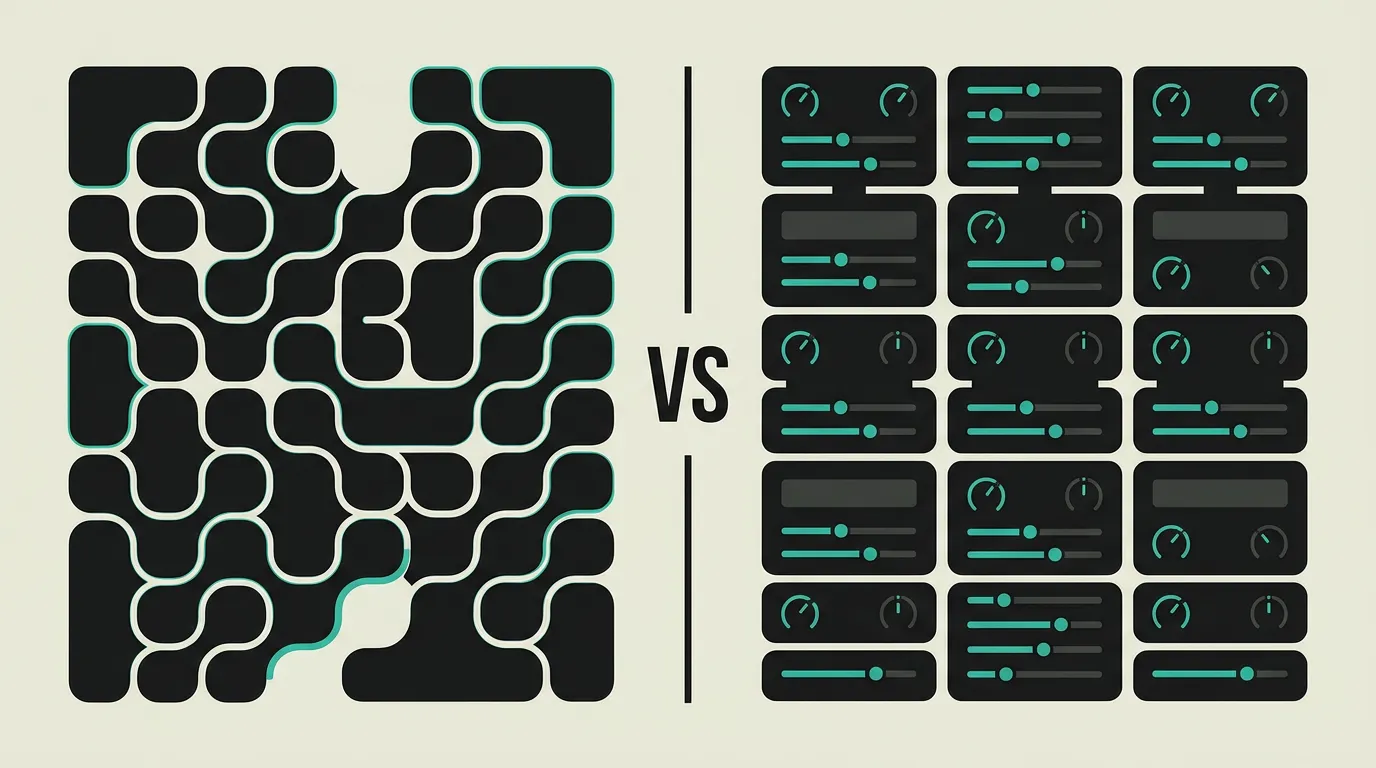
The choice between custom and off-the-shelf software is not dogmatic but a strategic decision. Custom fits when off-the-shelf falls short, when differentiation is critical to your competitive position, or when the software itself is the product. Off-the-shelf fits for processes that align with common workflows and where fast adoption is the priority. In practice, the hybrid approach is most common: off-the-shelf for generic processes (CRM, HR, accounting) and custom for the processes that make your organization unique. The tipping point often lies at the question: does deviating from standard create a competitive advantage?
Background
The "custom or off-the-shelf" question touches the core of your digital strategy. Off-the-shelf software democratizes access to proven functionality: a CRM like HubSpot or an ERP like SAP offers functionality built over decades. Custom software delivers exactly what your organization needs without compromise. In 2026, AI tools like Cursor and Claude accelerate custom development significantly, weakening the cost argument for off-the-shelf. The choice is more strategic than ever: where do you want to standardize and where do you want to differentiate?
Custom software
Software built specifically for your organization, processes, integrations, and unique requirements. Custom software follows your workflow rather than forcing you to adapt. You have complete control over functionality, user experience, and technical architecture. The higher upfront investment pays back through efficiency gains, competitive differentiation, and elimination of unnecessary license costs. Custom is particularly valuable when your business processes deviate from the standard and that deviation creates a competitive advantage.
Off-the-shelf
Packaged solutions like ERP (SAP, Microsoft Dynamics), CRM (Salesforce, HubSpot), or WMS that offer proven functionality with fast implementation. Off-the-shelf software bundles best practices from thousands of organizations and is continuously updated by the vendor. The lower upfront investment and faster time-to-market make it attractive for processes that align with common workflows. Limitations emerge when your processes deviate: configuration options get exhausted and workarounds become the norm.
What are the key differences between Custom software and Off-the-shelf?
| Feature | Custom software | Off-the-shelf |
|---|---|---|
| Cost | Higher upfront development costs; TCO depends on complexity and user counts | Lower initial investment; ongoing per-user licenses that scale with team size |
| Flexibility | Full control over functionality, UX, and architecture; no compromises needed | Limited to configuration, add-ons, and marketplace extensions within vendor constraints |
| Time-to-market | Longer; MVP typically 3-6 months, full implementation 6-18 months | Fast; operational within weeks to months with standard configuration |
| Uniqueness | Differentiation and competitive advantage through unique workflows and features | Conformity with standard processes; same tooling as your competitors use |
| Maintenance | Your responsibility or via development partner; full control over product roadmap | Vendor responsibility with regular updates, security patches, and new features |
| Integrations | Complete freedom in API design and connections with existing systems | Standard connectors available; custom integrations sometimes limited or expensive |
| Scalability | Architecture tailored to your expected growth and performance requirements | Scales within vendor limits; enterprise tier often significantly more expensive |
| Vendor lock-in | No lock-in; you own the source code and can switch partners | Dependency on vendor; migration is costly and complex when switching |
When to choose which?
Choose Custom software when...
Choose custom software when your business processes significantly deviate from what off-the-shelf packages offer and that deviation creates competitive advantage. It is the right choice for SaaS products, client portals, and operational software where the software itself is the product. Also when per-user licenses at large user counts make costs unmanageable, or when deep integrations with existing systems are necessary that no standard connector covers. Custom turns your software into a business asset rather than a commodity.
Choose Off-the-shelf when...
Choose off-the-shelf software when your processes align with common workflows and you want to be productive fast. Packages like ERP, CRM, or HRM offer proven functionality, vendor support, and an active community providing updates and best practices. The lower upfront investment and faster implementation are valuable for organizations that prioritize results over differentiation. Also the right choice when your team has limited development capacity and the software is not your core product.
What is the verdict on Custom software vs Off-the-shelf?
The choice between custom and off-the-shelf software is not dogmatic but a strategic decision. Custom fits when off-the-shelf falls short, when differentiation is critical to your competitive position, or when the software itself is the product. Off-the-shelf fits for processes that align with common workflows and where fast adoption is the priority. In practice, the hybrid approach is most common: off-the-shelf for generic processes (CRM, HR, accounting) and custom for the processes that make your organization unique. The tipping point often lies at the question: does deviating from standard create a competitive advantage?
Which option does MG Software recommend?
MG Software helps clients find the right mix between custom and off-the-shelf. No dogma, just pragmatism. Our approach starts with process analysis: which workflows are generic enough for off-the-shelf and which are unique enough to justify custom development? We build custom for the processes that make the difference: client portals, operational dashboards, industry-specific workflows, and SaaS products. For CRM, accounting, and HR, we recommend proven packages. The combination delivers the best balance of speed, cost, and differentiation.
Migrating: what to consider?
Migration from off-the-shelf to custom requires thorough process analysis: document which functionality you actually use, which workarounds you have built, and which features you miss. Expect a transition period of three to six months, including data migration, user training, and a parallel run period. Start with the most critical processes and migrate incrementally. Keep off-the-shelf for generic processes and build custom only for workflows that justify it. A phased approach reduces risk significantly.
Frequently asked questions
When do I choose custom software?
Choose custom when your business processes significantly deviate from standard workflows and that deviation provides competitive advantage. Concrete indicators: you build workarounds in off-the-shelf software, per-user licenses are unaffordable at your user counts, you need integrations no standard connector provides, or the software itself is your product (SaaS, portal). If your processes fit well within a standard package, custom is rarely justified.
Is custom software always more expensive?
Often initially, yes. Custom development costs typically range from 30,000 to 250,000 euros depending on complexity and the number of integrations with existing systems. Long-term, Total Cost of Ownership can be lower because there are no per-user licenses, no paying for unused features, and efficiency gains pay back the investment through faster processes and reduced manual work. The break-even point varies but falls between two and four years for many organizations. AI-accelerated development has significantly lowered initial costs in 2026, making custom software accessible to a broader range of organizations than ever before.
Can I combine custom with off-the-shelf?
Yes, this hybrid approach is the most common and pragmatic choice. Use off-the-shelf for generic processes: CRM (HubSpot, Salesforce), accounting (Xero, QuickBooks), HR (BambooHR, Personio). Build custom for the processes that make your organization unique: client portals, operational dashboards, industry-specific workflows, and integrations that no standard connector covers. Connect both via APIs for a seamless user experience. Most of our clients choose this combined approach.
How long does custom software development take?
A Minimum Viable Product (MVP) is typically ready in three to six months, depending on scope and integration complexity. A full implementation with all planned features takes six to eighteen months. Timeline depends on process complexity, number of integrations, and stakeholder availability for feedback. Agile development with biweekly sprints gives you working software every two weeks to evaluate and steer, reducing the risk of building the wrong thing.
What if my development partner stops?
With custom software, you own the source code, which prevents vendor lock-in. If your development partner stops, another partner or internal team can take over the codebase. This is a fundamental difference from off-the-shelf where you depend on the vendor. Ensure good documentation, automated tests, and a clean codebase. We deliver complete documentation and handover guidelines with every project to guarantee continuity.
How do I choose the right development partner?
Look for technical expertise in your desired stack, experience in your industry, references from comparable projects, and a transparent development process. Ask about their approach to requirements analysis, how they handle scope changes, and how they ensure quality (code reviews, automated testing). A good partner asks questions and challenges your assumptions rather than building everything immediately. Portfolio and references say more than promises.
Does AI accelerate custom software development?
Yes, significantly. AI tools like Cursor, Claude, and GitHub Copilot accelerate custom software development by an estimated 30 to 50 percent for routine tasks such as CRUD functionality, API integrations, and UI components. This lowers development costs and makes custom more accessible for smaller organizations that previously could only consider off-the-shelf solutions. At MG Software, we actively use AI tools in our development process, which translates to shorter timelines and lower costs for our clients. The quality of AI-generated code still requires experienced developers for review and architecture decisions.
We build production software with this stack
Our developers work with these tools daily for clients across Europe. Price estimate within 24 hours.
 Discuss your project