

Product updates5 Feb 20269 min read
Introducing Refront: AI-Powered Workflow Automation from Ticket to Invoice
We built Refront, a platform that automates the entire workflow from client conversation to payment. Tickets, time tracking, invoicing, and AI that actually resolves tasks.

Co-Founder

Introduction
At MG Software, we build custom software for our clients every day. But after years of using disconnected tools ourselves (Jira for tickets, Toggl for time tracking, Exact for invoicing, Gmail for client communication). We realised we had the exact problem we solve for others.
So we built Refront. A single platform that connects every step of a service business: from the first client conversation to the final invoice. Today, we are making it available for everyone.
Why We Built Refront
Every freelancer and small team knows the pain. You finish a project, then spend an evening piecing together your hours from calendar entries, Slack messages, and git commits. You copy data into your invoicing tool. You forget to bill for that Thursday night hotfix.
We tracked how much time our own team spent on administration versus actual client work. The answer was shocking: almost 30%. For a four-person team, that is more than one full-time employee worth of overhead.
Refront was born from a simple question: what if everything (tickets, time tracking, email, invoicing) lived in one place and talked to each other automatically?
What Refront Does
Refront is built around one idea: automate the workflow from conversation to payment. A client sends you an email. Refront turns it into a ticket. You work on the ticket. Time is tracked automatically from your git commits. You close the ticket. An invoice line is generated. The client pays via Stripe. The transaction is matched automatically.
At its core, Refront combines six modules that traditionally require six different subscriptions: ticket management with Kanban boards, project and client management, time tracking with calendar integration, invoicing and payments via Stripe, a customer portal for self-service, and a secure document vault.
But the real differentiator is the AI layer on top of everything.
AI That Actually Does the Work
Most tools slap an AI chatbot on top and call it innovation. Refront goes further. Our AI does not just suggest. It executes.
Send a voice message describing a bug, and AI converts it into a structured ticket with priority, category, and assigned team member. Drop a screenshot of an error, and AI analyses it, creates the ticket, and suggests a fix. Connect your Cursor IDE, and AI can actually resolve tickets by making code changes in your repository.
We also built a Magic Inbox for finances: photograph a receipt or forward an invoice email, and AI automatically matches it to the right transaction and categorises the expense. No more manual bookkeeping at the end of the month.
Built for Developers, Designed for Everyone
Refront integrates with the tools you already use. Slack for notifications, GitHub and Azure DevOps for code sync, Gmail and Outlook for email, Google Calendar for scheduling, and Stripe for payments. Every integration works bidirectionally: changes in one place sync everywhere.
For clients, there is a dedicated customer portal. They can view their projects, track ticket progress, access documents in the vault, and communicate with your team, all without needing access to your internal dashboard.
The entire platform is available as a web app, desktop app via Tauri, and mobile app via Expo. Your workflow goes where you go.
The Numbers So Far
Administrative overhead dropped from 30% to under 10% after switching to Refront.
MG Software internal metrics, 2025–2026
We have been using Refront internally at MG Software for the past year. The results speak for themselves: administrative overhead dropped from 30% to under 10%. Invoice accuracy improved because hours are tracked automatically. Client response time improved because emails convert to tickets instantly.
What used to take our team an entire Friday afternoon (compiling hours, generating invoices, updating project statuses) now happens continuously and automatically throughout the week.
Early Use Cases From the First Wave of Users
Since we opened early access, Refront has landed in places we did not originally design it for. A video production studio runs its edit revisions through tickets, with clients dropping feedback straight into the portal. An administration office uses the Magic Inbox to process hundreds of receipts a month for its own clients. And several freelance developers connect their repositories so the AI resolves small maintenance tickets overnight. The pattern in all these cases is the same: the less time a service business spends on coordination, the more billable hours remain. It is the same principle behind every custom solution we build.
Conclusion
Refront is the tool we wished existed when we started MG Software. Now it does, and we are sharing it with every freelancer, agency, and small team that is tired of duct-taping their workflow together.
Curious? Visit refront.nl to see Refront in action, or read more on our Refront portfolio page. If you want to be among the first to try it, sign up for early access today.
Frequently asked questions
What is Refront?
Refront is an AI-powered workflow automation platform that connects tickets, time tracking, invoicing, and client communication into a single system, from the first conversation to the final payment.
Who is Refront designed for?
Refront is built for freelancers, agencies, and small service teams who want to eliminate administrative overhead and automate the workflow from client request to invoice.
How does Refront use AI?
Refront's AI converts voice messages and screenshots into structured tickets, matches receipts to transactions automatically, and can even resolve support tickets by making code changes in connected repositories.
Co-Founder
Related posts
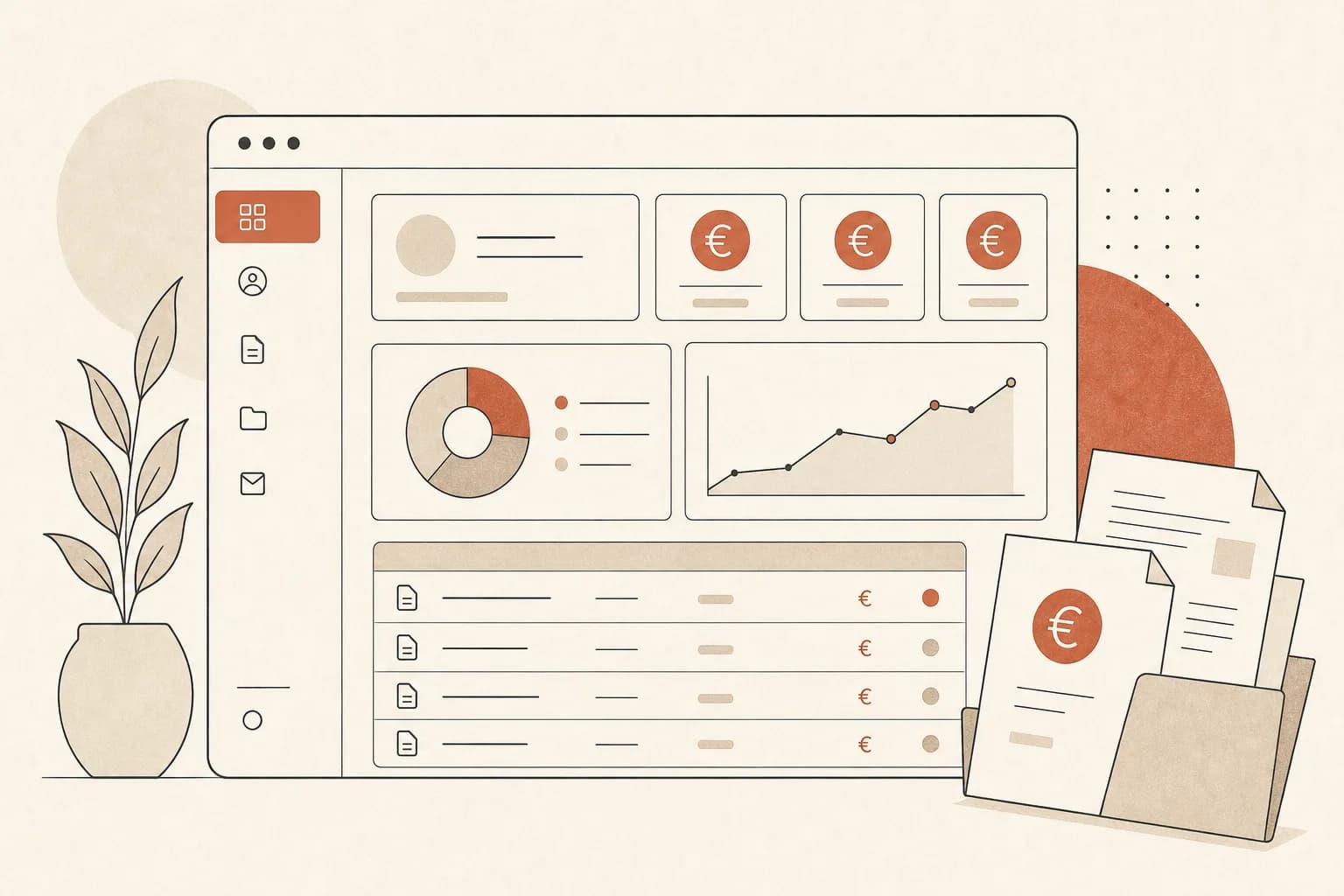 Product updatesWhat does a client portal cost in 2026? Honest price bandsRead article
 Product updatesMandatory E-Invoicing Is Coming: What SMEs Need to Know About ViDA NowRead article
 Product updatesWhat Does Custom Software Maintenance Cost Per Year?Read article
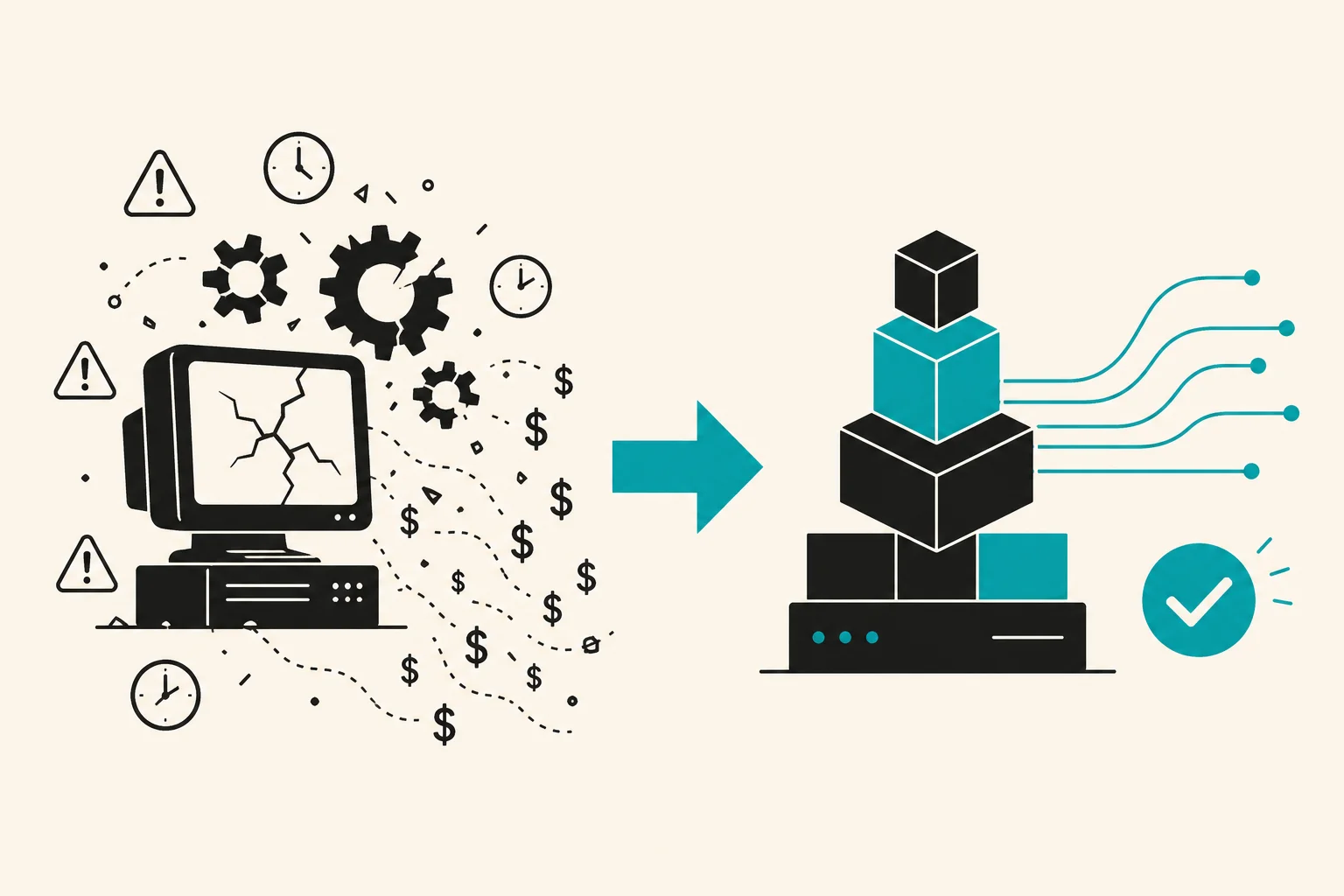 Product updatesLegacy Software: 7 Signs It Is Time to Modernize (Before It Costs You Customers)Read article