
Client Portal with Built-In Invoice Management
Give your clients a self-service portal where they can view, download, and pay invoices. Reduce admin overhead and accelerate payment cycles with automated invoice workflows.
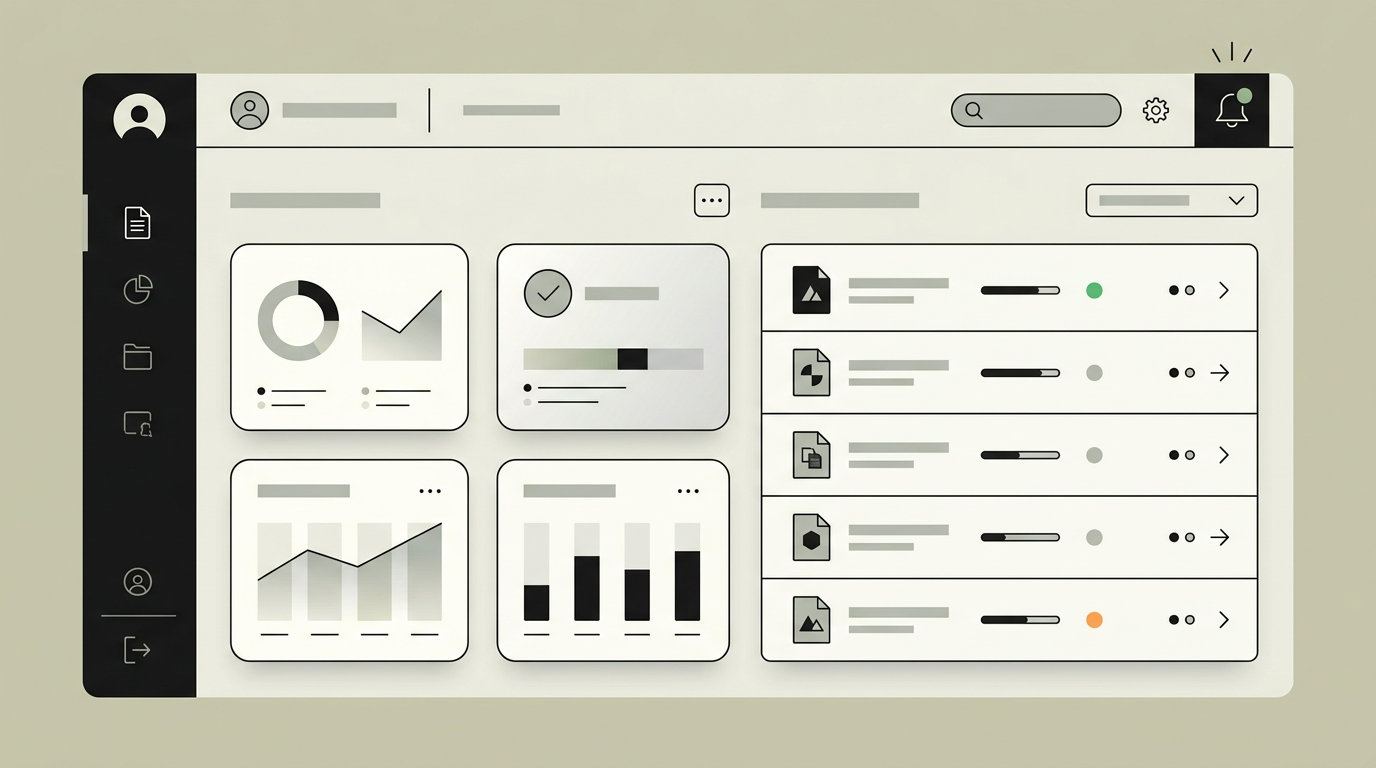
Manually sending invoices, chasing overdue payments, and reconciling spreadsheets costs organizations thousands of hours every year. A client portal that includes invoice management eliminates that friction. Clients log in to a branded environment where they can browse their full invoice history, filter by status or date, download PDF copies, and settle outstanding amounts directly. For the back-office team, this translates into fewer phone calls, faster collections, and a single source of truth for every financial interaction. Businesses that handle recurring services, project-based billing, or subscription models benefit the most because their clients expect a seamless, always-on billing experience rather than waiting for a monthly email attachment.
How does it work?
When a new invoice is generated in your ERP or accounting system, a webhook pushes the data to the portal back-end. The system normalizes the payload, stores it in a relational database, and renders a real-time entry in the client dashboard. Each invoice carries metadata such as line items, tax breakdowns, due dates, and payment terms. Clients receive an email or in-app notification the moment a new invoice is available, with a direct deep-link to the detail view. From there, they can download a branded PDF generated on-the-fly or initiate payment through an embedded checkout flow. Payment confirmation flows back through the same webhook pipeline so your accounting software is updated without manual intervention. Partial payments, credit notes, and recurring invoices are handled through dedicated state machines that ensure every transition is auditable. A background scheduler monitors overdue invoices and triggers configurable reminder sequences, reducing the need for manual follow-ups and improving cash flow predictability.
Capabilities
Automated invoice delivery
Invoices are pushed to the portal and to the client email immediately after creation, removing the lag of manual distribution.
Branded PDF generation
Dynamic PDF rendering ensures every invoice carries your logo, colors, and legal footer without separate template maintenance.
Payment status tracking
Real-time status labels (open, partially paid, overdue, settled) let both client and back-office see the same truth at a glance.
Overdue reminder engine
Configurable escalation sequences send friendly reminders before and after the due date, reducing days-sales-outstanding.
Credit note handling
Credit notes link back to the original invoice and automatically adjust the open balance visible to the client.
Integration options
Exact Online / Twinfield
Bi-directional sync keeps invoices, payments, and ledger entries consistent across your Dutch accounting stack.
Mollie / Stripe
Embedded payment gateway lets clients pay by iDEAL, credit card, or SEPA direct debit without leaving the portal.
Custom ERP
REST or GraphQL adapter connects to proprietary back-office systems so invoice data flows without manual exports.
Implementation steps
- 1
Discovery and data mapping
We analyze your current invoicing workflow, map data fields from your accounting system, and define the integration contract.
- 2
Portal UX design
Interactive prototypes are built in Figma, covering the invoice list, detail view, payment flow, and notification preferences.
- 3
Back-end integration
Webhook listeners, database schema, and PDF generation pipeline are implemented and connected to your accounting software.
- 4
Payment gateway setup
Mollie or Stripe is configured with your merchant account, including iDEAL, credit card, and SEPA methods.
- 5
Testing and go-live
End-to-end tests cover invoice sync, payment reconciliation, reminder triggers, and edge cases like partial payments.
User experience
The invoice list is filterable by date range, status, and amount. Each row expands into a detail view with line items and a prominent pay-now button. Responsive design means clients can check and pay invoices on any device, which is especially valuable for field workers and on-the-go decision makers.
Technical stack
Security
Invoice data is encrypted at rest (AES-256) and in transit (TLS 1.3). Access is scoped per client through row-level security policies, so a logged-in user can only see their own financial records. Audit logs track every view and download event for compliance purposes.
Maintenance
Monthly maintenance includes monitoring webhook reliability, updating payment gateway SDKs, and reviewing reminder delivery rates. Expect roughly 4 to 8 hours per month depending on invoice volume.
Frequently asked questions
Can clients pay partial amounts on a single invoice?
Yes. The system tracks partial payments and automatically recalculates the remaining balance. Both client and back-office see the updated status in real time.
How quickly do invoices appear in the portal after creation?
Invoices typically appear within seconds. The webhook-based architecture pushes data the moment it is saved in your accounting system, so there is no batch delay.
Is it possible to support multiple currencies?
Absolutely. The invoice model stores the original currency and exchange rate. The payment gateway handles conversion when the client pays in a different currency than the invoice denomination.
Need this functionality in your product?
We build it the way your business actually needs, without unnecessary complexity.
 Request a quote