
Smart Notifications for Your Client Portal
Keep your clients informed with intelligent, multi-channel notifications. From project updates to payment confirmations, deliver the right message at the right moment.
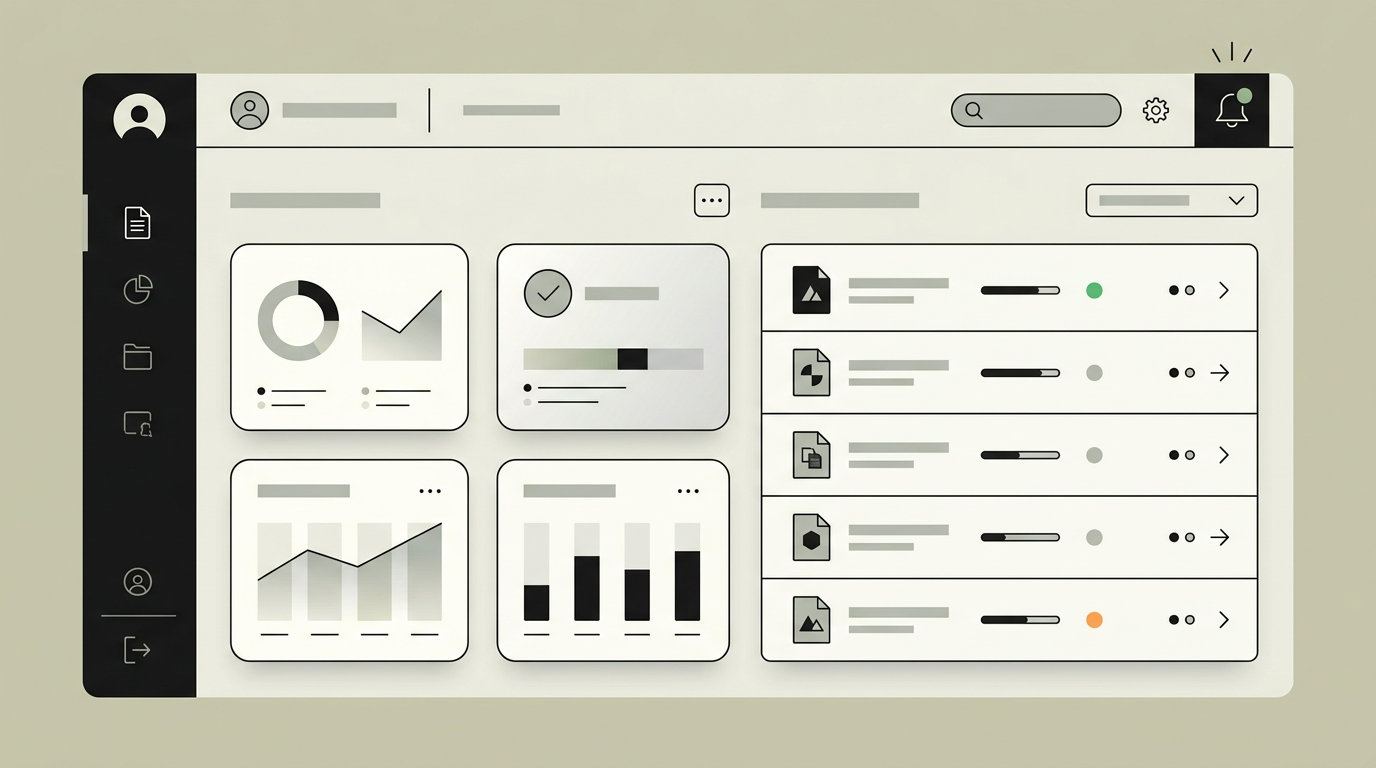
Clients should never have to wonder what is happening with their project, order, or request. Yet many portals rely on static status pages that clients must manually check. A well-designed notification layer bridges that gap by proactively pushing relevant updates through the channels clients actually use. Whether it is an email about an upcoming deadline, a push notification for a new document upload, or an in-app badge alerting to an overdue action item, intelligent notifications keep engagement high and support tickets low. For service providers and agencies, this level of communication transparency becomes a competitive advantage because it builds trust without adding manual work.
How does it work?
The notification engine operates on an event-driven architecture. Every meaningful action in the portal, such as a status change, file upload, message, or payment event, emits a domain event. A central dispatcher evaluates that event against a set of configurable rules: who should be notified, through which channel, and with what urgency. Rules can be based on user preferences, role, event type, or business logic conditions. Once the dispatcher selects the target audience and channel, it hands the notification to a queue that processes deliveries asynchronously. Email delivery uses a transactional provider like Resend or SendGrid with branded templates. Push notifications go through the Web Push API for browser-based alerts or Firebase Cloud Messaging for native apps. In-app notifications are stored in a dedicated notifications table and streamed to the client UI through server-sent events, ensuring that new alerts appear without a page refresh. Every notification is tracked with delivery and read receipts, giving the back-office full visibility into client engagement. Clients can fine-tune their preferences through a settings panel that lets them toggle channels and frequency per event category.
Capabilities
Multi-channel delivery
Notifications reach clients through email, push, SMS, and in-app alerts. Channel selection follows client preferences and event urgency.
Preference management
Each client controls which event types trigger notifications and through which channels, reducing noise and improving satisfaction.
Real-time in-app feed
A live notification feed inside the portal updates instantly via server-sent events, so clients never need to refresh.
Delivery and read tracking
Every notification records delivery timestamp and open event, enabling the back-office to verify that critical messages were received.
Batching and digest mode
Low-priority events can be grouped into a daily or weekly digest email to prevent notification fatigue.
Integration options
Resend / SendGrid
Transactional email providers handle delivery with high inbox placement rates and built-in analytics.
Firebase Cloud Messaging
Push notifications for mobile and desktop browsers, including support for rich content and action buttons.
Twilio
SMS and WhatsApp channels for time-sensitive alerts like payment confirmations or appointment reminders.
Implementation steps
- 1
Event catalog definition
We inventory all portal actions that warrant notifications and assign default channels and urgency levels.
- 2
Dispatcher and queue setup
The event-driven dispatcher and asynchronous delivery queue are implemented with retry and dead-letter handling.
- 3
Channel integrations
Email, push, and optional SMS providers are connected with branded templates for each event type.
- 4
Preference UI
A settings panel is designed and built so clients can manage their notification preferences per category.
- 5
Analytics dashboard
An admin view surfaces delivery rates, open rates, and preference distributions for ongoing optimization.
User experience
An unobtrusive bell icon shows the unread count. Clicking it opens a slide-out panel with chronologically ordered notifications grouped by day. Each item has a clear call-to-action that deep-links to the relevant page. Swipe-to-dismiss on mobile makes cleanup effortless.
Technical stack
Security
Notification content is filtered to exclude sensitive data like full account numbers. Push notification payloads are encrypted end-to-end. Preference changes require re-authentication to prevent unauthorized channel hijacking.
Maintenance
Ongoing maintenance involves monitoring delivery rates across channels, rotating push notification keys, and updating email templates when branding changes. Budget roughly 3 to 6 hours per month.
Frequently asked questions
Need this functionality in your product?
We build it the way your business actually needs, without unnecessary complexity.
Request a quoteRelated articles
Client Portal with Built-In Invoice Management
Give your clients a self-service portal where they can view, download, and pay invoices. Reduce admin overhead and accelerate payment cycles with automated invoice workflows.
Automated Document Generation in Your Client Portal
Let your portal generate contracts, reports, and certificates on-demand. Merge live data into professional templates and deliver polished documents in seconds.
Role-Based Access Control for Client Portals
Not every user needs the same view. Implement granular role-based permissions so each client stakeholder sees exactly what they should, nothing more, nothing less.
Professional portals for construction and real estate
Give construction clients real-time project visibility, document access, and milestone tracking through a secure, branded portal built for your workflow.