
Automated Document Generation in Your Client Portal
Let your portal generate contracts, reports, and certificates on-demand. Merge live data into professional templates and deliver polished documents in seconds.
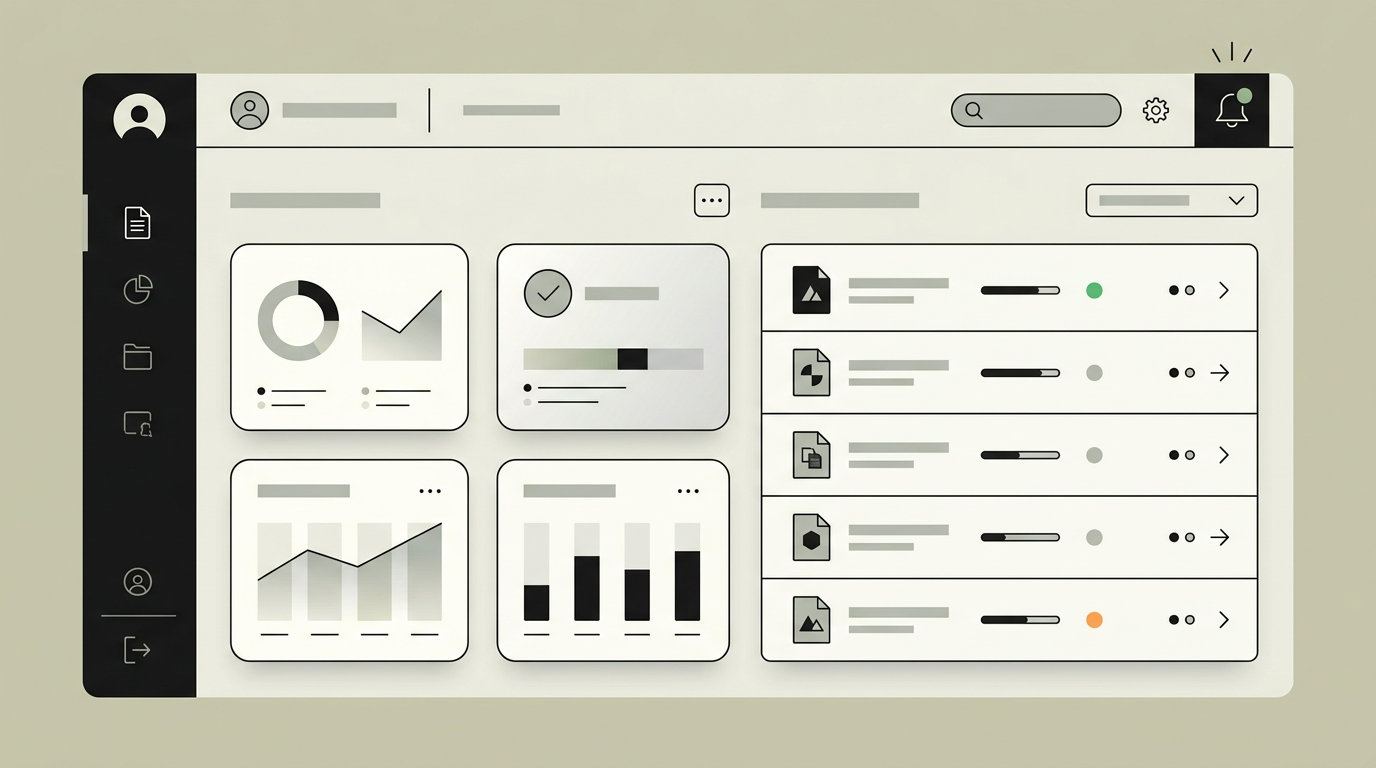
Every professional service produces documents: contracts, proposals, progress reports, compliance certificates, delivery confirmations. Creating these manually introduces delays, formatting inconsistencies, and the very real risk of copy-paste errors that can have legal consequences. Embedding document generation directly into a client portal means that the moment data is available, the document can be assembled and presented to the client for review or download. Think of an engineering firm that needs to deliver hundreds of inspection certificates per quarter, or a recruitment agency producing placement confirmations for each assignment. The portal pulls structured data from the database, merges it into a versioned template, and renders a pixel-perfect result without anyone opening a word processor.
How does it work?
Document generation starts with a template layer. Templates are designed in a visual editor or coded in HTML/CSS for pixel-level control, with placeholder tokens that map to database fields. When a client or back-office user triggers generation, the system fetches the relevant data context, validates completeness, and performs the merge. The rendering engine converts the merged HTML into a high-fidelity PDF using a headless browser or a dedicated PDF library, preserving fonts, page breaks, headers, and footers. Generated documents are stored in object storage with a reference link attached to the client record. Version control ensures that a regenerated document creates a new revision rather than overwriting the original. For bulk operations, a background job processes hundreds of documents in parallel and notifies the user when the batch is complete. Digital signatures can be layered on top through integration with e-signing providers, turning the portal into a full document lifecycle platform. The entire chain from trigger to delivery typically completes in under three seconds for a single document.
Capabilities
Template management
A visual or code-based editor lets non-developers create and update document templates with dynamic placeholders.
Data merge engine
Structured data from multiple sources is pulled, validated, and injected into the template before rendering.
High-fidelity PDF output
Pixel-perfect rendering with custom fonts, logos, tables, and multi-page layouts suitable for print and legal use.
Versioned document storage
Every generated document is stored with a revision history so previous versions remain accessible for audit trails.
Bulk generation
Background processing handles batch generation for hundreds of documents simultaneously, with progress tracking.
E-signature integration
Optional connection to DocuSign or a similar provider allows clients to sign generated documents directly in the portal.
Integration options
AWS S3 / Cloudflare R2
Object storage for generated documents, providing durable, scalable file hosting with signed URL access.
DocuSign / SignRequest
E-signature providers enable legally binding digital signatures directly within the generated document flow.
Custom CRM or ERP
Data feeds from your CRM or ERP populate document templates with client, project, and financial data.
Implementation steps
- 1
Template design
We collaborate on the visual design of each document type and translate it into merge-ready templates.
- 2
Data source mapping
All fields required by the templates are mapped to your existing data sources with validation rules.
- 3
Rendering pipeline
The PDF generation engine is built and optimized for speed, including caching and parallel rendering for bulk operations.
- 4
Storage and access layer
Object storage, signed URLs, and version tracking are configured to ensure secure, auditable document access.
- 5
Portal UI integration
The documents section is designed with preview, download, and status tracking for both single and bulk generation.
User experience
Clients see a "Documents" section in the portal listing all generated files grouped by type. One-click download and a preview panel let them review documents without leaving the browser. Generation triggers are clearly marked with progress indicators for bulk operations.
Technical stack
Security
Generated documents inherit the access permissions of the underlying data. Signed URLs expire after a configurable window. Sensitive fields can be redacted based on the viewer role, ensuring that external clients never see internal annotations.
Maintenance
Template updates as business requirements evolve, rendering engine dependency updates, and storage cost monitoring represent the primary ongoing investment. Expect 3 to 5 hours monthly.
Frequently asked questions
Need this functionality in your product?
We build it the way your business actually needs, without unnecessary complexity.
Request a quoteRelated articles
Client Portal with Built-In Invoice Management
Give your clients a self-service portal where they can view, download, and pay invoices. Reduce admin overhead and accelerate payment cycles with automated invoice workflows.
Smart Notifications for Your Client Portal
Keep your clients informed with intelligent, multi-channel notifications. From project updates to payment confirmations, deliver the right message at the right moment.
Role-Based Access Control for Client Portals
Not every user needs the same view. Implement granular role-based permissions so each client stakeholder sees exactly what they should, nothing more, nothing less.
Professional portals for construction and real estate
Give construction clients real-time project visibility, document access, and milestone tracking through a secure, branded portal built for your workflow.