
Structured Onboarding Through Your Employee Portal
Make every new hire feel welcome and productive from day one. A digital onboarding module guides employees through checklists, documents, and introductions at their own pace.
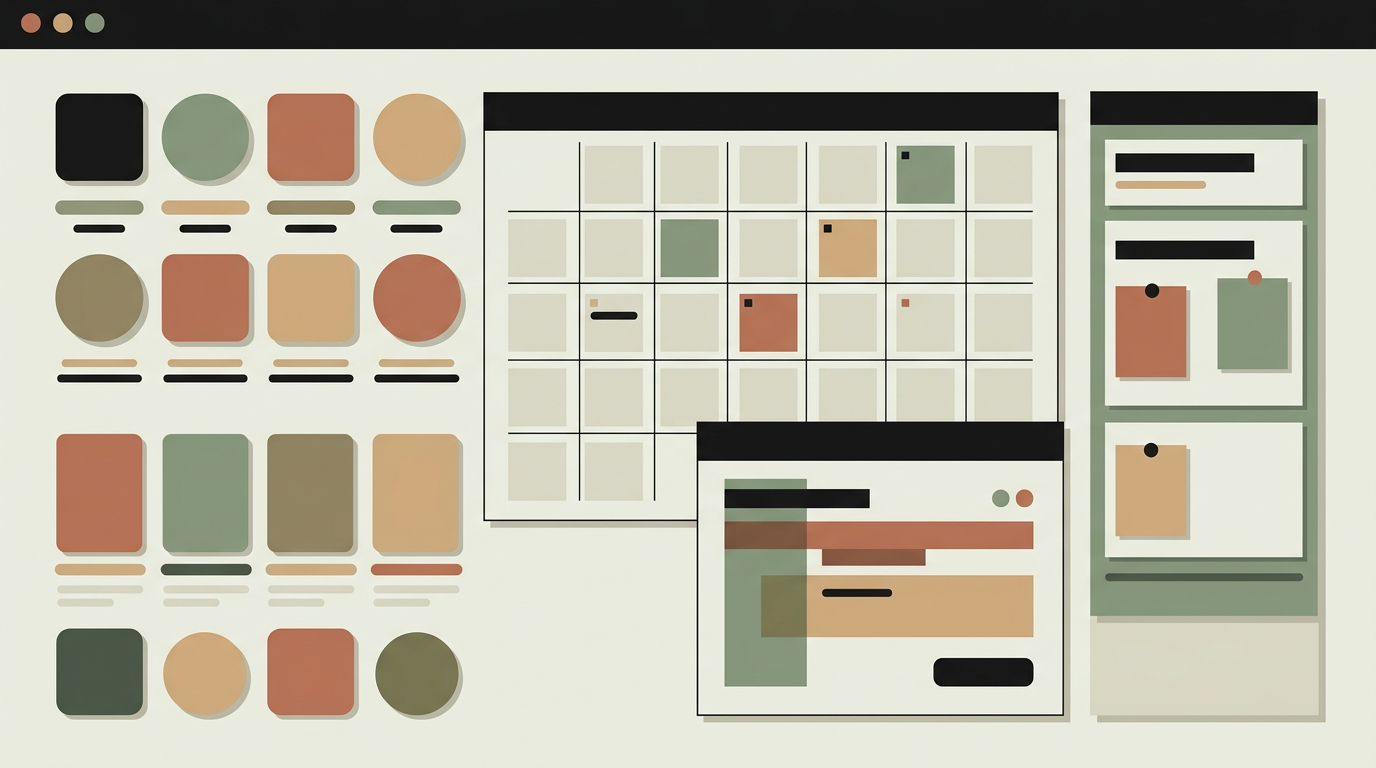
The first weeks at a new job set the tone for the entire employment relationship. Research consistently shows that structured onboarding improves retention, time-to-productivity, and new hire satisfaction. Yet many organizations still handle onboarding through a combination of scattered documents, ad-hoc meetings, and the hope that someone remembers to order a laptop. A digital onboarding module replaces that chaos with a guided experience. Before their first day, the new hire receives portal access where they can complete administrative tasks like signing their contract, providing bank details, and uploading ID documents. During the first weeks, a personalized checklist guides them through introductions, training modules, tool setup, and role-specific learning paths. HR and the hiring manager have visibility into progress without needing to micromanage.
How does it work?
The onboarding module is template-driven. HR defines onboarding templates per role or department, each consisting of phases (pre-start, week one, first month, first quarter) with tasks assigned to the new hire, their manager, HR, or IT. When a new hire is created in the system, an onboarding instance is generated from the appropriate template, personalized with their start date, team, and role. Pre-start tasks like document signing and information collection are available immediately through a secure portal link sent to the new hire personal email. Tasks can be checklists, document uploads, form submissions, video views, or acknowledgments of policy documents. Each task has a due date calculated relative to the start date and optional dependencies (task B becomes available only after task A is completed). The new hire sees a progress dashboard with clear next steps and a celebration animation when milestones are reached. Managers and HR see a parallel view showing progress across all active onboardings, with alerts for overdue tasks. Automated reminders nudge participants when tasks approach their deadlines. Once the onboarding period is complete, a feedback survey collects the new hire impressions for continuous improvement. The collected data also serves as compliance documentation, proving that mandatory training and policy acknowledgments were completed.
Capabilities
Role-based onboarding templates
Pre-built templates per role or department ensure consistent onboarding while allowing customization for specific positions.
Pre-boarding access
New hires complete paperwork and information before their start date, freeing day one for meaningful introductions.
Task dependency chains
Tasks unlock based on completion of prerequisites, guiding the new hire through a logical sequence.
Progress tracking for all stakeholders
New hire, manager, and HR each see relevant progress views with overdue alerts and completion metrics.
Compliance documentation
Timestamped records of policy acknowledgments and training completions provide audit-ready compliance proof.
Integration options
HR systems (BambooHR, Personio)
New hire records trigger onboarding creation automatically when an employee is added to the HR system.
E-signature (DocuSign, SignRequest)
Contracts and policy documents are signed digitally within the onboarding flow without external redirects.
IT provisioning (Okta, Google Admin)
Account creation and access provisioning tasks are triggered automatically from the onboarding workflow.
Implementation steps
- 1
Template design
We work with HR to design onboarding templates for each role or department, defining phases, tasks, and dependencies.
- 2
Portal UX design
The new hire experience is designed to feel welcoming and intuitive, with clear progress indicators and minimal friction.
- 3
Task engine development
The task management system with dependencies, due dates, reminders, and multi-role assignment is built and tested.
- 4
Integration setup
HR system triggers, e-signature flows, and IT provisioning connections are configured.
- 5
Pilot and refinement
The module is piloted with a small group of new hires, feedback is collected, and adjustments are made before full rollout.
User experience
The onboarding dashboard feels welcoming rather than bureaucratic. A friendly progress bar shows how far along the new hire is. Tasks are grouped by priority and displayed as cards with clear actions. Completed tasks receive a visual check-off that provides a sense of accomplishment.
Technical stack
Security
Pre-boarding portal access uses a time-limited, single-use invitation link. Uploaded documents (ID, bank details) are encrypted at rest with restricted access. Personal data entered during onboarding is subject to the same GDPR retention policies as other employee data.
Maintenance
Updating templates when policies or tools change, monitoring task completion rates, and incorporating feedback from new hires. Budget 2 to 4 hours monthly.
Frequently asked questions
Can onboarding start before the employee official first day?
Yes. Pre-boarding tasks are available from the moment the onboarding is created. New hires can complete paperwork, read welcome materials, and provide personal details ahead of their start date.
How long does a typical onboarding track last?
Onboarding templates are flexible. A common structure spans 90 days with phases for pre-start, first week, first month, and first quarter. The duration is fully configurable per role.
Can we track which mandatory training modules have been completed?
Each training task records a completion timestamp and, if applicable, a score or acknowledgment. HR can generate compliance reports showing which employees have completed all required training.
Need this functionality in your product?
We build it the way your business actually needs, without unnecessary complexity.
 Request a quote