
Dashboard-Driven Workflow Automation That Saves Hours
Turn dashboard insights into automated actions. When a metric crosses a threshold, trigger workflows that reassign tasks, send alerts, or update records without human intervention.
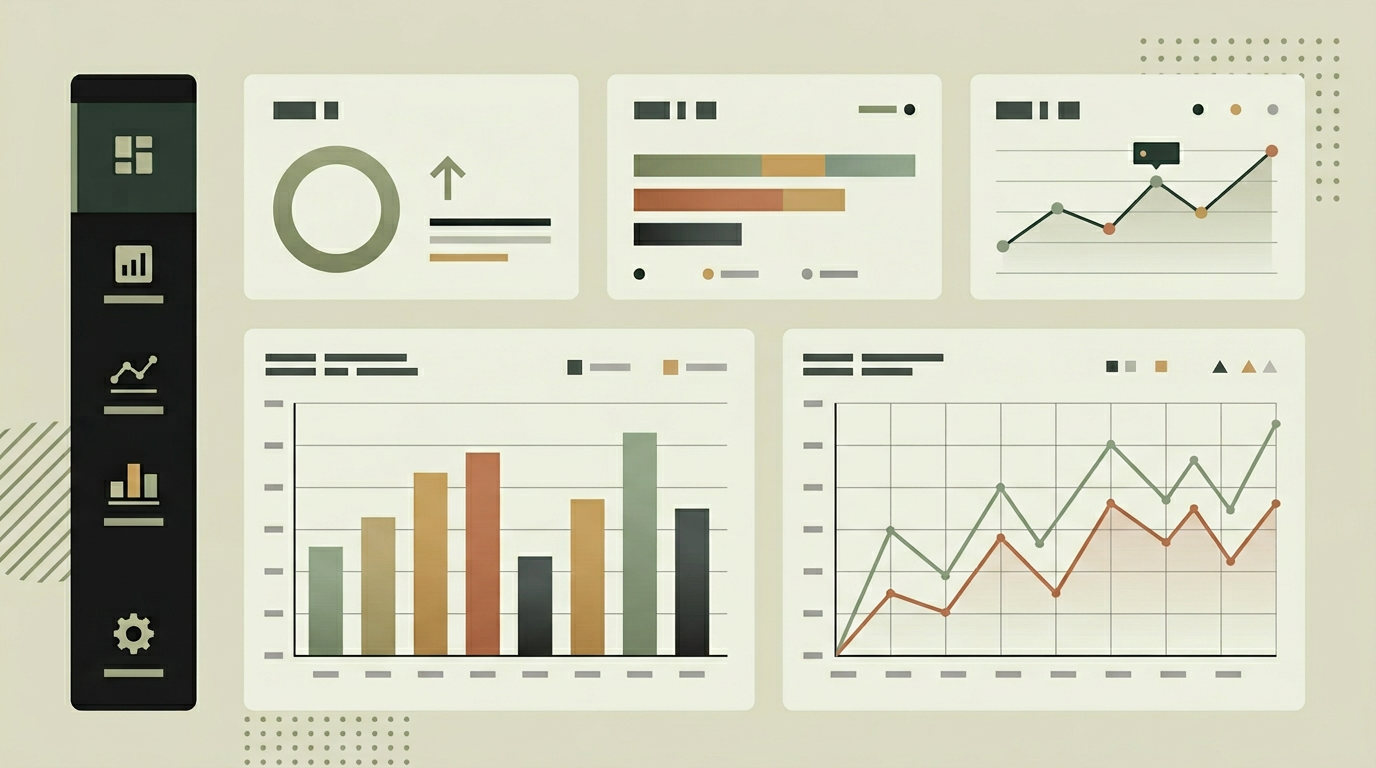
A dashboard that only displays data is a reporting tool. A dashboard that acts on data is a force multiplier. Workflow automation extends the dashboard from a passive display into an active operations center. Consider a warehouse dashboard where inventory for a popular item drops below the reorder threshold. Instead of waiting for someone to notice and manually create a purchase order, the system does it automatically. Or a customer success dashboard that detects a client whose engagement score has been declining for two weeks and automatically creates a check-in task for the account manager. These automations eliminate the gap between insight and action, ensuring that important signals in the data lead to timely responses even when the team is occupied with other priorities.
How does it work?
Workflow automation is powered by a rule engine that evaluates conditions against incoming data streams. Rules follow an "if-then" pattern: if a metric crosses a threshold, exceeds a rate of change, or remains in a specific state for a defined duration, then one or more actions are triggered. Actions can include sending notifications, creating tasks in a project management tool, updating records in a CRM or ERP, or calling an external API. Rules are configured through a visual builder that lets non-developers define conditions and actions using dropdown selectors and value fields. More complex logic, like multi-condition rules with AND/OR operators and time windows, is supported through an advanced editor. The engine processes rules asynchronously to avoid blocking the data pipeline. Each rule execution is logged with the triggering condition, the data values at the time, and the outcome of each action. This audit trail is essential for debugging and compliance. Rules can be paused, tested against historical data, and version-controlled so changes are traceable. For organizations with many rules, a dependency graph visualizes which rules feed into each other, helping prevent circular triggers and ensuring that automation chains behave predictably.
Capabilities
Visual rule builder
A drag-and-drop interface allows non-developers to create automation rules with conditions, actions, and scheduling.
Multi-action triggers
A single rule can fire multiple actions in sequence or parallel, such as sending a notification and creating a task simultaneously.
Historical backtesting
New rules can be tested against historical data to verify they would have triggered at the right moments before activating them live.
Execution audit trail
Every rule execution is logged with the triggering context and action outcomes for transparency and debugging.
Circuit breaker safeguards
Rate limits and circular dependency detection prevent runaway automation chains from causing unintended cascading actions.
Integration options
Project management (Jira, Asana, Linear)
Automated task creation and status updates when dashboard metrics indicate action is needed.
Communication (Slack, Teams, Email)
Alert messages posted to channels or sent to individuals when workflow triggers fire.
CRM / ERP systems
Record updates, deal stage changes, or purchase order creation triggered directly from dashboard conditions.
Implementation steps
- 1
Workflow inventory
We identify repetitive manual actions that can be automated and define the triggering conditions and expected outcomes.
- 2
Rule engine architecture
The event-driven rule engine is designed with condition evaluation, action dispatch, and safeguard mechanisms.
- 3
Visual builder development
The rule configuration interface is built for both simple threshold rules and advanced multi-condition workflows.
- 4
Action connector implementation
Connectors to external systems (task managers, communication tools, ERPs) are built and tested for reliability.
- 5
Testing and guardrails
Backtesting, circuit breakers, and rate limiting are implemented to ensure automations behave predictably at scale.
User experience
Active automations are surfaced on the dashboard as small indicator badges on the widgets they monitor. A dedicated automation panel shows recently fired rules, their outcomes, and any that require attention. Failed actions are highlighted with retry and manual override options.
Technical stack
Security
Automation actions execute with a service account that has minimal necessary permissions. Sensitive actions like financial record updates require an additional approval step. All rule changes are version-controlled and attributed to the author.
Maintenance
Rule tuning as business conditions change, connector maintenance for external system updates, and monitoring the audit trail for unexpected behavior. Budget 4 to 8 hours monthly.
Frequently asked questions
Can automations run outside business hours?
Yes. Rules can be configured with time windows (e.g., only during business hours) or run 24/7. Critical threshold alerts like system downtime detection typically run continuously.
What prevents an automation from firing repeatedly on the same event?
The rule engine supports cooldown periods and deduplication logic. Once a rule fires for a specific metric, it can be configured to wait a defined period before firing again for the same condition.
Can we manually approve certain automated actions before they execute?
Absolutely. Actions can be flagged as requiring approval. In that case, the automation creates a pending action that a designated user must confirm before it executes.
Need this functionality in your product?
We build it the way your business actually needs, without unnecessary complexity.
 Request a quote