
Real-Time Data Dashboards Built for Decision Makers
Stop relying on yesterday's numbers. Build a custom dashboard that streams live data from your systems so every decision is backed by the latest metrics.
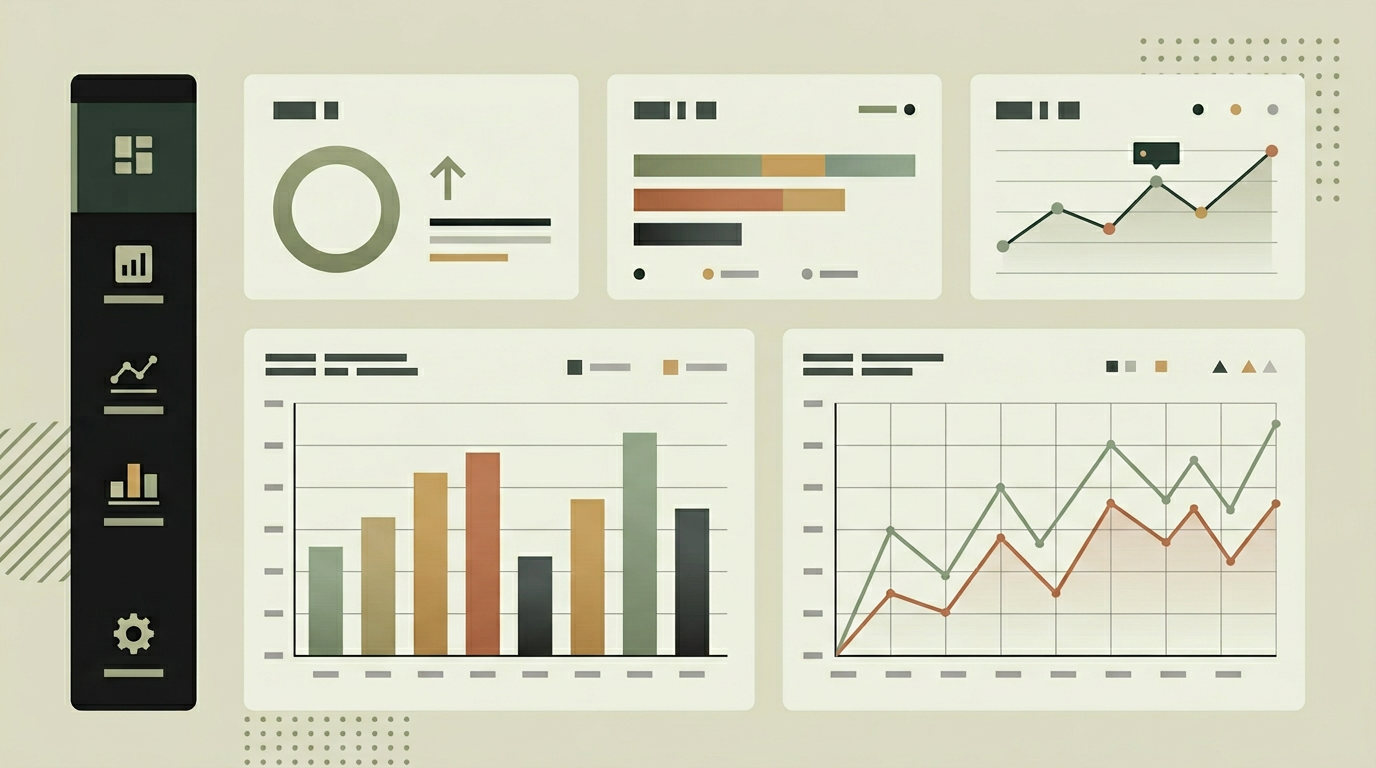
Traditional dashboards refresh once a day, sometimes once an hour. In fast-moving environments like logistics, e-commerce, and customer service, that latency means acting on outdated information. A real-time dashboard changes the dynamic entirely. Sales managers see the moment a large deal closes. Operations teams spot delivery delays as they occur, not the next morning. Customer service leads notice a spike in ticket volume within seconds, allowing immediate resource reallocation. The shift from periodic batch updates to continuous data streams is not just a technical upgrade; it fundamentally alters how quickly an organization can respond. For growing businesses, this responsiveness often makes the difference between catching a problem early and dealing with a crisis after the fact.
How does it work?
Real-time dashboards rely on event streaming rather than polling. Source systems, whether databases, APIs, or IoT sensors, emit events to a message broker like Redis Streams or Apache Kafka. A transformation layer normalizes these events into a common metric format and persists them in a time-series store for historical queries. The dashboard front-end establishes a WebSocket or server-sent events connection to the back-end. When new data arrives, the server pushes incremental updates to connected clients. Charts, counters, and tables update in place without a full page reload. For high-frequency data sources like IoT sensors producing readings every second, the server applies windowing and aggregation before forwarding to the client, preventing browser overload while maintaining near-instant visibility. Historical context is layered behind the live view, so users can zoom out from the current moment to trends over the last hour, day, or month. Alert thresholds trigger both visual indicators on the dashboard and push notifications through configured channels when metrics cross predefined boundaries.
Capabilities
Sub-second data delivery
WebSocket connections push new data points to the dashboard within milliseconds of the source event occurring.
Adaptive aggregation
High-frequency data is windowed and aggregated server-side to keep the browser responsive while preserving granularity in the time-series store.
Historical context overlay
Live metrics are displayed alongside historical trends so users understand whether current values are normal or anomalous.
Threshold-based alerting
Configurable alert rules trigger visual warnings on the dashboard and push notifications when metrics exceed defined limits.
Multi-source fusion
Data from different systems (ERP, CRM, IoT, support tools) is normalized and presented in a unified view.
Integration options
Redis Streams / Kafka
Message brokers handle high-throughput event ingestion from multiple source systems with guaranteed delivery.
REST / GraphQL APIs
Adapters poll or subscribe to third-party APIs for systems that do not support native event streaming.
Database change data capture
Logical replication or CDC tools like Debezium stream database changes in real time without impacting source system performance.
Implementation steps
- 1
Data source audit
We identify all source systems, their event capabilities, and the metrics that matter most to your decision-making process.
- 2
Streaming infrastructure
The event pipeline is set up with a message broker, normalization layer, and time-series storage.
- 3
Dashboard UI development
Interactive widgets are built with smooth animations, responsive layout, and user-configurable KPI selections.
- 4
Alert configuration
Threshold rules, notification channels, and escalation paths are defined and implemented.
- 5
Load testing and optimization
The system is stress-tested with simulated high-frequency data to ensure smooth performance under peak conditions.
User experience
Widgets animate smoothly as new data arrives, with color transitions indicating direction of change. Users can pin their most important KPIs, rearrange the layout, and save named views. A full-screen mode is available for wall-mounted team displays.
Technical stack
Security
WebSocket connections are authenticated with short-lived tokens. Data transmitted over the wire is encrypted with TLS. Dashboard access respects the same role-based permissions as the rest of the application, so users only see metrics relevant to their scope.
Maintenance
Monitoring the event pipeline for lag, tuning aggregation windows as data volumes grow, and updating dashboard widgets. Expect 4 to 8 hours monthly.
Frequently asked questions
How many data sources can the dashboard handle simultaneously?
There is no hard limit. The message broker architecture allows dozens of sources to feed into a single dashboard. Performance scales horizontally by adding more processing workers.
What happens if the WebSocket connection drops?
The client automatically reconnects and fetches any missed updates from the server. A visual indicator shows connection status so users know when they are seeing live data versus a cached state.
Can we set different alert thresholds per team or role?
Yes. Alert rules support audience targeting so the sales team can have different thresholds and notification channels than the operations team.
Need this functionality in your product?
We build it the way your business actually needs, without unnecessary complexity.
 Request a quote