
Your own dashboards with advanced reporting
Combine interactive dashboards with scheduled and ad-hoc reporting. Export polished PDFs, automate weekly digests, and let data speak for itself.
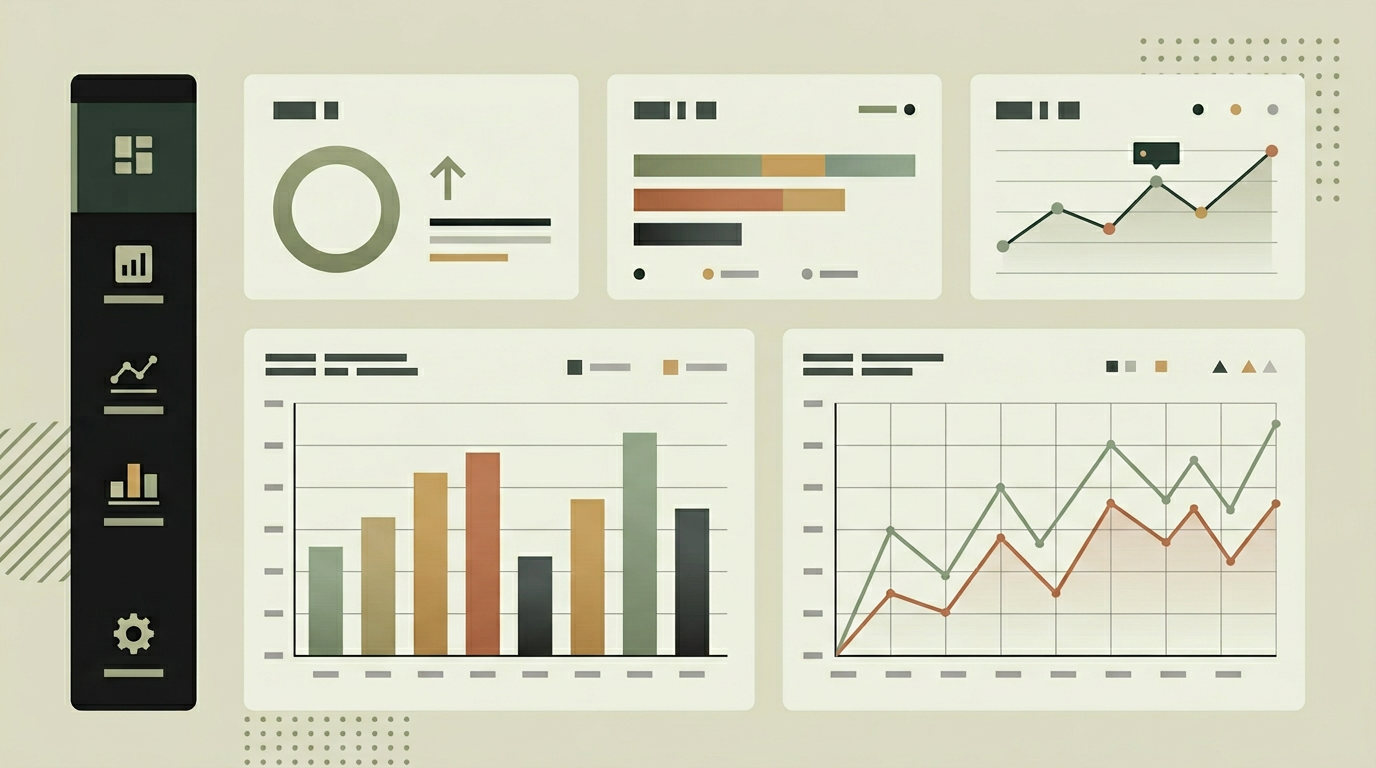
Dashboards are excellent for real-time awareness, but stakeholders also need structured reports they can share in board meetings, attach to client updates, or archive for compliance. A dashboard without reporting capability forces users to screenshot charts and paste them into PowerPoint, losing data fidelity and wasting time. When reporting is built into the dashboard, any view, filter combination, or date range can be rendered as a professional PDF or Excel export with one click. Scheduled reports deliver recurring insights to inboxes automatically, so managers start their Monday with a summary rather than logging in to dig through data. The combination of live dashboards and polished reports covers both the operational and the strategic use case within a single platform.
How does it work?
The reporting layer adds three capabilities on top of the dashboard: on-demand exports, scheduled report generation, and a report builder for custom layouts. On-demand exports capture the current dashboard state, including active filters and date range, and render it to PDF or Excel through a server-side process. The rendering engine uses the same chart library as the interactive dashboard, ensuring visual consistency between the screen and the printed page. Scheduled reports are defined through a scheduler interface where users pick a report template, recipient list, frequency, and delivery channel. A cron-based orchestrator triggers generation at the defined intervals, assembles the report from the latest data, and dispatches it via email or deposits it in a shared drive. The report builder lets advanced users design custom layouts by selecting widgets, arranging them on a canvas, and applying filters and breakdowns. These custom reports can then be saved, shared, or scheduled. Data behind every report is queryable through a drilldown interface, so a recipient who has questions about a number can click through to the underlying records without requesting a separate analysis.
Capabilities
One-click PDF and Excel export
Any dashboard view can be exported as a polished PDF or structured Excel file preserving all active filters and formatting.
Scheduled report delivery
Recurring reports are generated and emailed automatically at daily, weekly, or monthly intervals to configurable recipient lists.
Custom report builder
Drag-and-drop canvas lets users compose bespoke reports from available widgets, breakdowns, and commentary blocks.
Drilldown navigation
Reports support clickable data points that navigate to the underlying records for deeper investigation.
Branded templates
Reports carry your company logo, colors, and footer so they are presentation-ready for external stakeholders.
Integration options
Email (Resend / SMTP)
Scheduled reports are delivered as email attachments or inline summaries with links to the full interactive view.
Google Drive / SharePoint
Generated reports are automatically deposited in shared folders for teams that prefer cloud storage over email.
Slack / Microsoft Teams
Digest messages with key highlights and report links posted to team channels at scheduled intervals.
Implementation steps
- 1
Report requirements gathering
We identify which dashboard views need reporting, what export formats are required, and who the target audiences are.
- 2
Export engine development
PDF and Excel generation pipelines are built with branded templates and consistent chart rendering.
- 3
Scheduler implementation
The scheduling interface and cron-based orchestrator are developed with retry handling and delivery tracking.
- 4
Report builder UI
An intuitive drag-and-drop interface is created for users who need custom report layouts beyond the standard views.
- 5
Delivery channel integration
Email, cloud storage, and chat integrations are configured for automated report distribution.
User experience
An export button is always visible in the dashboard toolbar. Hovering reveals format options: PDF, Excel, or a shareable link. Scheduled reports are managed in a dedicated section with delivery history and status indicators.
Technical stack
Security
Exported reports inherit the permission scope of the generating user. Scheduled reports only include data the recipient is authorized to see. Files are encrypted in transit and at rest when stored in cloud drives.
Maintenance
Updating report templates when KPIs change, monitoring scheduled delivery success rates, and maintaining export library dependencies. Typically 3 to 6 hours monthly.
Frequently asked questions
Need this functionality in your product?
We build it the way your business actually needs, without unnecessary complexity.
Request a quoteRelated articles
Real-Time Data Dashboards Built for Decision Makers
Stop relying on yesterday's numbers. Build a custom dashboard that streams live data from your systems so every decision is backed by the latest metrics.
Connect Any System to Your Dashboard via API Integrations
Break down data silos by integrating your CRM, ERP, and third-party tools into a single dashboard. REST, GraphQL, or webhooks, we make them all talk.
Mobile-First Dashboard Access for Teams on the Move
Your data should travel with you. Build a responsive dashboard optimized for phones and tablets so field teams and executives always have their KPIs at hand.
Data Analytics Platform Examples for Businesses
Discover three real-world examples of custom data analytics platforms built by MG Software for businesses across diverse sectors. From a marketing analytics dashboard for e-commerce and an operational BI platform for manufacturing companies to a financial reporting platform for accounting firms, each example demonstrates how custom analytics helps organisations make data-driven decisions that deliver directly measurable business results.