
Mobile-First Dashboard Access for Teams on the Move
Your data should travel with you. Build a responsive dashboard optimized for phones and tablets so field teams and executives always have their KPIs at hand.
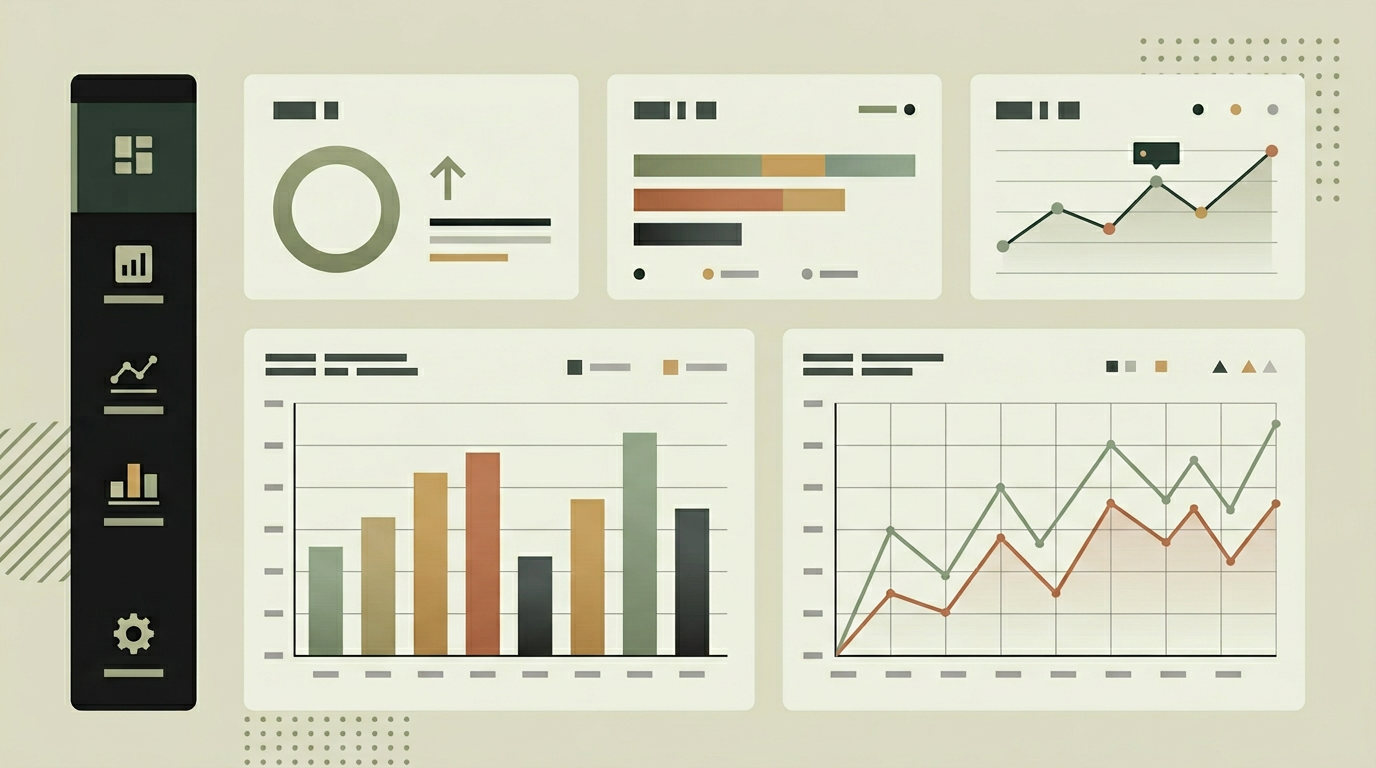
Decision-making does not only happen behind a desk. Sales reps check pipeline numbers between meetings. Warehouse managers glance at inventory levels on the floor. Executives want a quick KPI snapshot during their commute. If the dashboard is only usable on a laptop, these moments become missed opportunities. A mobile-optimized dashboard bridges that gap by adapting the layout, interaction patterns, and data density to smaller screens. This is not about shrinking the desktop view into a phone frame. It requires rethinking which metrics are most important when someone has thirty seconds between meetings, how touch navigation replaces mouse interactions, and how data loads efficiently over mobile networks. Organizations that invest in mobile dashboard access consistently report faster decision cycles and better-informed field teams.
How does it work?
Mobile access is achieved through a responsive web application built with a mobile-first design philosophy. The layout system uses a flexible grid that reorganizes widgets based on screen size. On small screens, widgets stack vertically in priority order so the most important KPIs appear first without scrolling. Touch interactions replace hover states: swipe gestures navigate between dashboard tabs, tap expands a widget for detail, and long-press opens quick actions. Data loading is optimized for mobile networks through several techniques. Initial load delivers a lightweight skeleton with the top-priority metrics, while secondary widgets load progressively as the user scrolls. Service worker caching ensures that the dashboard loads instantly even on a poor connection, displaying the last-known data with a staleness indicator. Push notifications integrate with the mobile browser so threshold alerts arrive even when the app is not actively open. For organizations that need offline capability or home screen integration, the dashboard is built as a Progressive Web App that can be installed without an app store submission. Biometric authentication through the device built-in fingerprint or face recognition streamlines the login flow on mobile.
Capabilities
Responsive mobile-first layout
Dashboard widgets rearrange and resize to fit any screen, prioritizing the most critical KPIs on smaller devices.
Touch-optimized interactions
Swipe navigation, tap-to-expand, and long-press actions replace desktop hover and right-click patterns.
Progressive Web App (PWA)
Installable on the home screen without an app store, with service worker caching for fast loads and basic offline access.
Biometric login
Fingerprint and face recognition authentication through the device native APIs for quick, secure access.
Adaptive data loading
Priority-based progressive loading and compression minimize bandwidth usage on cellular networks.
Integration options
Web Push API
Browser-based push notifications deliver threshold alerts to mobile devices without a native app.
WebAuthn / Passkeys
Device biometric authentication for passwordless login that is both more secure and more convenient on mobile.
Implementation steps
- 1
Mobile UX audit and design
We analyze your dashboard content and design a mobile-specific layout with prioritized widget ordering and touch-friendly interactions.
- 2
Responsive front-end development
The dashboard is rebuilt with a mobile-first responsive grid, progressive loading, and touch gesture handling.
- 3
PWA configuration
Service worker, manifest, and caching strategies are set up for installability and offline resilience.
- 4
Authentication optimization
Biometric login and short-lived tokens are implemented for secure, frictionless mobile access.
- 5
Performance and network testing
The dashboard is tested across devices and network conditions (3G, 4G, Wi-Fi) to ensure consistent experience.
User experience
The mobile experience feels native despite being a web app. Transitions are smooth, scroll performance is silky, and the important numbers are visible immediately after opening. A bottom navigation bar gives quick access to dashboard sections with a single thumb.
Technical stack
Security
Mobile sessions use shorter token lifetimes than desktop sessions. Device fingerprinting adds an additional authentication factor. Data cached by the service worker is encrypted and purged when the user signs out.
Maintenance
Browser compatibility updates, service worker cache strategy tuning, and PWA manifest adjustments as mobile OS capabilities evolve. Approximately 2 to 4 hours monthly.
Frequently asked questions
Need this functionality in your product?
We build it the way your business actually needs, without unnecessary complexity.
Request a quoteRelated articles
Real-Time Data Dashboards Built for Decision Makers
Stop relying on yesterday's numbers. Build a custom dashboard that streams live data from your systems so every decision is backed by the latest metrics.
Your own dashboards with advanced reporting
Combine interactive dashboards with scheduled and ad-hoc reporting. Export polished PDFs, automate weekly digests, and let data speak for itself.
Connect Any System to Your Dashboard via API Integrations
Break down data silos by integrating your CRM, ERP, and third-party tools into a single dashboard. REST, GraphQL, or webhooks, we make them all talk.
Real-Time Logistics Dashboards for Smarter Operations
Gain instant visibility into fleet performance, delivery status, and warehouse throughput with a custom logistics dashboard built around your KPIs.