
Robust User Management for Custom Web Applications
Build a web application with a complete user management system. Registration, authentication, profiles, team structures, and admin tools designed for scale.
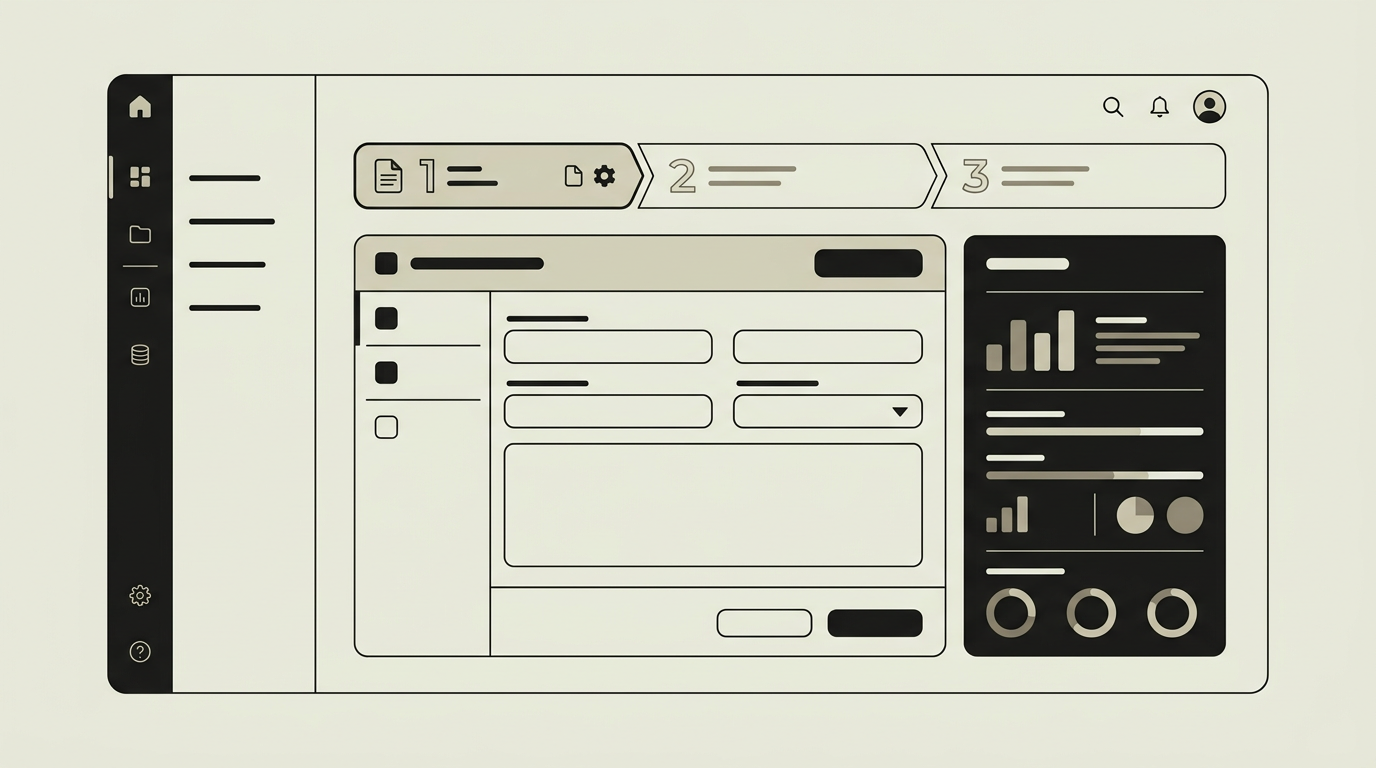
Virtually every web application needs users, and user management is about much more than a login screen. It encompasses the full lifecycle: self-service registration with email verification, secure authentication including multi-factor options, profile management, password recovery, team and organization structures, and admin tools for user provisioning and deactivation. Getting this foundation right is critical because it affects security, user experience, and compliance with privacy regulations like GDPR. A poorly designed user management system leads to support ticket floods from users who cannot reset their passwords, security vulnerabilities from improperly stored credentials, and operational headaches from manual user provisioning. Building it well from the start creates a secure, self-service system that scales without proportionally scaling your support team.
How does it work?
The user management system is built on a layered architecture. The identity layer handles authentication through modern protocols: email/password with bcrypt hashing, OAuth 2.0 social login (Google, Microsoft, GitHub), and optional multi-factor authentication via TOTP or WebAuthn passkeys. Session management uses secure, HTTP-only cookies with configurable expiration and idle timeout. Above the identity layer sits the profile layer, where users manage their personal information, avatar, notification preferences, and connected accounts. The organization layer groups users into teams or companies with hierarchical structures. An admin interface provides user search, manual provisioning, role assignment, and the ability to impersonate a user for support purposes with full audit logging. Invitation workflows let existing users invite colleagues via email, automatically assigning them to the correct organization and role. Account deactivation is soft-delete by default, preserving data for compliance while immediately revoking access. Automated cleanup jobs purge personally identifiable information after the legally required retention period, supporting GDPR right-to-erasure requests. Event hooks emit signals on user lifecycle events (registration, login, deactivation), allowing other system components to react without tight coupling.
Capabilities
Multi-method authentication
Support for email/password, social login (Google, Microsoft), magic links, and multi-factor authentication through TOTP or passkeys.
Self-service profile management
Users update their personal information, avatar, language preferences, and notification settings without admin involvement.
Organization and team structures
Hierarchical grouping allows multi-tenant setups where users belong to organizations with nested teams.
Admin provisioning tools
Administrators search, create, deactivate, and impersonate users with full audit trail support.
GDPR compliance tooling
Data export, soft-delete with retention policies, and automated PII purging support privacy regulation requirements.
Integration options
Supabase Auth / Auth.js
Pre-built authentication primitives with social providers, magic links, and row-level security integration.
Azure AD / Google Workspace
Enterprise SSO through OIDC or SAML, synchronizing organizational groups to application roles.
Resend (transactional email)
Verification emails, password reset links, and invitation notifications delivered through a reliable email provider.
Implementation steps
- 1
Authentication flow design
We define the supported login methods, MFA strategy, and session management policy based on your security requirements.
- 2
Identity layer implementation
Registration, login, password recovery, and MFA are built with secure defaults and thorough input validation.
- 3
Profile and organization model
The database schema for users, teams, and organizations is designed with GDPR-compliant data handling.
- 4
Admin interface
User management tools for administrators are developed, including search, provisioning, impersonation, and audit views.
- 5
SSO and social login setup
OAuth providers and optional enterprise SSO connections are configured and tested end-to-end.
User experience
Registration takes under a minute with inline validation. Login supports biometric authentication on capable devices. The profile page is clean and well-organized. Admin tools use a searchable table with bulk actions and inline editing for efficiency.
Technical stack
Security
Passwords are hashed with bcrypt and never stored in plaintext. Rate limiting protects login endpoints from brute-force attacks. Session tokens are rotated after privilege changes. Impersonation requires explicit admin permission and is logged with the real admin identity.
Maintenance
OAuth provider updates, security patching of authentication libraries, and periodic access reviews. Expect 3 to 5 hours monthly.
Frequently asked questions
Can users sign up with their Google or Microsoft account?
Yes. Social login via Google, Microsoft, and other OAuth providers is supported. Users who sign up socially can later add a password if they want a fallback method.
How does the system handle GDPR data deletion requests?
User accounts are soft-deleted immediately, revoking all access. Personally identifiable information is purged automatically after the configured retention period. A data export can be generated before deletion if the user requests it.
Is it possible to let client organizations manage their own users?
Yes. The organization admin role allows designated users within each client organization to invite, manage, and deactivate their own team members independently.
Need this functionality in your product?
We build it the way your business actually needs, without unnecessary complexity.
 Request a quote