
Waitlist Management for Booking Platforms: FIFO Queue
Waitlist management for bookings: customers queue first-in-first-out per slot and each cancellation goes to the next person by email, SMS or WhatsApp.
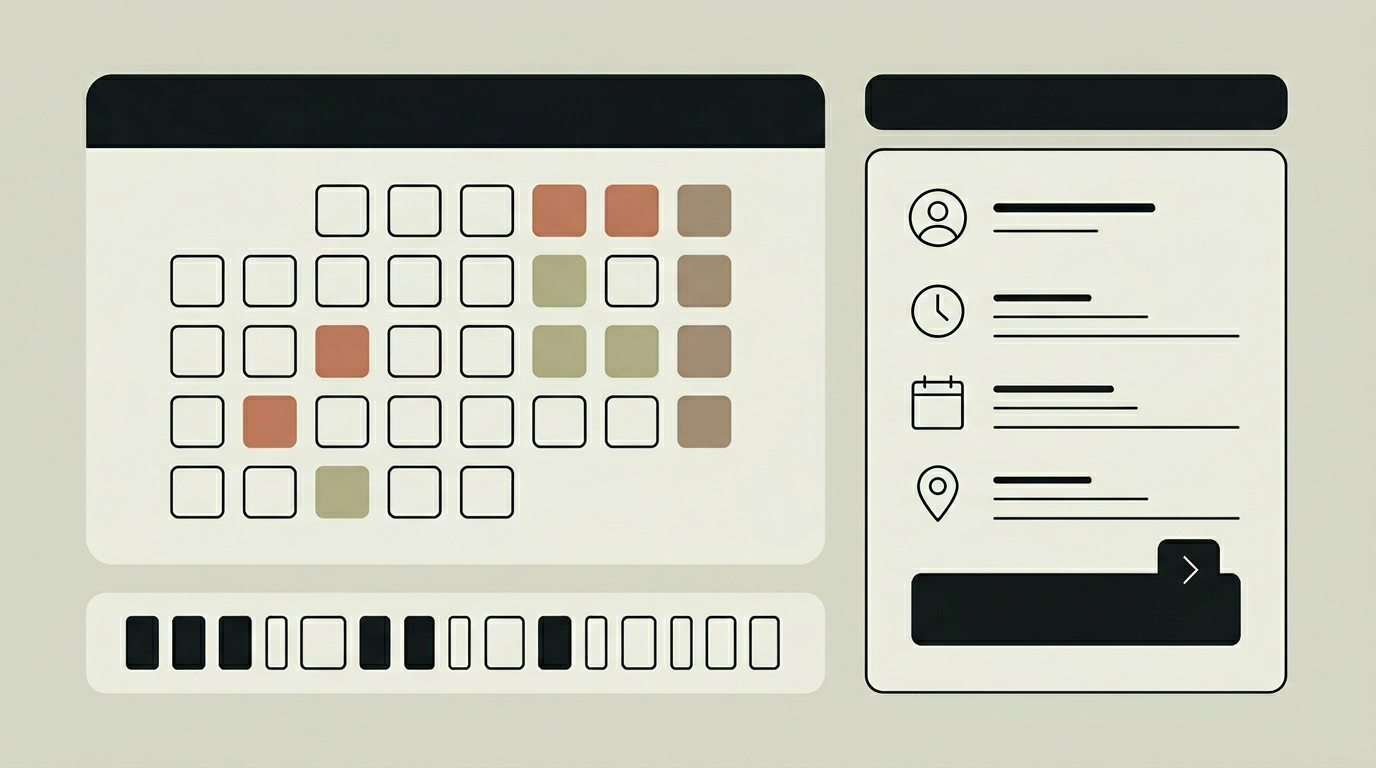
When every time slot is taken, most booking systems simply show "unavailable" and leave it at that. This is a missed opportunity on two fronts: the customer leaves without a reservation, and the business has no way to fill the gap when an existing booking is cancelled. A waitlist feature captures interested customers who are willing to take a slot if one opens up, then automatically notifies them when a cancellation occurs. The first person on the waitlist who confirms gets the slot, and the process happens without any staff intervention. Beyond filling cancellations, waitlist data reveals unmet demand patterns. If the same time slots consistently have a long waitlist, that is a strong signal to add capacity, hire another team member, or extend operating hours. This kind of demand intelligence turns a simple queue into a strategic planning tool.
How does it work?
When a customer attempts to book a fully occupied slot, they are presented with a "Join Waitlist" option instead of a dead end. Joining requires minimal information: name, email, phone number, and their preferred notification channel. The system stores their position in a FIFO queue associated with that specific time slot and service. When a cancellation occurs, the module triggers an automated notification to the next person in the queue, giving them a limited acceptance window, typically 30 to 60 minutes. If the first person does not respond within the window, the offer moves to the next candidate. This cascade continues until the slot is filled or the waitlist is exhausted. The entire process is asynchronous and runs in the background, so staff never need to make phone calls or send manual messages. Customers can check their position on the waitlist at any time through a self-service link included in their confirmation email. They can also opt out with a single click. Analytics dashboards show waitlist depth by time slot, conversion rates (how often a waitlist entry converts to a booking), and average fill time after cancellation.
Capabilities
Automatic Cascade Notifications
When a slot opens, the system works through the waitlist sequentially, giving each person a timed window to accept before moving to the next.
Multi-Channel Alerts
Notifies waitlisted customers via email, SMS, or WhatsApp based on their stated preference, maximising the chance of a timely response.
Self-Service Position Check
Customers can view their current waitlist position and opt out at any time through a personalised link, reducing inbound enquiries.
Demand Analytics
Reports on waitlist depth per slot, conversion rates, and fill times provide actionable insights for capacity planning and pricing decisions.
Integration options
SMS / WhatsApp Gateway
Connects to Twilio, MessageBird, or a WhatsApp Business API provider to deliver time-sensitive waitlist notifications through the customer’s preferred channel.
Payment Pre-Authorisation
Optionally pre-authorises a payment when a customer joins the waitlist, so that accepting an offer triggers an instant charge without an additional payment step.
Calendar Sync
When a waitlisted customer accepts a slot, the calendar integration module creates the corresponding event in the staff member’s calendar automatically.
Implementation steps
- 1
Queue Design
Define how waitlists are scoped: per time slot, per day, per service, or a combination, and set the maximum queue length.
- 2
Notification Configuration
Set up email, SMS, and WhatsApp templates, define acceptance windows, and configure the cascade escalation timing.
- 3
Customer Flow Integration
Add the "Join Waitlist" option to the booking interface, including the self-service position check and opt-out link.
- 4
Analytics Dashboard
Build reporting views that surface waitlist depth, conversion rates, and average fill time to support capacity planning.
- 5
Testing & Tuning
Simulate cancellations in a staging environment to verify the cascade timing, notification delivery, and slot reassignment logic.
User experience
Customers never feel rejected when a slot is full. The waitlist option is presented as a positive alternative with clear expectations about notification timing. Staff see a waitlist indicator next to fully booked slots, but the automated cascade means they rarely need to intervene.
Technical stack
Security
Personal data collected for the waitlist is processed in accordance with GDPR. Waitlist entries are automatically purged after the associated time slot passes. Opt-out mechanisms are prominently accessible in every notification.
Maintenance
Notification templates should be refreshed periodically. SMS and WhatsApp gateway costs scale with usage. Allow roughly 20 hours per year for maintenance and tuning.
Frequently asked questions
How does the customer know their position on the waitlist?
They receive a confirmation with a personalised link where they can check their current position and opt out if they no longer need the slot.
What if nobody on the waitlist accepts the freed-up slot?
The system works through the entire queue. If no one accepts within their time window, the slot is released back to general availability on the booking page.
Can we limit the waitlist to a certain number of people?
Yes. You can set a maximum queue length per time slot to manage customer expectations and avoid sending notifications to people who are unlikely to get a slot.
Need this functionality in your product?
We build it the way your business actually needs, without unnecessary complexity.
 Request a quote