
Booking Platform with Seamless Calendar Integration
Eliminate double bookings by syncing your custom reservation system with Google Calendar, Outlook, and Apple Calendar in real time.
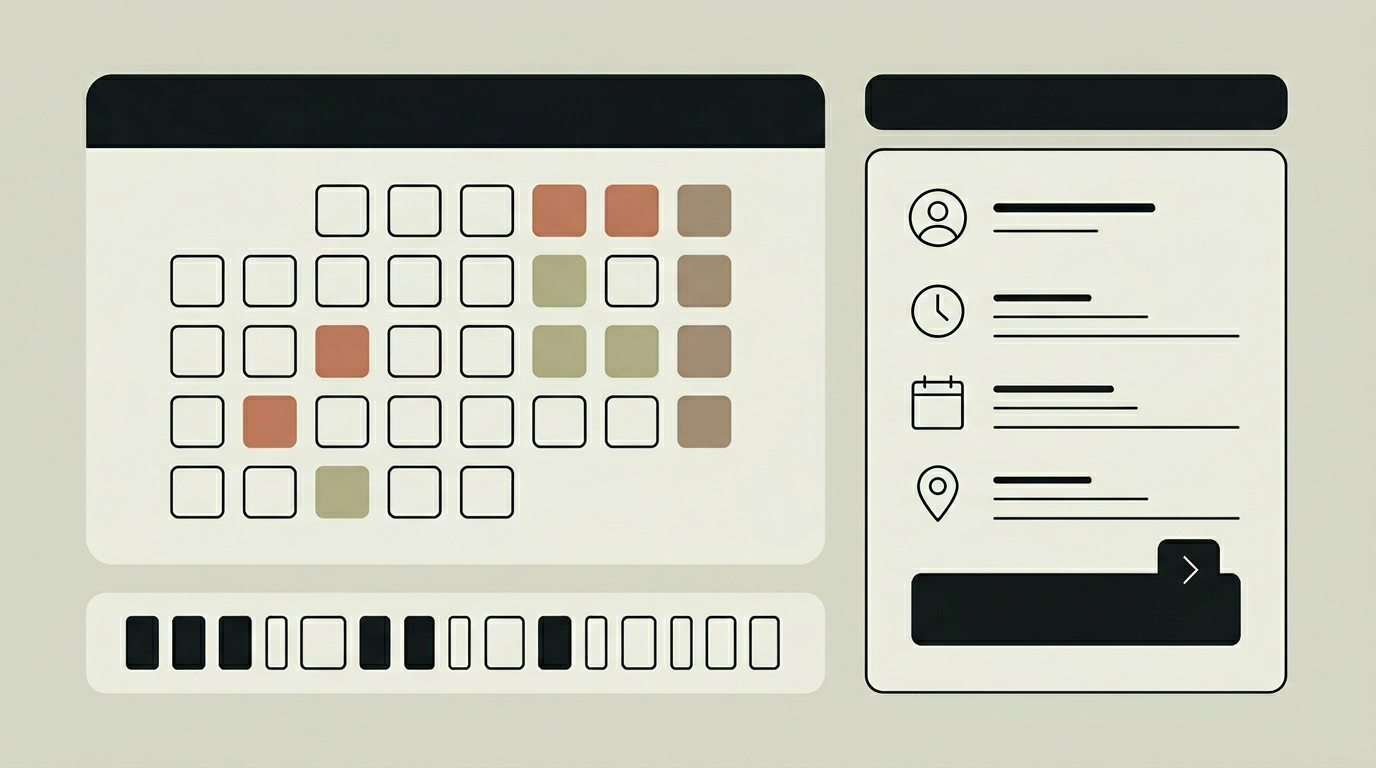
A booking system that lives in isolation from the calendars your team actually uses creates more problems than it solves. Staff end up checking two systems, customers receive conflicting availability windows, and double bookings become a recurring headache. Calendar integration bridges this gap by establishing a two-way sync between the booking platform and the calendars people already rely on: Google Calendar, Microsoft Outlook, and Apple Calendar. When someone books an appointment through your website, it appears in the assigned staff member’s personal calendar within seconds. Conversely, when a team member blocks time for a meeting or personal commitment, that slot is automatically marked unavailable in the booking system. This bidirectional flow removes the coordination burden entirely and lets businesses present accurate, up-to-the-minute availability to their customers.
How does it work?
The integration layer communicates with calendar providers through their official APIs: Google Calendar API, Microsoft Graph API, and Apple CalDAV. During setup, each staff member authorises the connection via OAuth 2.0, granting the booking system read and write access to their designated work calendar. The system then establishes a webhook or polling-based subscription that listens for changes on both sides. When a new booking is confirmed, the system creates a calendar event with the customer name, service type, location, and any preparation notes. When an external event is added to the staff member’s calendar, the corresponding time slot is blocked in the booking engine within the sync interval, typically under 30 seconds. Conflict detection runs on every write operation: if two events would overlap, the system rejects the second booking and offers alternative slots. The sync engine handles edge cases like recurring events, all-day blocks, tentative invitations, and multi-timezone scheduling. A sync status dashboard lets administrators monitor the health of each calendar connection and re-authenticate if a token expires.
Capabilities
Bidirectional Sync
Bookings appear in staff calendars and external calendar events block booking availability, keeping both systems perfectly aligned.
Multi-Provider Support
Works with Google Calendar, Microsoft Outlook/365, and Apple Calendar simultaneously, accommodating teams that use different providers.
Conflict Detection
Validates every new booking against existing calendar events in real time, preventing overlaps before they reach the customer.
Timezone Handling
Automatically converts time slots between the business timezone and the customer’s local timezone, preventing off-by-one-hour errors.
Integration options
Video Conferencing
Automatically adds a Google Meet, Microsoft Teams, or Zoom link to the calendar event when the booking is for a virtual appointment.
CRM Sync
Pushes booking details into HubSpot, Salesforce, or Pipedrive so that customer interactions are logged centrally without manual entry.
Room / Resource Booking
Reserves meeting rooms or equipment alongside staff calendars, ensuring both the person and the physical resource are available.
Implementation steps
- 1
Provider Mapping
Identify which calendar providers your team uses and register the necessary OAuth credentials with Google, Microsoft, and Apple.
- 2
Staff Onboarding
Guide each team member through the OAuth authorisation flow and designate which calendar the booking system should sync with.
- 3
Sync Engine Setup
Configure webhook subscriptions for Google and Microsoft, and polling intervals for CalDAV providers, with retry and error-handling logic.
- 4
Conflict Rules
Define how the system should handle edge cases: tentative events, recurring blocks, buffer time between appointments, and multi-timezone customers.
- 5
Testing & Go-Live
Run a parallel test period where bookings flow into calendars without replacing the old process, then cut over once sync reliability is confirmed.
User experience
Staff experience zero friction because bookings simply appear in the calendar app they already use. Customers see real-time availability on the booking page, with no stale slots. A colour-coded calendar view in the admin panel provides an overview of all team members’ schedules on a single screen.
Technical stack
Security
OAuth 2.0 tokens are stored encrypted and scoped to the minimum required permissions. The system never reads calendar events unrelated to booking availability. Token refresh cycles run automatically, and administrators receive alerts when a connection needs re-authentication.
Maintenance
Calendar provider APIs evolve frequently. Budget time for annual API version upgrades and periodic OAuth token rotation monitoring. Approximately 30 hours per year.
Frequently asked questions
Need this functionality in your product?
We build it the way your business actually needs, without unnecessary complexity.
Request a quoteRelated articles
Online Payment Processing for Custom Booking Systems
Accept deposits, full payments, and refunds directly within your booking flow. Secure payment gateway integration with Mollie, Stripe, or Adyen.
Smart Waitlist Management for Your Booking Platform
Turn fully booked time slots into opportunity. Automated waitlists fill cancellations instantly and capture demand data you can use to optimise capacity.
Group Booking Functionality for Custom Reservation Platforms
Handle team events, workshops, and party reservations with ease. Group booking features manage headcounts, split payments, and participant communication.
Booking System Examples - Inspiration & Best Practices
Restaurants, coworking spaces, and clinics that automated online booking. Booking system examples with waitlists, buffer times, and multi-location management.