
Full-Text Search and Intelligent Indexing for Documents
Find any document in seconds with full-text search, metadata filters, and AI-powered tagging. Stop wasting time digging through folder structures.
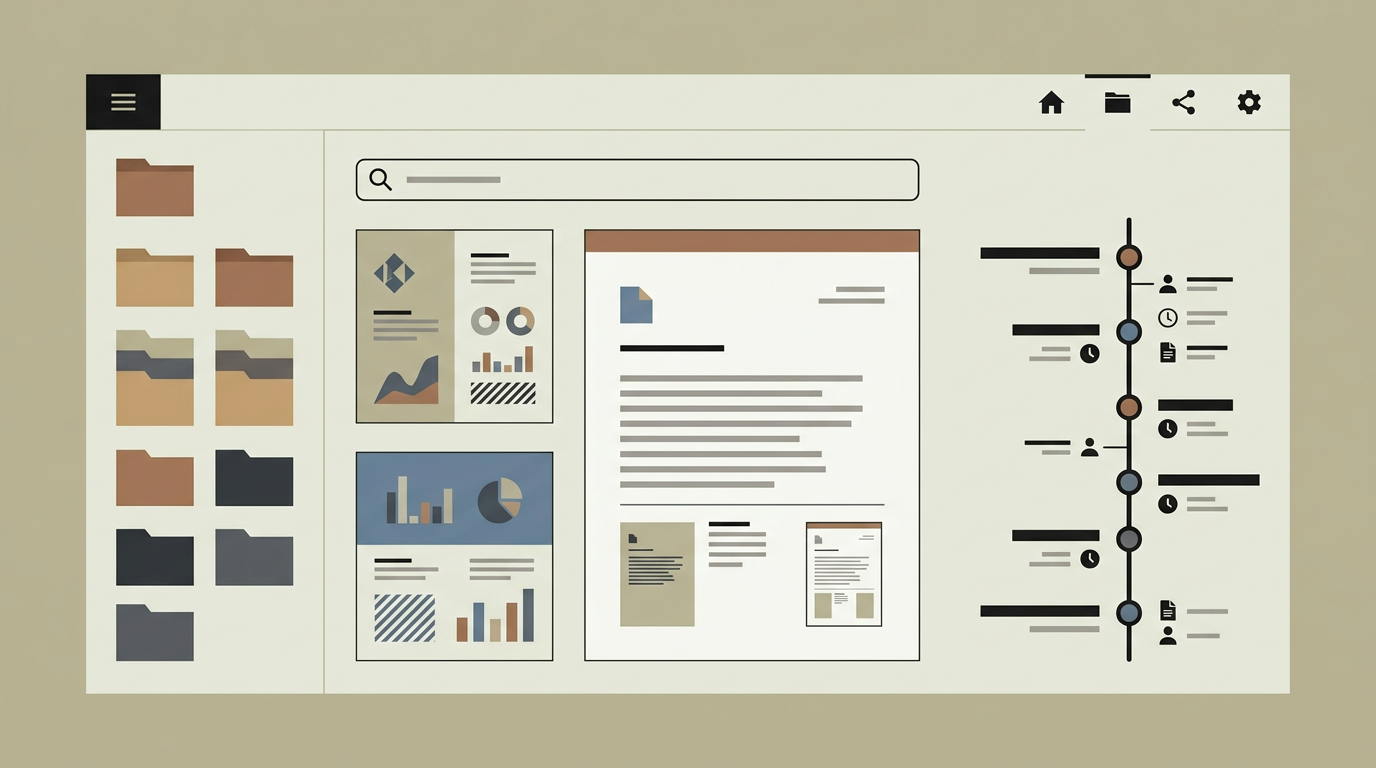
The value of a document management system collapses if people cannot find what they are looking for. Traditional folder-based navigation works when you know the exact location, but knowledge workers spend an average of 18 minutes searching for a document according to productivity studies. As document volumes grow into the tens of thousands, the problem only gets worse. Full-text search with intelligent indexing transforms document retrieval from a navigational exercise into an instant lookup. Users type a few words and the system returns relevant documents ranked by relevance, regardless of where they are stored. Metadata filters narrow results by date, author, document type, or custom tags. AI-powered auto-tagging ensures that even documents uploaded without manual classification become discoverable. For compliance and legal teams who need to locate specific clauses across thousands of contracts, this capability can save entire working days.
How does it work?
When a document is uploaded or updated, a background job extracts its textual content. For native digital documents (Word, PDF with text layer, plain text), extraction is straightforward. For scanned documents, the OCR module provides the text. The extracted content, along with the document’s metadata (title, author, upload date, folder path, tags), is fed into a search index powered by Elasticsearch or Meilisearch. The indexer tokenises the text, applies stemming and synonym expansion for the configured languages, and stores the result in an inverted index optimised for fast retrieval. When a user performs a search, the query is tokenised the same way and matched against the index. Results are ranked by a relevance algorithm that considers term frequency, field weights (title matches rank higher than body matches), and recency. Faceted filters let users narrow results by document type, date range, author, tags, and custom metadata fields. An auto-tagging module powered by a lightweight NLP model analyses the document content at upload time and suggests tags based on the text. These suggestions can be accepted automatically or routed to the uploader for confirmation. Saved searches and recent queries help users repeat common lookups quickly. Search analytics track which queries return zero results, feeding back into the tagging and synonym configuration to close gaps over time.
Capabilities
Instant Full-Text Search
Returns relevant results in milliseconds across the entire document corpus, regardless of file format or storage location.
Faceted Filtering
Narrows search results by document type, date range, author, tags, and custom metadata fields for precise retrieval.
AI Auto-Tagging
Analyses document content at upload and suggests classification tags, improving discoverability without relying on manual metadata entry.
Multi-Language Support
Applies language-specific stemming and synonym expansion for Dutch, English, German, and French documents.
Search Analytics
Tracks popular queries, zero-result queries, and click-through rates to continuously improve the search experience.
Integration options
Elasticsearch / Meilisearch
Powers the search index with enterprise-grade full-text search capabilities, supporting millions of documents with sub-second query times.
OCR Pipeline
Feeds text extracted by the OCR module into the search index, making scanned documents as searchable as native digital files.
External Document Sources
Indexes documents from connected cloud storage (SharePoint, Google Drive, S3) alongside locally managed files for a unified search experience.
Implementation steps
- 1
Index Architecture
Design the search index schema, including field mappings, analysers, and synonym dictionaries for each supported language.
- 2
Content Extraction Pipeline
Build the background job that extracts text from uploaded documents and feeds it into the search index.
- 3
Search Interface
Develop the user-facing search bar, results page, faceted filters, and snippet highlighting.
- 4
Auto-Tagging Module
Train and deploy the NLP model for automatic tag suggestion, with a feedback loop for accepted and rejected suggestions.
- 5
Backfill & Tuning
Index all existing documents, tune relevance rankings based on user feedback, and configure synonym lists.
User experience
The search bar is accessible from every page of the document management system. Type-ahead suggestions appear as the user types. Results display with highlighted matching snippets so users can assess relevance before opening a document. Filter chips make it easy to refine results without retyping the query.
Technical stack
Security
Search results respect document-level access permissions. Users only see results for documents they are authorised to view. The search index is stored separately from the document files and can be encrypted independently. Index rebuilds do not expose content to unauthorised roles.
Maintenance
The search index requires periodic reindexing when schema changes occur. Synonym and tag dictionaries should be expanded based on search analytics. Budget approximately 40 hours per year.
Frequently asked questions
Need this functionality in your product?
We build it the way your business actually needs, without unnecessary complexity.
Request a quoteRelated articles
Powerful Search Functionality for Web Applications
Help users find exactly what they need with fast, full-text search. Faceted filters, typo tolerance, and instant results turn your web app into a discovery engine.
OCR-Powered Document Management for Automated Data Extraction
Transform paper documents and scanned files into searchable, structured data. Custom OCR processing that fits your document types and workflows.
Document Version Control in Custom Management Systems
Track every change, compare revisions, and restore previous versions. Purpose-built version control that keeps your documents audit-ready.
Document Management Systems That Legal Firms Actually Use
Legal professionals deal with sensitive, version-critical documents daily. A custom DMS built for law firms brings order to contracts, case files, and correspondence.