
Document Version Control in Custom Management Systems
Track every change, compare revisions, and restore previous versions. Purpose-built version control that keeps your documents audit-ready.
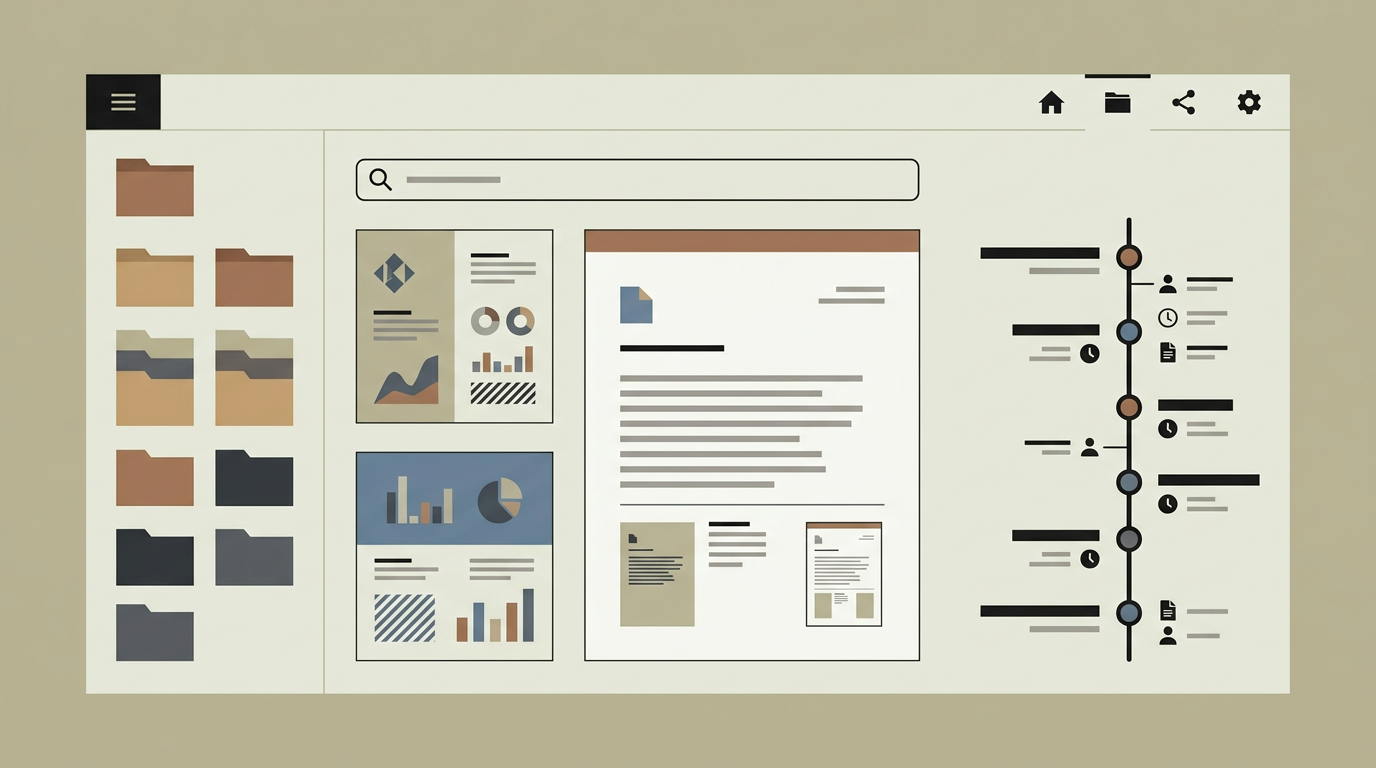
Documents evolve. Contracts go through negotiation rounds, policies are updated annually, and technical specifications change as projects progress. Without version control, teams resort to "final_v2_revised_ACTUAL-FINAL.docx" naming conventions that quickly become unmanageable. Worse, when multiple people edit a document without versioning, changes get overwritten and there is no way to recover a previous state. A proper version control system within your document management platform solves all of this by storing every revision as an immutable snapshot. Users can see who changed what and when, compare any two versions side by side, and restore a previous version with a single click. For regulated industries that must demonstrate an audit trail of document changes, version control is not just convenient but essential for compliance.
How does it work?
Every time a document is saved, the system creates a new version record that includes the file content (or a binary diff for large files), the user who made the change, a timestamp, and an optional change description. The original file is never overwritten; instead, the latest version is marked as the current head, while all previous versions remain accessible. Users can browse the version timeline for any document and select two versions to compare. For text-based documents (Word, PDF text layers, plain text), a visual diff highlights additions in green and deletions in red. For binary formats like images or design files, a side-by-side or overlay comparison view is provided. Restoring a previous version creates a new head version based on the old content, preserving the complete history. The system also supports check-out and check-in locking: when a user checks out a document for editing, other users can still read the current version but cannot save changes until the document is checked back in. This prevents conflicting edits. Administrators can configure retention policies that determine how long version history is kept. For compliance-sensitive documents, retention is typically set to indefinite, while operational documents might retain only the last 20 versions to save storage.
Capabilities
Automatic Version Creation
Every save operation creates a new version automatically, with no manual "save as" steps required from the user.
Visual Diff Comparison
Highlights changes between any two versions with additions in green and deletions in red for text documents, or side-by-side views for binary formats.
One-Click Restore
Reverts a document to any previous version instantly while preserving the full version history, including the restore event itself.
Check-Out / Check-In Locking
Prevents conflicting concurrent edits by locking a document to one editor at a time while keeping it readable for others.
Configurable Retention
Administrators set per-folder or per-category retention policies that determine how many versions are kept and for how long.
Integration options
Office Applications
Integrates with Microsoft Office and Google Workspace so that documents edited in native applications are versioned automatically upon save.
Collaboration Tools
Links version events to discussion threads in Slack or Microsoft Teams, notifying stakeholders when a new version is published.
Compliance Systems
Exports version audit trails in formats required by ISO, SOC, or industry-specific regulatory frameworks.
Implementation steps
- 1
Storage Architecture
Design the versioned storage model: full copies versus binary diffs, storage backend selection, and deduplication strategy.
- 2
Version Engine
Build the backend logic for creating, listing, comparing, and restoring versions, including the check-out/check-in locking mechanism.
- 3
Diff Renderer
Implement the visual comparison views for text and binary document types, optimised for readability on both desktop and tablet.
- 4
Retention Policies
Configure default and per-category retention rules, and implement the background job that prunes expired versions.
- 5
User Training
Introduce the version control features to document owners and editors through guided walkthroughs and documentation.
User experience
The version timeline appears as an intuitive sidebar panel within the document viewer. Each version shows the editor’s avatar, timestamp, and change description. Comparing versions is a two-click operation. The check-out indicator is clearly visible to all users, along with the name of the person who has the document locked.
Technical stack
Security
Version records are immutable: once created, they cannot be deleted by regular users. Only administrators with explicit "purge" permissions can remove versions, and such actions are logged. Check-out locks expire after a configurable idle period to prevent orphaned locks.
Maintenance
Storage costs grow with version history depth. Retention policies should be reviewed annually. Diff rendering libraries may need updates for new document formats. Budget around 30 hours per year.
Frequently asked questions
Need this functionality in your product?
We build it the way your business actually needs, without unnecessary complexity.
Request a quoteRelated articles
OCR-Powered Document Management for Automated Data Extraction
Transform paper documents and scanned files into searchable, structured data. Custom OCR processing that fits your document types and workflows.
Digital Signature Integration for Document Management
Sign contracts and approvals electronically within your document system. Legally binding signatures with audit trails, reminders, and multi-party workflows.
Full-Text Search and Intelligent Indexing for Documents
Find any document in seconds with full-text search, metadata filters, and AI-powered tagging. Stop wasting time digging through folder structures.
Document Management Systems That Legal Firms Actually Use
Legal professionals deal with sensitive, version-critical documents daily. A custom DMS built for law firms brings order to contracts, case files, and correspondence.