
Digital Signature Integration for Document Management
Sign contracts and approvals electronically within your document system. Legally binding signatures with audit trails, reminders, and multi-party workflows.
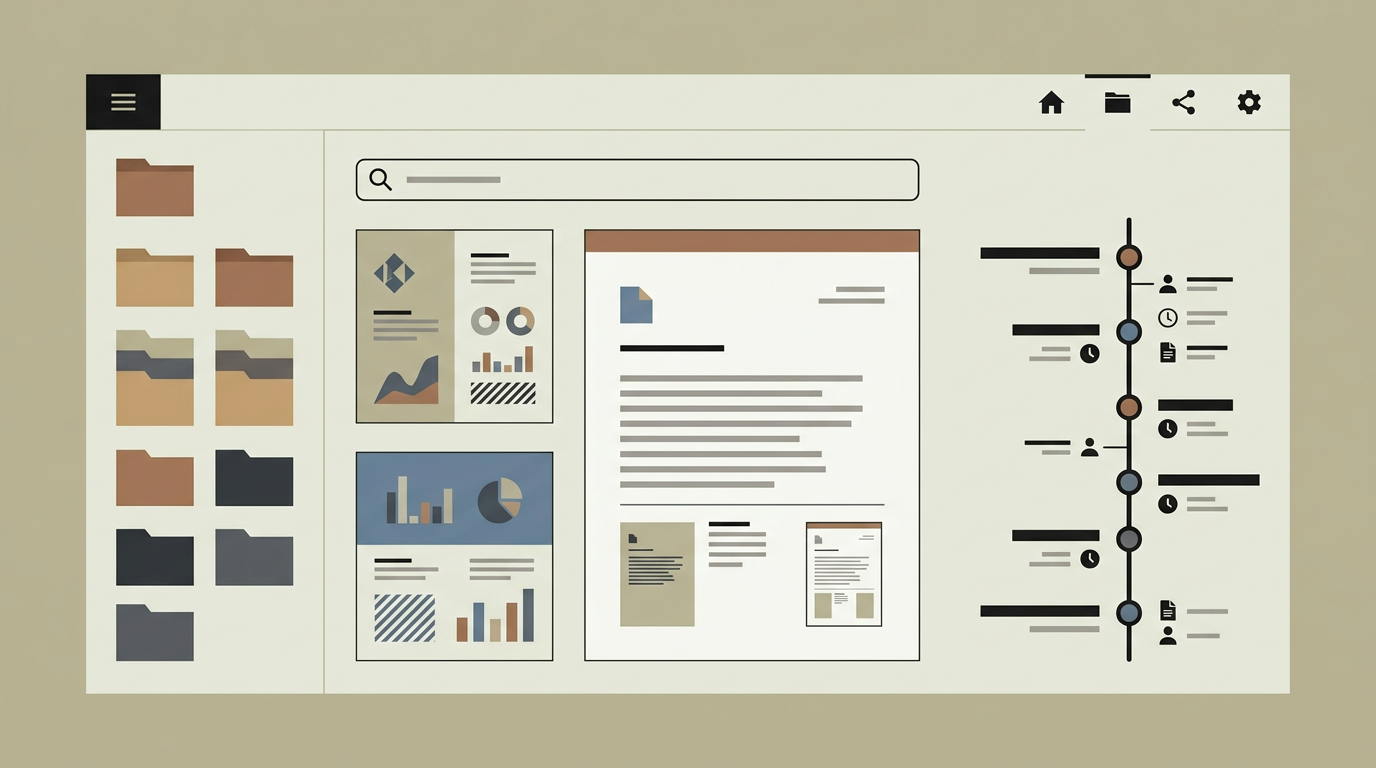
Printing a contract, signing it by hand, scanning it, and emailing it back is a workflow that belongs in the past decade. It wastes time, delays deals, and creates version confusion when multiple parties are involved. Digital signatures eliminate this friction by letting signatories review and sign documents electronically from any device. Under the eIDAS regulation in the European Union, electronic signatures carry legal weight equivalent to handwritten ones for most commercial agreements. Integrating digital signing directly into your document management system means the signed version is filed automatically, the audit trail is captured in full, and multi-party signing sequences are orchestrated without manual follow-up. For businesses that handle dozens of contracts, NDAs, or approval forms per week, the productivity gain is immediate and the compliance posture improves.
How does it work?
The signing module integrates with established e-signature providers such as DocuSign, SignRequest, or a self-hosted signing engine compliant with eIDAS. When a user initiates a signing request from within the document management system, they select the document, place signature fields on the relevant pages using a drag-and-drop editor, and define the signing order if multiple parties are involved. Each signatory receives an email invitation with a secure link to the signing interface. The signer authenticates (via email verification, SMS code, or iDIN for higher assurance), reviews the document, and applies their signature by drawing, typing, or uploading an image. Once all parties have signed, the system seals the document with a tamper-evident cryptographic hash and stores the signed version as a new immutable version in the document management system. The audit trail records every event: when the document was sent, opened, viewed, signed, and completed, along with IP addresses and authentication methods. For internal approval workflows, a simplified flow allows staff to approve or reject documents with a single click, optionally adding a comment. Signing reminders are sent automatically to signatories who have not yet responded, with escalation rules for overdue signatures.
Capabilities
Multi-Party Signing Sequences
Define sequential or parallel signing orders for documents that require signatures from multiple internal and external parties.
Tamper-Evident Sealing
Applies a cryptographic hash to the completed document, ensuring that any post-signature modification is detectable.
Automated Reminders
Sends follow-up notifications to signatories who have not yet signed, with configurable timing and escalation rules.
Comprehensive Audit Trail
Logs every interaction with the signing request, including sent, opened, viewed, signed, and completed events with timestamps and IP addresses.
Flexible Authentication
Supports email verification, SMS codes, and iDIN identity verification for different assurance levels depending on the document type.
Integration options
DocuSign / SignRequest
Connects to leading e-signature platforms for the actual signing ceremony, while the document management system handles storage and workflow.
CRM
Links signed contracts to customer records in HubSpot or Salesforce, automatically updating deal stages when signatures are completed.
Workflow Automation
Triggers downstream actions when a document is fully signed, such as creating a project record, sending an onboarding email, or generating an invoice.
Implementation steps
- 1
Provider Selection
Evaluate e-signature providers based on eIDAS compliance level, pricing, API capabilities, and user experience.
- 2
Field Placement Editor
Build the interface for placing signature, initial, date, and text fields on document pages with drag-and-drop precision.
- 3
Signing Workflow Engine
Implement the sequential and parallel signing order logic, reminder scheduling, and escalation rules.
- 4
Archive Integration
Connect the signing completion event to the document management system so that signed documents are filed and sealed automatically.
- 5
Testing with Real Scenarios
Validate the full signing flow with internal and external signatories, testing edge cases like expired links, declined signatures, and mobile signing.
User experience
Initiating a signing request takes under a minute. The drag-and-drop field placement is intuitive. Signatories experience a clean, mobile-friendly signing page that requires no account creation. The document management system shows a visual status indicator (pending, partially signed, completed) for every document in a signing workflow.
Technical stack
Security
Signing links use single-use tokens that expire after a configurable period. The cryptographic seal uses SHA-256 hashing. Signed documents are stored in an immutable archive where they cannot be altered or deleted by regular users.
Maintenance
E-signature provider API updates occur regularly. Signing templates should be reviewed when document layouts change. Budget approximately 25 hours per year for maintenance.
Frequently asked questions
Need this functionality in your product?
We build it the way your business actually needs, without unnecessary complexity.
Request a quoteRelated articles
OCR-Powered Document Management for Automated Data Extraction
Transform paper documents and scanned files into searchable, structured data. Custom OCR processing that fits your document types and workflows.
Document Version Control in Custom Management Systems
Track every change, compare revisions, and restore previous versions. Purpose-built version control that keeps your documents audit-ready.
Full-Text Search and Intelligent Indexing for Documents
Find any document in seconds with full-text search, metadata filters, and AI-powered tagging. Stop wasting time digging through folder structures.
Document Management Systems That Legal Firms Actually Use
Legal professionals deal with sensitive, version-critical documents daily. A custom DMS built for law firms brings order to contracts, case files, and correspondence.