
Multi-Location Inventory Management Built to Your Specifications
Track stock across warehouses, stores, and transit points in a single custom-built system. Real-time visibility, inter-location transfers, and unified reporting.
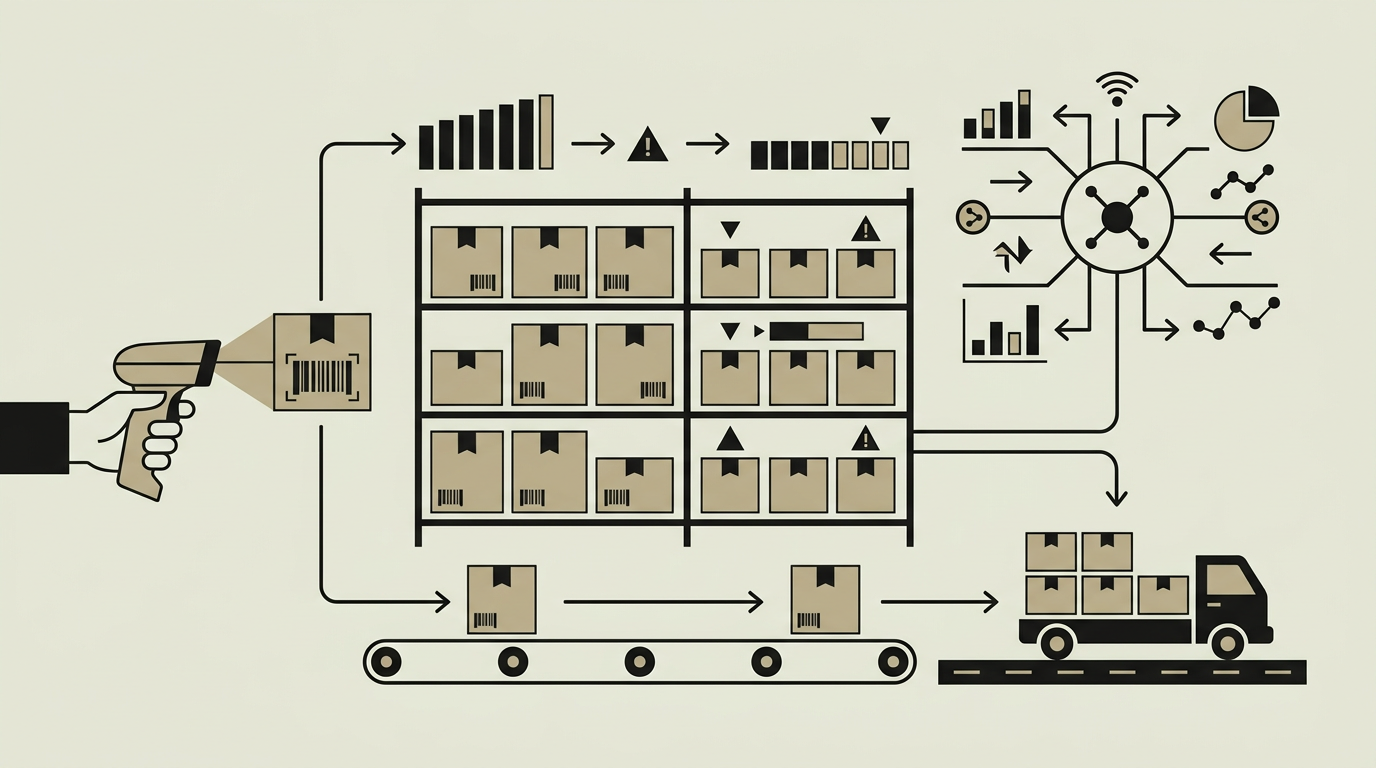
Businesses that operate from more than one physical location face a uniquely complex inventory challenge. Stock sitting in a warehouse in Rotterdam does not help fulfil an order dispatched from a shop in Amsterdam unless there is a reliable transfer mechanism. Without centralised multi-location visibility, companies end up with excess stock in one location and shortages in another, leading to unnecessary purchases and missed sales. A custom multi-location inventory module provides a single source of truth across all sites, letting managers see exactly what is available everywhere, transfer items efficiently, and allocate incoming shipments to the location that needs them most. The feature becomes especially valuable as businesses grow, open new branches, or add fulfilment centres, because it scales without requiring a rip-and-replace of the core system.
How does it work?
Every product record in the system carries a location dimension, so the same SKU can have independent quantity, bin position, and reorder parameters at each site. When a user views a product, the interface shows a location breakdown table listing on-hand, committed, and available quantities per warehouse. Inter-location transfers are initiated through a simple request form that specifies the source site, destination site, SKUs, and quantities. The system validates that the source has sufficient available stock and creates paired stock movements: a deduction at the origin and an addition at the destination. If the transfer involves a transit period, a virtual in-transit location holds the quantity until the receiving warehouse confirms arrival. Reporting layers aggregate data across all locations for company-wide dashboards or drill down into a single site for local managers. Location hierarchies support zones, aisles, shelves, and bins so that each site can organise its own physical layout independently. The architecture uses database-level partitioning on the location column, ensuring that queries stay fast even as the number of sites and transactions grows.
Capabilities
Unified Stock View
Displays on-hand, committed, available, and in-transit quantities per SKU across all locations in a single consolidated screen.
Inter-Location Transfers
Guides operators through a request-approve-ship-receive workflow that tracks stock while it moves between sites.
In-Transit Tracking
A virtual transit location holds transferred quantities until the destination warehouse confirms receipt, preventing double-counting.
Location Hierarchy
Each site can define its own layout structure with zones, aisles, shelves, and bins for precise put-away and picking instructions.
Site-Level Reorder Rules
Reorder points and safety stock levels are set independently per location, reflecting each site’s unique demand patterns and supplier lead times.
Integration options
POS Systems
Connects to point-of-sale terminals in retail stores so that every sale immediately deducts from the correct location’s stock.
Logistics Partners
Shares transfer shipment data with third-party carriers for pickup scheduling and real-time delivery tracking.
Central ERP
Synchronises multi-location stock movements to the company’s ERP system for consolidated financial reporting and procurement planning.
Implementation steps
- 1
Location Modelling
Define each physical site, its address, timezone, operating hours, and internal layout hierarchy in the system.
- 2
Data Migration
Import existing stock levels per location, reconcile discrepancies, and establish a clean opening balance for every site.
- 3
Transfer Workflow Setup
Configure transfer request forms, approval rules, and carrier integration for inter-site shipments.
- 4
Permission Mapping
Assign users to locations and define which roles can view, edit, approve transfers, and access cross-location reports.
- 5
Reporting & Dashboards
Build company-wide and per-location dashboards that surface KPIs like turnover rate, days-of-supply, and transfer lead time.
User experience
A map-based overview gives executives an at-a-glance view of inventory health across all locations. Colour-coded pins indicate sites with low stock, excess stock, or pending transfers. Store-level users work within a streamlined interface focused on their own operations, reducing visual clutter and the risk of acting on the wrong location’s data.
Technical stack
Security
Each location can be treated as a permission boundary. Store managers see only their own site’s data, while regional directors see aggregated views. Transfer approvals are governed by configurable role-based policies.
Maintenance
New locations can be added through the admin panel without code changes. Expect periodic layout reconfiguration as warehouses evolve. Approximately 50 hours per year for ongoing support and optimisations.
Frequently asked questions
Need this functionality in your product?
We build it the way your business actually needs, without unnecessary complexity.
Request a quoteRelated articles
Built for retail inventory software with barcode scanning
Streamline warehouse operations with a tailor-made inventory system featuring real-time barcode scanning. Fast lookups, fewer errors, and seamless stock updates.
Automatic Reorder Points in Your Custom Inventory Platform
Never run out of critical stock again. Automated reorder triggers use demand forecasting and configurable thresholds to place purchase orders before it is too late.
Batch and Lot Tracking for Custom Inventory Solutions
Maintain full traceability from supplier to customer with batch-level tracking. Essential for food, pharma, and manufacturing businesses that must comply with recall regulations.
Custom vs Standard WMS: Which Should You Choose?
Your warehouse layout drives the WMS decision. Custom WMS handles unique flows; standard platforms like SAP EWM cover proven processes.