
Resource Allocation and Capacity Planning for Projects
Assign the right people to the right projects with visual capacity planning. Prevent overallocation, balance workloads, and forecast hiring needs.
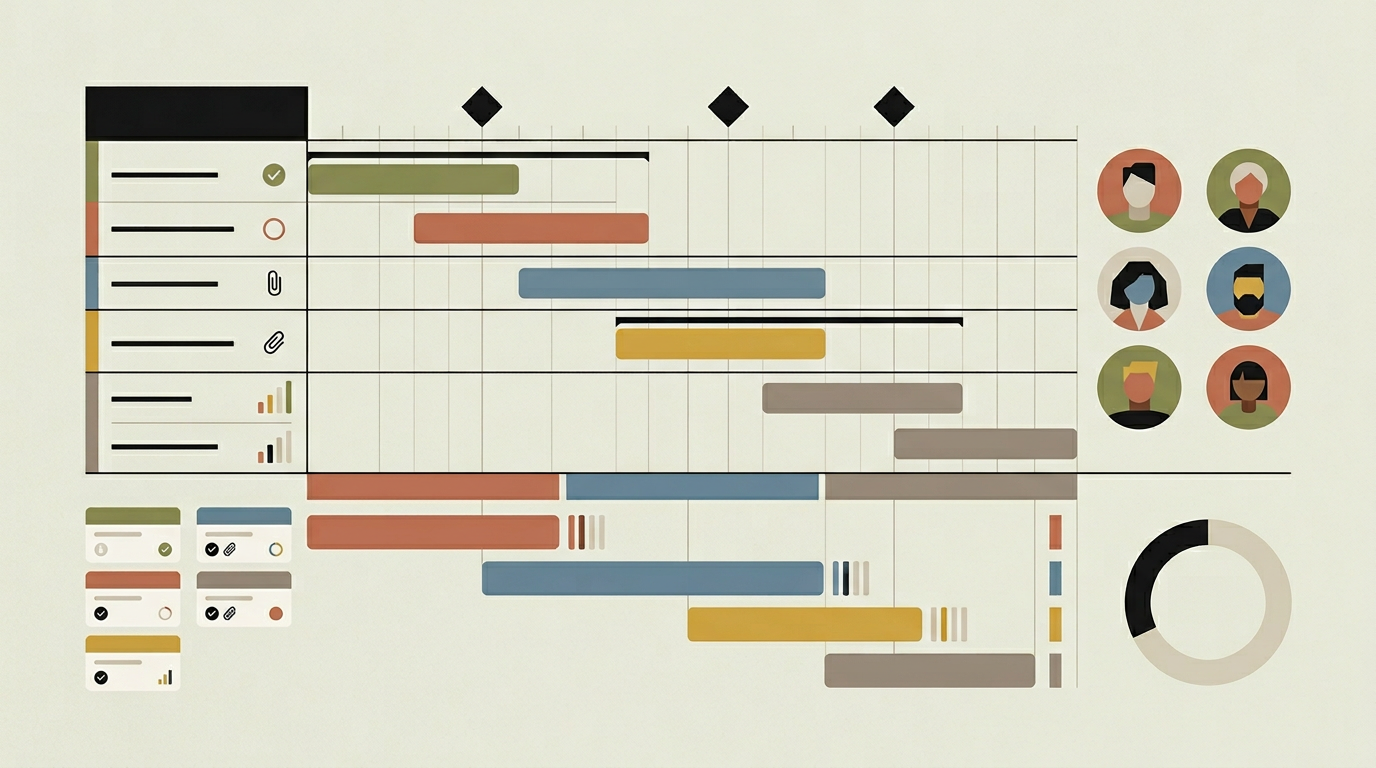
People are the scarcest and most expensive resource in most organisations, yet their allocation across projects is often managed through informal conversations and shared spreadsheets. The result is predictable: some team members are overloaded while others are underutilised, project timelines slip because a key resource was double-booked, and hiring decisions are based on feelings rather than data. A resource allocation module provides a visual, data-driven approach to capacity planning. Managers can see who is available, how much of each person’s capacity is committed to existing projects, and where gaps or conflicts exist. When a new project needs staffing, the tool identifies which team members have the right skills and the available bandwidth. For growing organisations, the forward-looking capacity forecast highlights when demand will exceed supply, supporting proactive recruitment decisions rather than reactive scrambles.
How does it work?
The module maintains a resource profile for every team member, capturing their role, skills, weekly available hours (accounting for part-time schedules, holidays, and internal time allocations), and cost rate. Allocations are created at the intersection of a person and a project, specifying the percentage of their capacity or the number of hours per week committed to that project over a date range. These allocations are visualised in a resource timeline view that shows a horizontal bar per person with project assignments colour-coded along the timeline. An availability indicator turns from green to amber when a person exceeds 80 percent allocation and to red above 100 percent, making overallocation instantly visible. The capacity planning dashboard rolls up individual availability into a team or department view, showing aggregate capacity, demand, and the gap between them over the coming weeks and months. Scenario modelling lets managers draft allocation plans for proposed projects and see the impact on team capacity before committing. Skill-based filtering helps find the best available person for a specific task by matching required skills against the team’s profile database. When actual time entries come in from the time accounting module, they are compared against planned allocations, providing a planned-versus-actual utilisation metric that improves future estimation accuracy.
Capabilities
Visual Resource Timeline
Displays each team member’s project allocations on a horizontal timeline with colour-coded bars and overallocation warnings.
Capacity Forecast
Aggregates team availability and demand over the coming weeks and months, highlighting periods where capacity falls short of project requirements.
Scenario Modelling
Draft allocation plans for potential projects and visualise the impact on team capacity before making staffing commitments.
Skill-Based Matching
Filters available team members by required skills when assigning resources to tasks, ensuring the right expertise is allocated.
Planned vs Actual Utilisation
Compares allocated hours against actual time entries to reveal estimation accuracy and inform future resource planning.
Integration options
HR / People System
Imports team member profiles, holiday calendars, and part-time schedules from your HR system to keep capacity data accurate.
Time Accounting Module
Feeds actual time entries into the resource module for planned-versus-actual analysis and utilisation reporting.
Project Planning
Links resource allocations to the Gantt chart and task assignments, ensuring that scheduling and capacity stay aligned.
Implementation steps
- 1
Resource Profile Setup
Import team member data from HR, including roles, skills, available hours, and cost rates, and establish the profile database.
- 2
Allocation Interface
Build the visual timeline with drag-and-drop allocation creation, editing, and overallocation highlighting.
- 3
Capacity Dashboard
Develop the aggregate capacity planning view with supply-demand comparison charts and forward-looking forecasts.
- 4
Scenario Modelling
Implement the draft allocation feature that lets managers model proposed project staffing without affecting live data.
- 5
Utilisation Reporting
Connect actual time data to planned allocations and build the planned-versus-actual utilisation reports.
User experience
Resource managers interact with a drag-and-drop interface for creating and adjusting allocations on the timeline. A side panel shows the selected person’s profile, skills, and current allocation summary. The capacity dashboard uses a stacked bar chart format that makes it easy to see the balance between supply and demand at a glance.
Technical stack
Security
Individual utilisation data is sensitive HR-adjacent information. Access to person-level allocation details is restricted to project managers and resource managers. Aggregate views are available to broader management without exposing individual schedules.
Maintenance
Resource profiles need updating when people join, leave, or change roles. Holiday calendars should be refreshed annually. Budget approximately 30 hours per year for maintenance and data hygiene.
Frequently asked questions
Need this functionality in your product?
We build it the way your business actually needs, without unnecessary complexity.
Request a quoteRelated articles
Interactive Gantt Chart Planning for Custom Project Tools
Visualise project timelines, dependencies, and milestones on an interactive Gantt chart built into your custom project management platform.
Integrated Time Accounting for Project Management Platforms
Track hours at the task level, generate timesheets, and connect effort data to billing and payroll. Purpose-built time accounting for project teams.
Real-Time Budget Monitoring for Custom Project Platforms
Keep projects financially healthy with live budget tracking, burn-rate alerts, and forecast-to-complete calculations integrated into your project tool.
Project Management Software Purpose-Built for Construction
Construction projects involve dozens of trades, shifting timelines, and tight budgets. A custom project management platform keeps everything on track from foundation to handover.