
Compliance Tracking Within Your Document Management System
Stay audit-ready with automated compliance tracking. Monitor document review cycles, retention schedules, and regulatory obligations from a single dashboard.
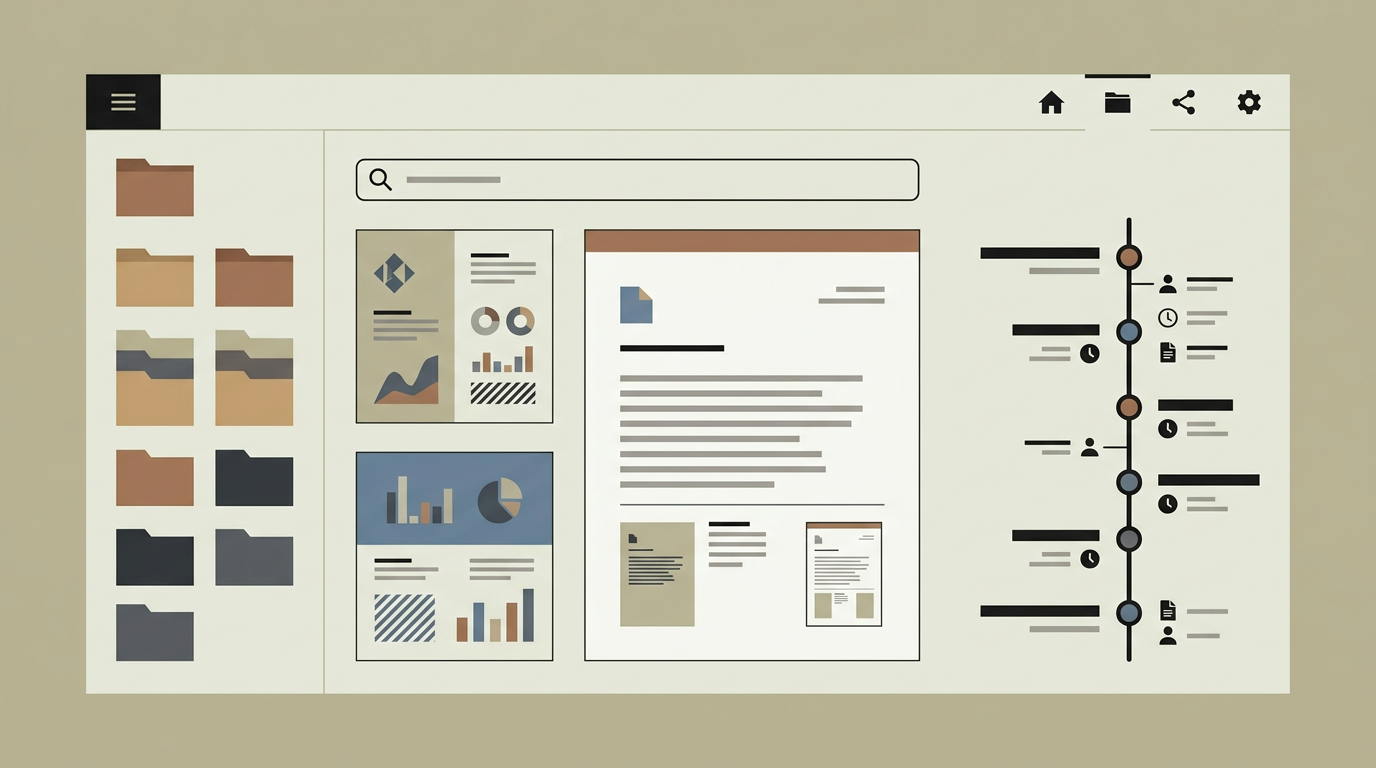
Regulatory compliance is not something most businesses can afford to handle reactively. When an auditor asks for proof that a specific policy was reviewed on schedule, that a data processing agreement is current, or that obsolete documents were disposed of within the legally required timeframe, you need to produce that evidence quickly and confidently. A compliance tracking module embedded in your document management system turns these obligations into automated workflows. Review cycles trigger reminders when documents are due for re-approval. Retention schedules enforce minimum and maximum storage periods. A compliance dashboard provides a live view of overdue reviews, expiring certifications, and upcoming obligations. For industries like healthcare, finance, and food safety where document compliance is audited regularly, this module transforms a stressful, manual process into a steady, automated cadence.
How does it work?
The compliance engine operates on two core concepts: review cycles and retention rules. A review cycle defines how frequently a document or document category must be reviewed and re-approved. When a review is due, the responsible person receives a notification with a link to the document and an approve-or-reject form. If they approve, the review date resets and the next cycle begins. If they reject, the document enters a revision workflow where the owner updates it and resubmits for approval. Overdue reviews escalate to a manager after a configurable grace period. Retention rules define how long documents must be kept and when they may or must be destroyed. Legal hold flags can override retention rules to prevent destruction of documents involved in active litigation or investigations. The compliance dashboard aggregates all obligations into a single view, with colour-coded status indicators: green for on-track, amber for approaching due, and red for overdue. Exportable audit reports list every review action, approval, and disposal event with timestamps and user identities, ready to hand to an auditor. The module also supports regulatory framework templates (ISO 27001, GDPR, NEN 7510) that pre-configure review cycles and retention periods based on common compliance requirements.
Capabilities
Automated Review Cycles
Schedules periodic document reviews, sends reminders to responsible parties, and escalates overdue items to managers.
Retention Management
Enforces minimum and maximum retention periods per document category, with automated notifications when documents are eligible for disposal.
Legal Hold
Freezes document destruction when a legal hold flag is applied, ensuring preservation of evidence during litigation or investigations.
Compliance Dashboard
Provides a live overview of review statuses, upcoming deadlines, and overdue obligations with drill-down capability per department or regulation.
Audit Report Export
Generates comprehensive audit trails covering every review, approval, rejection, and disposal event, ready for external auditor consumption.
Integration options
Regulatory Framework Templates
Pre-built configurations for ISO 27001, GDPR, NEN 7510, and other frameworks that set up review cycles and retention rules according to standard requirements.
Notification Channels
Sends compliance reminders via email, Slack, or Microsoft Teams to reach responsible parties through their preferred communication tool.
GRC Platforms
Exports compliance data to governance, risk, and compliance platforms like OneTrust or ServiceNow for organisations that centralise compliance management.
Implementation steps
- 1
Obligation Mapping
Identify all regulatory and internal compliance requirements that affect your document management, and map them to specific document categories.
- 2
Review Cycle Configuration
Set up review frequencies, responsible parties, escalation paths, and grace periods for each document category.
- 3
Retention Rule Setup
Define minimum and maximum retention periods per category, along with disposal workflows and legal hold override rules.
- 4
Dashboard & Reporting
Build the compliance dashboard with status indicators, drill-down views, and exportable audit reports.
- 5
Framework Templates
Configure pre-built templates for the regulatory frameworks relevant to your industry, and validate them against your compliance officer’s requirements.
User experience
Document owners see their upcoming review obligations in a personalised to-do list. Reviewing a document is a single-screen experience: the document on the left, the approval form on the right. The compliance dashboard gives management a bird’s-eye view without requiring them to dig into individual documents.
Technical stack
Security
Compliance records are immutable once created. Review approvals require re-authentication. Legal hold flags can only be applied and removed by users with the Compliance Officer role. All compliance actions are logged in a tamper-evident audit log.
Maintenance
Regulatory frameworks evolve, so review cycle templates should be updated when regulations change. Retention policies need annual review. Budget approximately 35 hours per year for compliance module maintenance.
Frequently asked questions
Does the system support ISO 27001 compliance requirements?
Yes. Pre-built framework templates for ISO 27001 configure the appropriate review cycles and retention rules. You can customise these templates to match your specific implementation.
What happens when a document’s retention period expires?
The system notifies the responsible party that the document is eligible for disposal. Depending on your configuration, disposal can be automatic or require manual confirmation.
Can we place a legal hold to prevent document destruction?
Yes. Users with the Compliance Officer role can apply a legal hold flag that overrides all retention rules, ensuring the document is preserved until the hold is explicitly lifted.
Need this functionality in your product?
We build it the way your business actually needs, without unnecessary complexity.
Request a quoteRelated articles
OCR-Powered Document Management for Automated Data Extraction
Transform paper documents and scanned files into searchable, structured data. Custom OCR processing that fits your document types and workflows.
Document Version Control in Custom Management Systems
Track every change, compare revisions, and restore previous versions. Purpose-built version control that keeps your documents audit-ready.
Digital Signature Integration for Document Management
Sign contracts and approvals electronically within your document system. Legally binding signatures with audit trails, reminders, and multi-party workflows.
Document Management Examples - Inspiration & Best Practices
Legal case files, compliance archives, and ISO documents managed digitally. Document management examples with version control, OCR, and retention policies.