
Project Risk Management Module for Custom Platforms
Identify, assess, and mitigate project risks systematically. A risk register with scoring, ownership, and mitigation tracking built into your project tool.
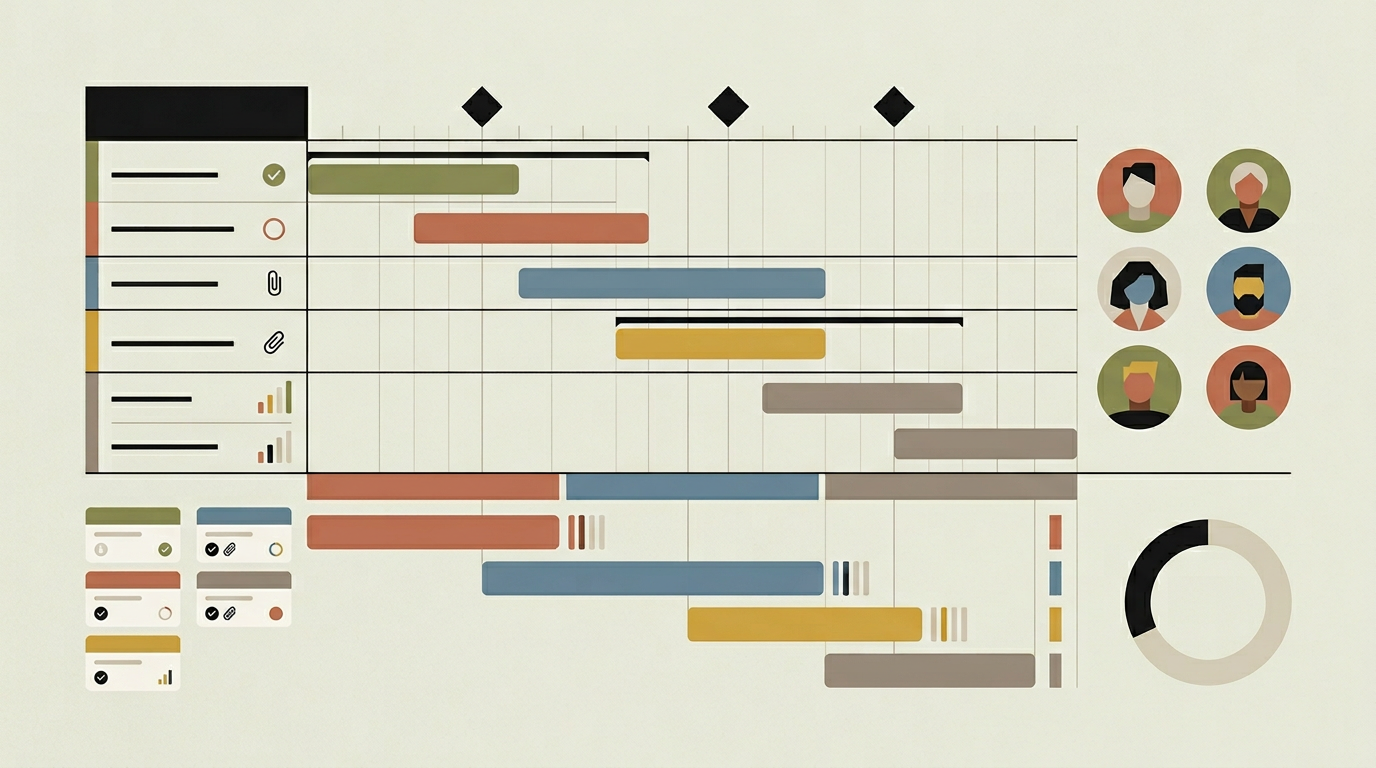
Every project carries risk, whether it is a key team member leaving, a supplier missing a deadline, a scope change mid-stream, or a technology choice that proves harder than expected. The difference between projects that survive these events and those that derail is not luck but preparation. A structured risk management module gives project managers a framework for identifying risks early, assessing their likelihood and impact, assigning ownership, and tracking mitigation actions. Without such a framework, risk management tends to happen in ad-hoc conversations that are forgotten by the next meeting. When risks are documented in a shared register with clear ownership and review cadence, the team develops a proactive culture where threats are anticipated rather than merely reacted to. This is especially critical for projects with fixed budgets or contractual penalties.
How does it work?
The risk module centres on a risk register: a structured list where each risk is described with a title, detailed description, category (technical, organisational, external, financial), probability rating (1-5), impact rating (1-5), and a calculated risk score (probability multiplied by impact). Each risk is assigned an owner who is responsible for developing and executing the mitigation strategy. The mitigation plan consists of one or more actions, each with a deadline and status. A risk matrix (heat map) plots all project risks on a probability-versus-impact grid, giving managers an instant visual summary of the risk landscape. Risks in the top-right quadrant (high probability, high impact) demand immediate attention. The module supports configurable review cycles: for example, the risk register is reviewed at every sprint retrospective or project steering meeting. During a review, the owner updates the probability and impact ratings based on current information, marks resolved risks, and identifies new ones. An audit trail captures every change to the risk register, including who changed what and when. For organisations that manage multiple projects, a portfolio risk view aggregates the top risks across all active projects, helping management allocate contingency resources where they are needed most.
Capabilities
Risk Register
A structured list of identified risks with description, category, probability, impact, score, ownership, and mitigation actions.
Heat Map Visualisation
Plots all risks on a probability-versus-impact matrix for instant visual assessment of the project’s risk landscape.
Mitigation Action Tracking
Each risk can have multiple mitigation actions with deadlines, responsible parties, and completion status.
Review Cycle Reminders
Sends scheduled reminders to risk owners to reassess their risks and update mitigation progress ahead of review meetings.
Portfolio Risk Aggregation
Combines the top risks from all active projects into a single management view for cross-project risk awareness.
Integration options
Project Task Board
Links mitigation actions to project tasks so that risk responses are tracked within the same workflow as regular deliverables.
Meeting / Agenda Tools
Exports the risk register summary to meeting agenda tools like Notion or Confluence for structured review during steering meetings.
Notification Channels
Pushes risk alerts and review reminders to Slack, Teams, or email to keep risk owners informed without checking the tool manually.
Implementation steps
- 1
Risk Framework Definition
Define risk categories, the probability and impact scales, scoring thresholds, and the review cadence that match your project methodology.
- 2
Register & Heat Map
Build the risk register interface and the heat map visualisation, including the ability to drill into individual risks from the matrix.
- 3
Mitigation Workflow
Implement the mitigation action tracking system with task linking, deadline management, and completion status updates.
- 4
Review Automation
Configure the review cycle reminders and the audit trail that captures every change to risk assessments and mitigation actions.
- 5
Portfolio View
Aggregate the top risks from all active projects into a management dashboard with filtering and export capabilities.
User experience
Adding a new risk takes under a minute through a structured form with dropdowns for category, probability, and impact. The heat map provides instant situational awareness. Risk owners receive periodic reminders that link directly to their assigned risks, reducing the friction of keeping the register current.
Technical stack
Security
Risk data may contain commercially sensitive information. Access to the risk register is restricted by project role. Portfolio-level risk views require management-level permissions. The audit trail is immutable.
Maintenance
Risk categories and scoring scales should be reviewed annually. Review cycle configurations may change as project methodologies evolve. Budget approximately 20 hours per year.
Frequently asked questions
Need this functionality in your product?
We build it the way your business actually needs, without unnecessary complexity.
Request a quoteRelated articles
Interactive Gantt Chart Planning for Custom Project Tools
Visualise project timelines, dependencies, and milestones on an interactive Gantt chart built into your custom project management platform.
Integrated Time Accounting for Project Management Platforms
Track hours at the task level, generate timesheets, and connect effort data to billing and payroll. Purpose-built time accounting for project teams.
Real-Time Budget Monitoring for Custom Project Platforms
Keep projects financially healthy with live budget tracking, burn-rate alerts, and forecast-to-complete calculations integrated into your project tool.
Project Management Software Purpose-Built for Construction
Construction projects involve dozens of trades, shifting timelines, and tight budgets. A custom project management platform keeps everything on track from foundation to handover.