
Automated Booking Reminders That Reduce No-Shows
Cut no-show rates with personalised email and SMS reminders sent at the right moment. Fully customisable timing, content, and channels.
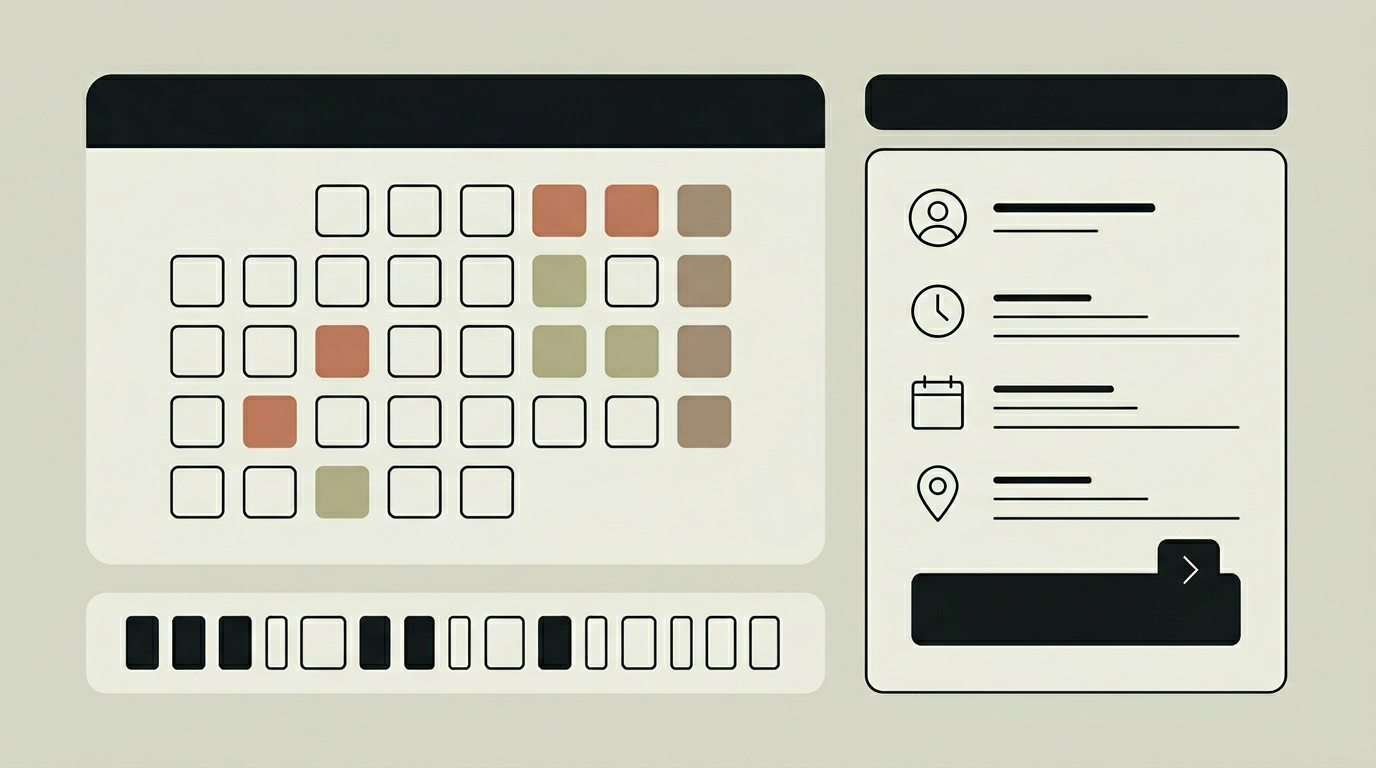
No-shows are the silent revenue killer for appointment-based businesses. A hairdresser, consultant, or physiotherapist who loses even two appointments per week to forgotten bookings can be out thousands of euros per year. Research consistently shows that sending a reminder 24 hours before an appointment reduces no-show rates by 30 to 50 percent, and adding a second reminder on the morning of the appointment pushes that figure even higher. But sending reminders manually is impractical when you handle dozens of bookings per day. An automated reminder system takes the task off your plate entirely. It sends personalised messages at configurable intervals, through the channels your customers actually read, and includes everything they need to confirm, reschedule, or cancel. Beyond reducing no-shows, reminders reinforce professionalism and give customers a convenient touchpoint to update their plans without calling.
How does it work?
The reminder engine is driven by a scheduled job processor that evaluates upcoming bookings against configurable trigger rules. Each service can have its own reminder sequence, for example a first email seven days before, a second email 24 hours before, and an SMS two hours before the appointment. When a trigger fires, the system renders a personalised message template with the customer’s name, service details, date, time, location, and any preparation instructions. The message also includes action buttons for confirming attendance, rescheduling, or cancelling. If the customer confirms, the booking record is updated with a "confirmed" flag visible to staff. If they reschedule or cancel, the system handles the flow automatically, including refunds or waitlist activation depending on the configured policies. The engine supports multiple delivery channels: transactional email via Resend or SendGrid, SMS via Twilio or MessageBird, and WhatsApp via the Business API. Channel preference is stored per customer, but the system can also fall back to a secondary channel if the primary delivery fails. Delivery status tracking logs whether each message was sent, delivered, opened, and clicked, giving administrators visibility into reminder effectiveness.
Capabilities
Multi-Step Sequences
Configure up to five reminder touchpoints per service, each with its own timing, channel, and message template.
Action Buttons
Reminders include one-click confirm, reschedule, and cancel buttons that let customers act without logging in or calling.
Channel Fallback
If email delivery fails, the system automatically retries via SMS or WhatsApp to maximise the chance of reaching the customer.
Delivery Tracking
Logs sent, delivered, opened, and clicked events for every reminder, providing data for optimising send times and message content.
Integration options
Resend / SendGrid
Handles transactional email delivery with high deliverability, open tracking, and branded sender addresses.
Twilio / MessageBird
Delivers SMS reminders to customers who prefer text messages or do not check email regularly.
WhatsApp Business API
Sends rich reminders through WhatsApp with interactive buttons, leveraging the channel’s high open rates.
Implementation steps
- 1
Sequence Design
Map out the reminder sequence for each service type: how many touchpoints, at what intervals, and through which channels.
- 2
Template Creation
Design branded email, SMS, and WhatsApp message templates with dynamic placeholders for customer and booking details.
- 3
Channel Configuration
Set up API credentials for Resend, Twilio, and WhatsApp Business, and configure sender identities and delivery domains.
- 4
Action Handling
Implement the confirm, reschedule, and cancel flows triggered by reminder action buttons, including any downstream effects like refunds or waitlist cascades.
- 5
Monitoring Setup
Build a delivery tracking dashboard that surfaces bounce rates, open rates, and no-show reduction metrics to measure reminder effectiveness.
User experience
Customers receive friendly, branded reminders that feel personal rather than automated. The action buttons make it trivial to confirm or reschedule. Staff see a "confirmed" badge next to bookings where the customer has responded, letting them focus attention on unconfirmed slots.
Technical stack
Security
Reminder links use signed tokens that expire after the appointment time passes. Customer communication preferences are stored and respected in compliance with GDPR. Unsubscribe mechanisms are included in every message.
Maintenance
Message templates should be refreshed periodically to avoid fatigue. SMS and WhatsApp costs are usage-based. Delivery provider API changes require occasional updates. Budget roughly 20 hours per year.
Frequently asked questions
Need this functionality in your product?
We build it the way your business actually needs, without unnecessary complexity.
Request a quoteRelated articles
Smart Notifications for Your Client Portal
Keep your clients informed with intelligent, multi-channel notifications. From project updates to payment confirmations, deliver the right message at the right moment.
Booking Platform with Seamless Calendar Integration
Eliminate double bookings by syncing your custom reservation system with Google Calendar, Outlook, and Apple Calendar in real time.
Online Payment Processing for Custom Booking Systems
Accept deposits, full payments, and refunds directly within your booking flow. Secure payment gateway integration with Mollie, Stripe, or Adyen.
Custom Software vs SaaS: What Is the Best Choice for Your Business?
Every growing organization faces this choice: custom software or SaaS? An honest analysis of cost, flexibility, ownership, and long-term scalability.