
Client Portal Examples - Self-Service and B2B Portals
Lower support tickets by 40% with self-service billing portals and real-time project dashboards. Client portal examples for B2B and B2C organisations.
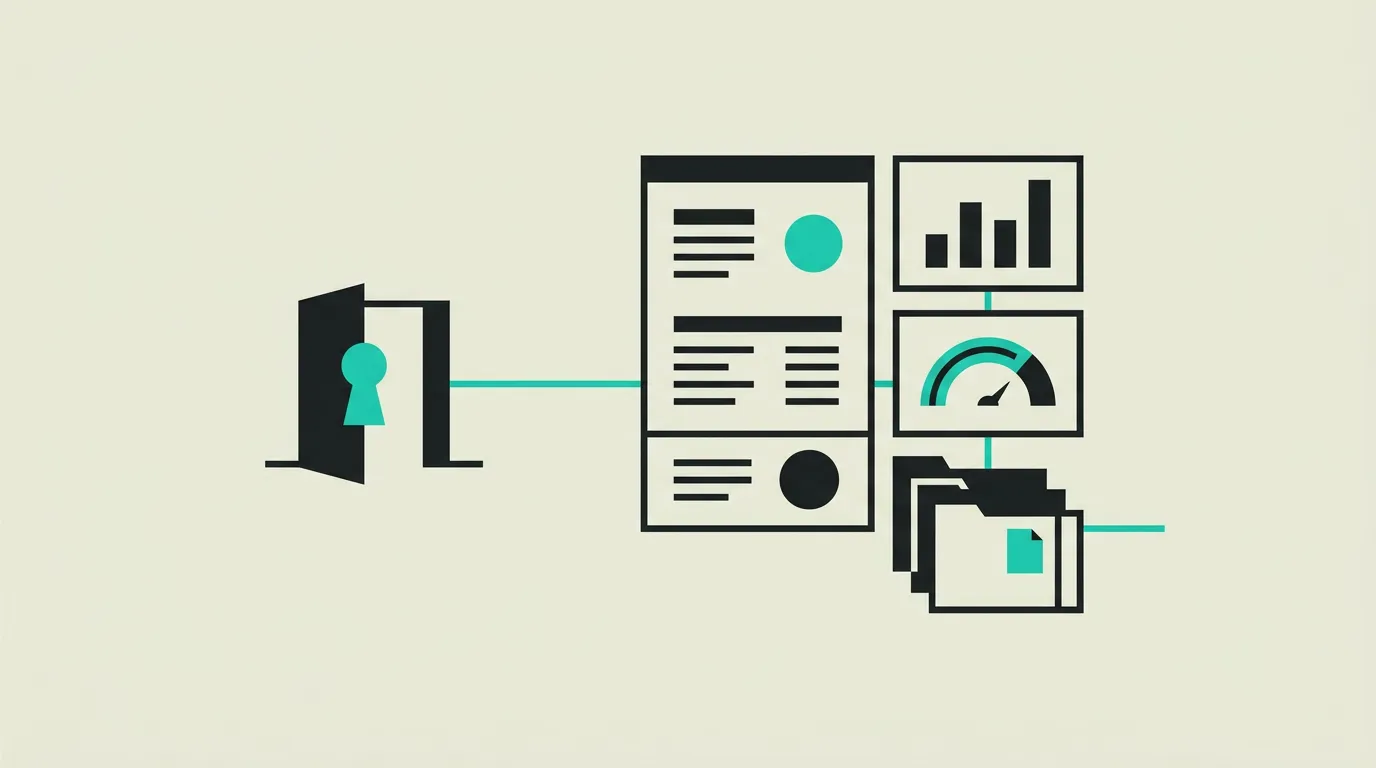
A client portal is a secure web environment where customers independently access their data, documents and communications with your organisation. More businesses are investing in portals because they replace manual email-based processes and significantly reduce the load on support teams. Think of customers wanting to view invoices at any time of day, check project status or exchange files without waiting for an email reply. Research shows that organisations offering self-service handle 30 to 50 percent fewer support tickets on average. At the same time, customer satisfaction increases because users find answers instantly. In sectors like finance, healthcare, logistics and professional services, a portal is no longer a luxury but an expectation. Yet many companies hesitate on the approach: which features are essential, which technology fits best and how do you guarantee the security of sensitive data? At MG Software, we design and build client portals that align precisely with your business processes. We combine modern frameworks like Next.js and React with robust backends powered by Supabase and PostgreSQL. On this page we share four concrete portal examples we encounter in practice, including technical details, the core challenge and the measurable results achieved.
B2B self-service portal for invoicing and order management
A technical components wholesaler struggled with hundreds of emails per week from customers requesting invoices, packing slips or order confirmations. The support team spent an average of two hours daily manually looking up and forwarding documents. We developed a self-service portal built with Next.js on the frontend and Supabase as the backend for authentication, storage and real-time data. Customers log in with their company account and immediately see an overview of outstanding and paid invoices, active orders and support tickets. An automated notification system sends an email as soon as a new document becomes available. Within three months of launch, invoicing-related support enquiries dropped by 45 percent and the average handling time of remaining tickets halved because agents could focus on more complex questions.
- Role-based access ensures each user only sees data from their own organisation, with separate roles for buyers, finance staff and administrators.
- A complete audit trail records who downloaded which document or performed which action, essential for compliance and internal accountability.
- Direct integration with the existing ERP system via REST API ensures invoice and order data synchronise automatically without manual entry.
- The notification system is configurable per user: customers choose which alerts they receive via email or within the portal.
- A search and filter function with full-text search makes it possible to find the right invoice or order in seconds, even across thousands of documents.
- The portal is fully responsive, so buyers can review and approve orders on the go using a tablet or smartphone.
Patient portal for healthcare
A mid-sized healthcare institution needed a way to give patients more control over their own care journey. Appointments were scheduled by phone, test results sent by letter and repeat prescriptions requested at the front desk. We built a patient portal where users, after secure identification via national ID verification, can view, schedule and modify appointments. Lab results appear automatically in the portal once the doctor releases them, including a clear explanation. Secure messaging replaces unsafe email communication between patient and care provider. The portal is built with React and server-side rendering via Next.js for optimal load times, with Supabase Row Level Security for strict data isolation per patient. After rollout, online appointment bookings rose to 60 percent of all bookings and telephone pressure decreased significantly.
- National ID verification ensures only identified patients access their medical data, compliant with GDPR and healthcare information security standards.
- Row Level Security in Supabase ensures every database query is automatically filtered to the logged-in patient, preventing data leakage at the architecture level.
- Results become visible only after explicit release by the treating physician, so patients never see uncontextualised test outcomes.
- The messaging system is encrypted and meets healthcare information security standards for secure communication.
- Patients receive push notifications for new results or message replies, increasing engagement with their care journey.
Financial client portal with document vault and compliance
A financial advisory firm needed a central platform where clients could securely access investment overviews, annual reports and tax documents. Previously, sensitive files were sent as email attachments, which posed both a security risk and a compliance problem. We built a portal with a personal document vault per client, an interactive portfolio overview and a collaboration module for discussing advisory reports. The technical foundation consists of Next.js with server components for fast initial load times, combined with Supabase Storage for encrypted file storage. Two-factor authentication is enabled by default and all actions are logged for audit purposes. The portal saves the firm an estimated 15 hours per week in document distribution and has reduced client query response times from an average of 48 hours to under 4 hours.
- The document vault automatically categorises files by type and period, so clients find the right document in a few clicks without navigating through folders.
- Two-factor authentication via authenticator app or SMS is mandatory for all users and complies with financial regulatory guidelines.
- The interactive portfolio overview shows real-time portfolio values with historical charts, built with React components and data from the custody API.
- An automated retention engine deletes or archives documents after the legally prescribed retention period, eliminating manual cleanup.
- All file transfers use TLS 1.3 with at-rest encryption in the storage layer, protecting data both in transit and at rest.
SaaS user dashboard with analytics and team management
A growing SaaS company offered their product without a central dashboard for end users. Customers had no insight into their usage, could not manage billing themselves and had to contact support for every team change. We developed a comprehensive user dashboard that brings together usage statistics, billing overviews and team management in a clean interface. The frontend is built with React and Tailwind CSS for a consistent and modern design. On the backend, Supabase real-time subscriptions process usage data so charts update instantly when new activity occurs. Customers manage their team members independently: inviting, assigning roles and revoking access, all without involving the support team. After launch, support-related team changes dropped by 80 percent and upgrade conversion increased by 12 percent as customers gained visibility into their consumption.
- Real-time usage charts show API calls, storage consumption and active sessions per day, week and month via Supabase real-time subscriptions and React chart components.
- The billing overview displays current and historical invoices with direct PDF download capability, connected to Stripe for automatic payment synchronisation.
- Team management with RBAC lets administrators invite users by email, assign roles such as viewer, editor or admin, and revoke access instantly.
- A notification centre alerts on usage limits, failed payments or security events, configurable through in-app preferences and email.
- The dashboard is fully white-label capable: enterprise customers can set their own logo, colours and domain for their end users.
- Lazy loading and code splitting ensure the dashboard loads in under two seconds, even with large datasets spanning months of usage history.
Key takeaways
- Self-service portals reduce support volume by 30 to 50 percent and give customers control over their own data.
- Role-based access and audit logging are essential for B2B portals where multiple users from the same organisation collaborate.
- Integration with existing systems such as ERP, CRM and accounting software prevents duplicate data entry and keeps information consistent.
- Two-factor authentication and encrypted storage are the minimum security standard for portals handling sensitive client or financial data.
- Real-time data synchronisation via websockets or server-sent events ensures users always see up-to-date information without refreshing the page.
- A responsive and fast-loading portal is critical: if the interface is slow or works poorly on mobile, adoption rates drop sharply.
- Automated notifications keep users engaged and reduce the number of manual follow-ups by the internal team.
- Plan for scalability from the start: a portal serving 100 users today must handle 10,000 users tomorrow without a redesign.
- Compliance requirements like GDPR or financial regulations influence architectural decisions and must be addressed early in the project.
How MG Software can help
At MG Software, we build client portals tailored to your business processes, industry and growth plans. Our process starts with a discovery phase where we map out core functionalities, user roles and integration requirements together. Next, our UX team creates wireframes and interactive prototypes so you can test the portal before a single line of code is written. We determine the technical architecture based on your scalability and security needs, working by default with Next.js, React and Supabase. During development we work in two-week sprints with demo sessions, so you are continuously involved in progress. Every sprint delivers working functionality that we review and adjust together where needed. After delivery, we thoroughly test the portal on performance, security and usability, including penetration tests for portals with sensitive data. We provide ongoing maintenance and support, from security updates and monitoring to developing new features based on user feedback. Get in touch for a no-obligation conversation about your portal project.
Frequently asked questions
What does it cost to build a client portal?
The investment for a client portal depends on complexity, the number of integrations and desired features. A portal with basic functionality like document management, user roles and notifications typically starts from 15,000 euros. More extensive portals with real-time dashboards, complex workflows and connections to ERP or CRM systems fall in the 25,000 to 60,000 euro range. During the discovery phase we create a functional design together, so you get an accurate estimate upfront. We work with fixed sprints and transparent time tracking, ensuring no surprises.
How long does portal development take?
A basic portal with authentication, document management and user roles is typically achievable in 8 to 12 weeks. More complex portals with multiple integrations, extensive reporting or compliance requirements take 14 to 20 weeks. We work in two-week sprints and deliver working functionality after each sprint. The exact timeline is determined after the discovery phase, where we lock down scope and priorities. By working agile, we can adjust course mid-project without derailing the schedule.
Which technologies do you use for portal development?
Our standard technical stack for portals consists of Next.js and React for the frontend, combined with Supabase as the backend platform for authentication, database and file storage. For styling we use Tailwind CSS, which ensures a consistent and maintainable design. For complex authorisation requirements we use Supabase Row Level Security, ensuring data isolation at the database level. We integrate with external systems via REST or GraphQL APIs and use Stripe or Mollie for payment processing where needed.
How is portal security guaranteed?
Security is not an afterthought but an architectural decision we factor in from day one. All communication runs over HTTPS with TLS 1.3 and sensitive data is stored encrypted. We implement two-factor authentication, role-based access and session management with automatic timeouts. A complete audit trail records who did what and when. For portals with sensitive data, we conduct penetration tests and ensure GDPR-compliant data processing with a data processing agreement.
Does the portal work on mobile devices?
Yes, every portal we build is fully responsive and optimised for smartphones and tablets. We follow a mobile-first approach during design, ensuring the experience on smaller screens is at least as good as on desktop. Touch interactions, readable typography and fast load times on mobile networks are standard quality requirements. If offline functionality or push notifications are needed, we can extend the portal with Progressive Web App (PWA) technology.
Can the portal integrate with our existing systems?
Absolutely. Integration with existing software is one of the key success factors for a portal. We regularly connect with ERP systems like Exact Online and SAP, CRM platforms like HubSpot and Salesforce, and accounting software like Xero and QuickBooks. Integration runs via APIs, webhooks or automated imports, depending on the source system capabilities. We build the connection so data synchronises in real-time or at scheduled intervals, with error handling and monitoring built in.
How is the portal maintained after launch?
After launch we offer various maintenance packages, from basic management with security updates and monitoring to comprehensive support with ongoing development and priority assistance. We monitor uptime, performance and error rates using automated tools and proactively intervene when issues arise. Security patches are deployed within 48 hours. Additionally, we schedule periodic reviews to evaluate the portal based on usage data and feedback, so we can continuously implement improvements.
Can I extend the portal with new features later?
Certainly. We build portals with a modular architecture, so new functionality can be added without disrupting the existing system. Think of an additional reporting module, a chat feature, a payment integration or a connection to a new external system. Because we work with a component-based architecture in React, new features can be developed and tested independently. We discuss expansion plans during periodic reviews and schedule them based on priority and business impact.
Want to build something like this?
From concept to launch. We deliver custom software that works for your customers and team.
 Discuss your project