
Dashboard Design Examples - Inspiration for Data Visualisation
Turn raw data into board-level decisions. Dashboard design examples covering sales KPI views, logistics monitoring, and multi-channel marketing analytics.
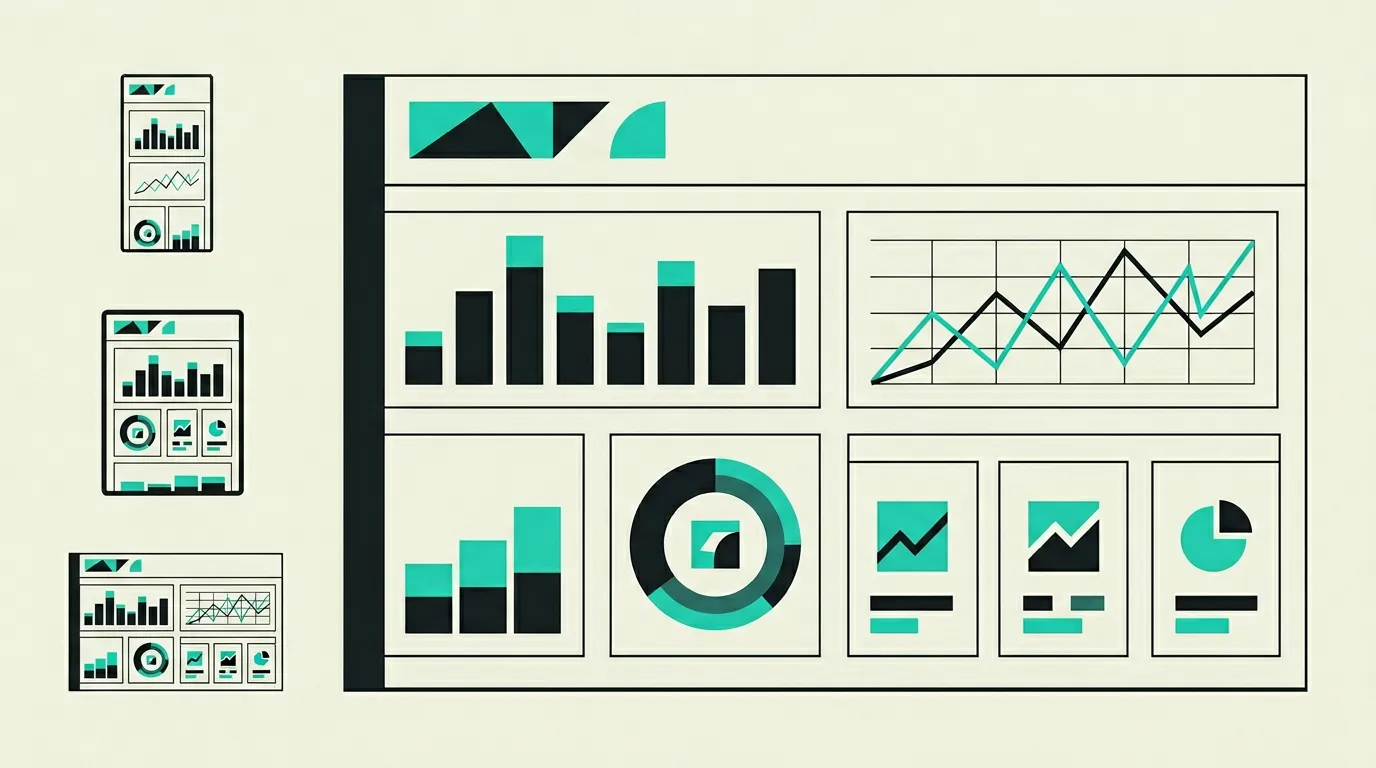
A well-designed dashboard transforms raw data into actionable insights that directly lead to better business decisions. Yet in practice, many dashboards miss their mark: too many KPIs crammed onto one screen, unclear visualisations, or data that is not current enough to act on. The difference between a dashboard that collects dust and one that gets checked daily lies in the details: which metrics do you show, how do you present trends, and how quickly can a user find the information they need? By combining the right KPIs, chart types, and interactive filters, teams can make faster decisions and spot trends earlier than with traditional reporting. At MG Software, we start every dashboard project with a discovery session where we work with stakeholders to define which questions the dashboard should answer. This prevents building a beautiful dashboard that nobody uses. Below we share three examples of dashboards we built for businesses, each with a unique audience and set of challenges. From executive sales dashboards to operational logistics monitoring, each project illustrates what data-driven decision-making looks like in practice.
Sales KPI dashboard for management team
A B2B software company with a 25-person sales team had an executive dashboard built showing real-time revenue figures, conversion rates, and pipeline value per stage. Previously, the management team only had access to weekly Excel reports manually compiled by a data analyst, which frequently led to decisions based on outdated insights. The dashboard pulls data from Salesforce via the REST API and combines it with financial data from their accounting platform, making revenue and pipeline visible in a single view. The interface offers drill-down functionality: from the company overview, managers can click through to region, team, or individual salesperson to quickly trace anomalies. Role-based access ensures sales managers see their own team data while the executive board gets the complete overview. After implementation, the sales team reported that their weekly forecast meeting was reduced from 90 to 30 minutes, because everyone now works with the same up-to-date figures.
- Real-time KPIs with automatic data refresh every 5 minutes from Salesforce and the accounting platform
- Drill-down functionality from company overview to region, team, and individual salesperson
- Role-based access with different dashboard views per user role
- Automated pipeline visualisation with warnings for stagnating deals exceeding 30 days
- Comparison view showing current performance versus previous quarter and annual targets
- Weekly forecast meeting reduced from 90 to 30 minutes after dashboard implementation
Operational monitoring dashboard for logistics
A logistics company with a fleet of 80 vehicles implemented a live monitoring dashboard for their fleet and warehouse operations. Previously, planners relied on a combination of phone calls, WhatsApp groups, and an outdated scheduling system to coordinate deliveries, which led to cascading communication breakdowns whenever delays occurred. The dashboard displays delivery status, stock levels, and vehicle locations on an interactive map updated every 30 seconds. Automatic alerts fire when deliveries are delayed by more than 15 minutes, when stock levels fall below the critical threshold, or when vehicles deviate from their planned route. The implementation uses WebSocket connections for real-time updates and integrates GPS data from TomTom Telematics with the company's own warehousing system. The result: 34% fewer missed delivery windows and a 45% reduction in phone traffic between planners and drivers.
- Live vehicle tracking on interactive map with 30-second updates via WebSocket connections
- Automatic alerts for delays, low stock, and route deviations with configurable thresholds
- Historical trend analysis for route optimisation and seasonal capacity planning
- Integration with TomTom Telematics for GPS data and the internal warehousing system for stock status
- Colour-coded delivery status overview: on time, delayed, critical, and delivered
- Result: 34% fewer missed delivery windows and 45% less phone traffic between teams
Marketing analytics dashboard with multi-channel data
A marketing agency serving eight clients simultaneously built a centralised dashboard that combines data from Google Analytics 4, Meta Ads, LinkedIn Ads, Google Ads, and Mailchimp. The agency previously spent an average of 12 hours per week manually compiling monthly reports in Google Sheets, where formula errors regularly led to incorrect ROI calculations. The dashboard aggregates campaign data from five channels via their respective APIs and automatically calculates ROI, CPA, and ROAS per campaign, per channel, and per client. An attribution model shows which touchpoints contribute to conversions, enabling more targeted budget allocation. Custom date filters make it possible to compare periods, such as the current month versus the same month last year. The marketing team now generates client reports with one click instead of manual copy-paste, reducing reporting time by 85%.
- Data aggregation from five marketing channels via their respective APIs into a single overview
- Automatic ROI, CPA, and ROAS calculation per campaign, channel, and client account
- Attribution model revealing which touchpoints contribute most to conversions
- Custom date filters with comparison periods for trend and seasonal analysis
- One-click report generation for clients in branded PDF format
- Reporting time reduced by 85%, from 12 hours per week to under 2 hours
Key takeaways
- Effective dashboards display a maximum of 5 to 7 KPIs per screen to prevent information overload and maintain focus on what matters most.
- Interactive filters and drill-down functionality allow users to explore data at deeper levels without needing a separate report.
- Real-time data updates and automatic alerts enable proactive management instead of reactive reporting based on stale figures.
- Start every dashboard project with a discovery session to determine which questions the dashboard should answer, not which data is available.
- Role-based access ensures each user sees exactly the information relevant to their function and responsibility level.
- Performance optimisation through caching and server-side aggregation is essential to keep dashboards responsive with large datasets.
- Choose chart types that match the data: line charts for trends, bar charts for comparisons, and sparklines for compact KPI displays.
- Plan integration with existing tools early in the project so data sources are validated before the dashboard goes into production.
How MG Software can help
MG Software designs and builds custom dashboards that bring your data to life and directly contribute to better decision-making. Our process starts with a discovery session where we work with your team to define which questions the dashboard should answer and which data sources are needed. From executive KPI dashboards for management to operational real-time monitoring for teams on the floor, we create intuitive interfaces that make data-driven decision-making accessible to everyone. Technically, we work with React, Next.js, and visualisation libraries like Recharts and Tremor, combined with efficient server-side data aggregation. Every dashboard is optimised for speed so that even with hundreds of thousands of data points, load times stay under two seconds. Typical timelines range from 3 weeks for a simple KPI overview to 10 weeks for a fully integrated multi-source platform.
Frequently asked questions
What technologies are used for dashboards?
We work with modern frameworks like React and Next.js combined with visualisation libraries such as Recharts, Tremor, and D3.js for complex custom charts. For real-time data we use WebSocket connections and server-sent events that automatically update the dashboard without page refreshes. The backend typically runs on Node.js with TypeScript, aggregating and caching data before sending it to the frontend. For larger datasets we use optimised PostgreSQL queries or Supabase for fast data layer integrations. Technology choices are always aligned with your specific requirements around scalability, speed, and ease of maintenance.
Can a dashboard be connected to existing systems?
Yes, dashboards can pull data from virtually any system that provides an API, database connection, or export function. We regularly build integrations with ERP systems like SAP and Exact Online, CRM platforms like Salesforce and HubSpot, and marketing tools like Google Analytics and Meta Ads. When a system does not have an API, we can retrieve data via database queries or automated file imports. The middleware layer ensures that data from different sources is available in a uniform format for the dashboard. This way you combine data from multiple systems without needing to modify those systems.
How is dashboard performance ensured?
We optimise dashboards at multiple levels to guarantee fast load times even with large datasets. On the server side, we pre-aggregate data and cache frequently used queries so the dashboard does not need to process millions of rows on every visit. On the client side, we use lazy loading for off-screen charts and virtualisation for long tables. Indexed database queries and optimised API responses ensure the data layer does not become a bottleneck. In practice, our dashboards achieve a time-to-interactive under 2 seconds even with datasets exceeding 500,000 rows.
How long does it take to develop a dashboard?
The timeline depends on complexity and the number of data sources. A straightforward KPI dashboard with one or two data sources can be delivered in 3 to 4 weeks, including design and testing. A more comprehensive dashboard with multiple data sources, interactive filters, and role-based access typically takes 6 to 10 weeks. The discovery phase at the start of every project takes 1 to 2 weeks and is crucial for identifying the right metrics and data sources. We work iteratively and deliver interim demos so you can provide feedback and steer the project throughout.
Can users customise the dashboard themselves?
That depends on the desired level of configurability. We build dashboards where end users can adjust date filters, comparison periods, and display options without technical knowledge. For advanced users, we can build a drag-and-drop interface allowing widgets to be repositioned or configured on the dashboard. Full self-service analytics where users create their own charts is also possible but increases complexity and timeline. We advise on which level of configuration fits your user group and their technical proficiency.
Is a dashboard also usable on mobile devices?
Yes, we build dashboards with a responsive design that automatically adapts to tablets and smartphones. On smaller screens, charts are stacked vertically instead of side by side, and tables get horizontal scroll functionality. For teams frequently on the move, such as sales or logistics, we further optimise the mobile view so the most important KPIs are immediately visible. Push notifications via a Progressive Web App are also possible so users receive alerts when a KPI reaches a threshold value. The mobile experience is always considered during the design phase to ensure a seamless transition between desktop and mobile.
How do you ensure data quality in the dashboard?
Data quality starts at the source, which is why we validate data at multiple points in the pipeline. When fetching data from external systems, we check for missing fields, unexpected formats, and outliers that could distort visualisations. Our middleware logs every data transformation so you can always trace where a particular number came from. When data errors are detected, the dashboard displays a warning instead of presenting incorrect figures as fact. Regular data audits and automated validation reports ensure quality remains high as your data sources evolve.
Want to build something like this?
From concept to launch. We deliver custom software that works for your customers and team.
 Discuss your project