
CRM with Email Automation for Smarter Nurturing
Nurture leads and retain customers with automated email sequences triggered by CRM events. Personalized, timely, and measurable without manual effort.
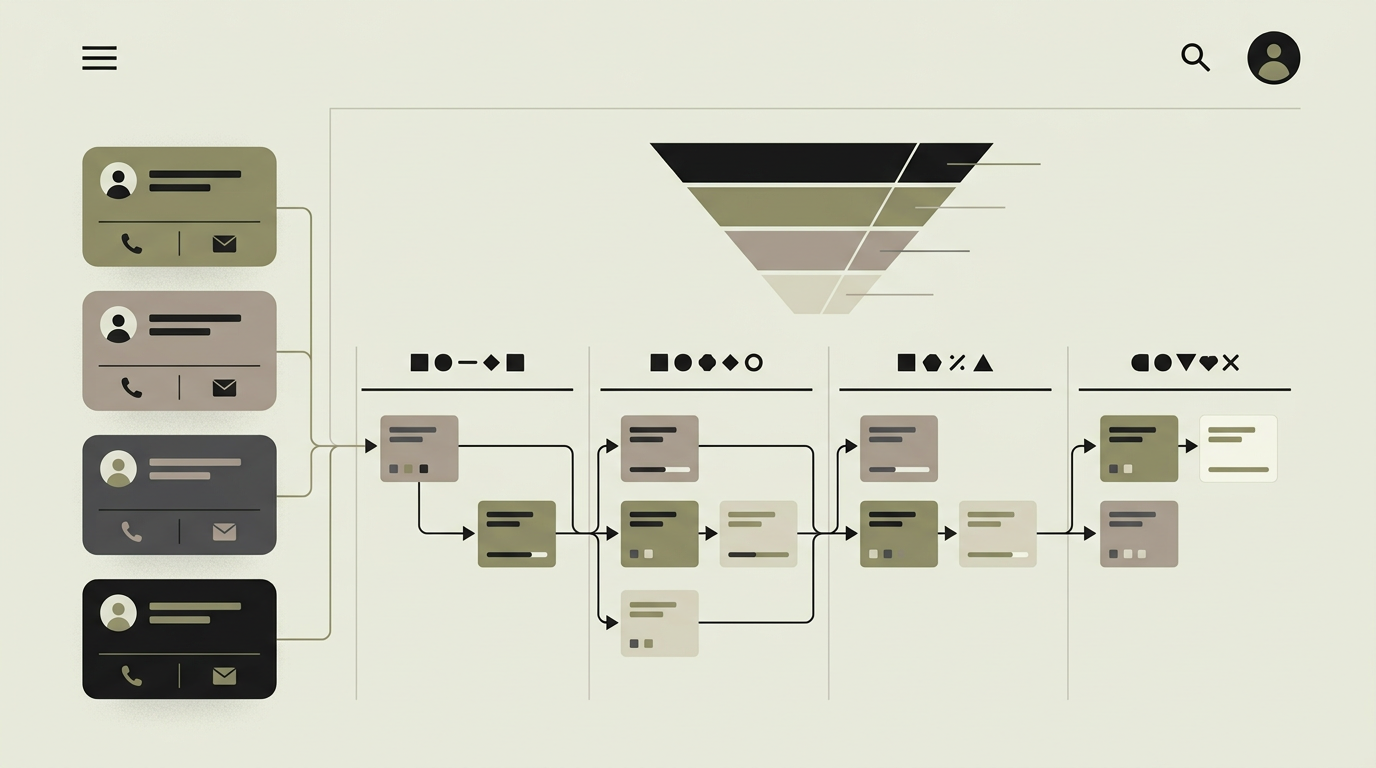
Sending the right email at the right time is one of the most effective ways to move leads through the funnel and keep existing customers engaged. Doing this manually is impossible at scale. A sales team juggling dozens of active opportunities cannot remember to send a follow-up three days after a demo, a case study after a pricing discussion, or a renewal reminder sixty days before contract expiration. Email automation within the CRM connects directly to the contact lifecycle. When a lead enters a specific stage, downloads a resource, or has not been contacted in a set period, a sequence of personalized emails is triggered automatically. Unlike standalone email marketing tools, CRM-integrated automation has access to the full context: deal stage, past interactions, assigned rep, and company details, enabling hyper-relevant messaging.
How does it work?
The email automation module consists of three components: a trigger engine, a sequence builder, and a delivery system. Triggers listen for CRM events such as stage changes, contact creation, tag additions, inactivity thresholds, or custom field updates. When a trigger fires, it enrolls the contact into a defined email sequence. The sequence builder is a visual flow editor where marketers define the email steps, delays between them, branching conditions (e.g., if the contact opened email 2, send variant A; if not, send variant B), and exit conditions (e.g., when the deal moves to the next stage). Each email in the sequence is a rich template with merge fields that pull data from the CRM record: first name, company, assigned rep, last interaction date, and more. The delivery system handles sending through a transactional provider with high deliverability. It manages unsubscription preferences, suppression lists, and CAN-SPAM/GDPR compliance. Every email is tracked: opens, clicks, and replies are recorded and surfaced on the contact timeline in the CRM. If a contact replies, the automation can pause and notify the assigned rep to take over the conversation personally. A/B testing at the sequence level allows experimentation with subject lines, send times, and content variations. Aggregate performance dashboards show which sequences drive the most engagement and conversions.
Capabilities
Event-triggered sequences
CRM events like stage changes, tag additions, or inactivity periods automatically enroll contacts in relevant email sequences.
Visual sequence builder
A flowchart-style editor lets marketers design multi-step sequences with delays, branches, and exit conditions.
Dynamic personalization
Merge fields pull real-time CRM data into email templates for hyper-relevant messaging that feels personal.
Reply detection and handoff
When a contact replies, the sequence pauses and the assigned sales rep is notified to continue the conversation personally.
A/B testing
Subject lines, content variations, and send times can be tested at the sequence level with statistical significance tracking.
Integration options
Resend / SendGrid
Transactional email delivery with high inbox placement, tracking pixels, and click tracking.
Calendar booking (Cal.com, Calendly)
Booking links in automated emails let leads schedule meetings without back-and-forth email threads.
Website tracking
Page visits trigger or influence email sequences, e.g., sending a follow-up when a lead revisits the pricing page.
Implementation steps
- 1
Sequence strategy
We map the customer journey stages and define which email sequences support each transition.
- 2
Template design
Email templates are designed with your brand identity, merge fields, and responsive layouts for all devices.
- 3
Automation engine development
The trigger engine, sequence runner, and branching logic are built with reliable delivery and retry handling.
- 4
CRM integration
Triggers are connected to CRM events and email engagement data flows back to the contact timeline.
- 5
Testing and optimization
Sequences are tested end-to-end, A/B testing is configured, and performance dashboards are set up for ongoing optimization.
User experience
Marketers build sequences in a visual editor with instant preview of the email as the recipient will see it. Sales reps see active sequences on the contact card with the ability to pause or skip steps for individual contacts. Performance metrics are visible per sequence and per email.
Technical stack
Security
Email automation respects unsubscribe requests immediately. Contact data used in merge fields is sanitized to prevent injection. Sending is rate-limited per domain to maintain deliverability reputation.
Maintenance
Sequence performance review and optimization, email template updates, and deliverability monitoring. Expect 3 to 6 hours monthly.
Frequently asked questions
Need this functionality in your product?
We build it the way your business actually needs, without unnecessary complexity.
Request a quoteRelated articles
CRM with Intelligent Lead Scoring That Prioritizes Revenue
Stop treating all leads equally. Build a CRM with automated lead scoring that ranks prospects based on behavior, demographics, and engagement so sales focuses on the hottest opportunities.
Visual Pipeline Management for Your Custom CRM
See every deal at a glance. A visual pipeline with drag-and-drop stages, weighted forecasting, and activity tracking turns your CRM into a revenue operations center.
Deep Customer Analytics Powered by Your CRM Data
Go beyond basic contact records. Analyze customer behavior, lifetime value, churn risk, and engagement patterns with analytics built directly into your CRM.
Pipeline Tools That Match How Your Team Actually Sells
Your CRM should fit your sales process, not the other way around. We compare 6 CRM tools on pipeline management, automation, and reporting depth.